

Custom CRM development means designing and building a CRM around how your sales team actually sells, instead of bending your process to fit HubSpot or Salesforce. It's worth it when your records, workflow or integrations don't fit a standard pipeline, when seat fees grow faster than the team, or when the CRM has to sit on your own product's data. It isn't worth it when a stock pipeline fits and you need it running next week. The cost comes from scope: record types, roles, integrations, data migration and who looks after it once it's live.
I'm a design engineer: I design products and build them in TypeScript, React and Next.js, the work on my development services page. Here's how I'd take a custom CRM from the first call to launch, with Alignify, a sales CRM I designed, as the worked example.
Custom CRM or HubSpot and Salesforce: an honest test
I tell people to buy, not build, more often than you might expect. A hosted CRM comes with years of features, a mobile app, a library of integrations and someone else on call at 3 am. If your process is leads, contacts, deals and stages, a stock CRM will fit and you'll be live in days.
A custom build earns its cost when one or more of these is true.
- Your core record isn't a deal. If your team manages orders, shipments, properties or subscriptions, you end up with custom objects, workarounds and a spreadsheet next to the CRM.
- Your data already lives in your product. Syncing customers and orders into a third-party CRM creates a copy that drifts. A CRM built on the same database reads the truth.
- Seat fees grow faster than value. Per-seat pricing suits a small sales team. It weighs more when ops, support and finance need the same tool, many of them only to read.
- The workflow is the advantage. If how you qualify, price or hand over a deal is part of why you win, writing it into your own software keeps it yours.
There's a middle path: keep a hosted CRM as the system of record and build a custom front end on its API. It suits teams whose data fits the CRM but whose daily screens don't.
And the honest case against building: you own it. Bugs, security patches, browser updates, the developer who leaves. If nobody will own the code after launch, buy.
Must-have features in a custom CRM
Every CRM I scope starts with the same core, then adds what makes yours different.
- Records and relationships: companies, contacts and your core object, with a history of every change.
- A pipeline or status flow that matches your stages exactly.
- Activity on the record: calls, emails, notes and tasks attached to the deal or customer they belong to.
- Roles and permissions: who can see, edit, export and delete, down to single fields when needed.
- Search, filters and saved views. Sales people live in lists, and fast search does more for adoption than any chart.
- Dashboards with the few numbers a sales lead checks first, each with its change over time.
- Import, export and an API: CSV from day one, then webhooks for the tools around it.
- An audit log. You'll want it the first time a number looks wrong.
- Notifications that are rare and useful: a deal gone quiet, a task due, stock running low.
Items 3, 5 and 6 decide whether people use it, and they're design work as much as engineering.
GDPR and the data rules a CRM has to handle
This isn't legal advice, but a CRM holds personal data by definition, so the law shapes the features. For people in the EU, the GDPR gives a right of access (Article 15), a right to erasure in the cases Article 17 lists, and a right to receive their data in a "structured, commonly used and machine-readable format" (Article 20). Article 12 asks you to answer within one month, extendable by two further months for complex requests, and Article 25 asks for data protection by design and by default.
In a custom CRM those become concrete work: an export of everything held on one person, a delete that reaches the integrations, retention rules for old leads, and fields hidden from people who don't need them. I put them in the first scope, because adding them to a live system is harder. Your lawyer decides what applies; I make sure the product can do it.
How to build a CRM: how I'd approach yours
- A free 30 minute intro call. You tell me how a deal moves today and where it breaks. I ask what your sales lead checks first every morning, and what still lives in a spreadsheet.
- A written scope and one fixed quote. Record types, roles, screens, integrations, migration, and what waits for a later release. One fixed quote for the whole project, no retainer, nothing billed by the hour.
- The data model before the screens. A CRM's limits are set by its data model long before its design.
- Design in weekly sprints in Figma, with a review call each week and a written update in Slack every 48 hours. Tokens and components carry the same names in Figma and in code.
- The build in TypeScript, React and Next.js, with permissions and the audit log in the first release. I use AI coding tools where they save time, and every change is reviewed against the design by someone who knows it.
- Migration and integrations: your old data imported, cleaned and checked with you, then integrations in the order your team needs them.
- Launch with a pilot. A few reps first, fixes from their first week, then everyone. You get the code and a documented design system.
I'm based in Dhaka (UTC+6) and hold evening calls, 7 to 10 pm Dhaka time, for teams in the Americas.
Case study: Alignify, a sales CRM built around live numbers
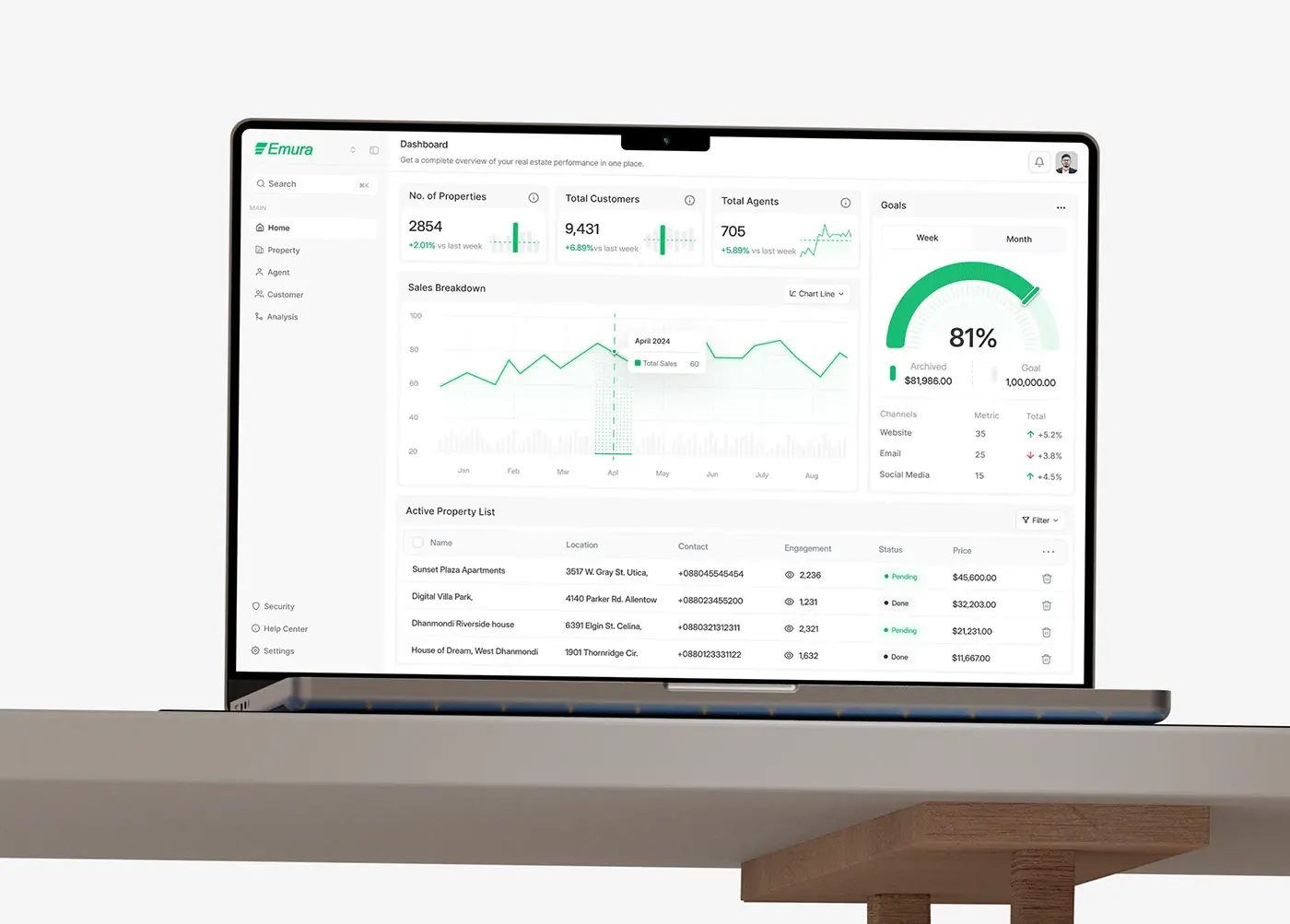
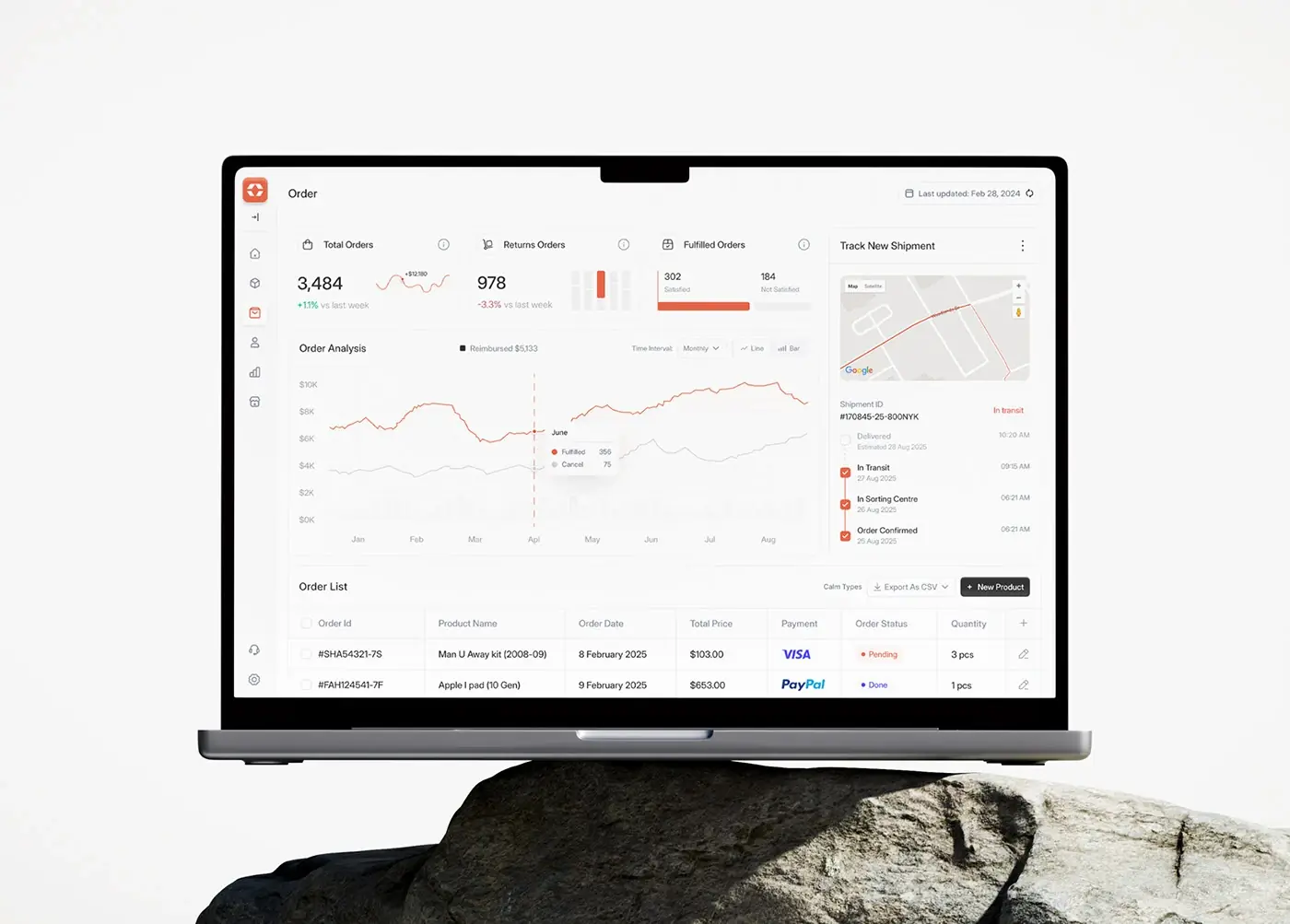
Alignify is a sales CRM I designed to show a sales team's performance in real time. It brings customer management, order tracking, product inventory and revenue analytics into one product. I designed the web dashboard, a mobile view of it and the design system behind both.
The problem. Sales teams were switching between tools for orders, inventory and customer data, which slowed decisions. Managers couldn't track live revenue or top-selling products, and spreadsheets and separate CRMs made forecasting hard. The core record here isn't only a deal: it's orders, stock and customers together. By the test above, that's the first sign a stock pipeline won't fit.
The process. Industry research, competitive analysis and information architecture, then a moodboard, wireframes, visual design in Inter Display with a salmon red accent on greys, a prototype and a design system.
The screens.
- The main dashboard leads with four KPI cards, total revenue, visitors, average sale value and products, each with its change against last week.
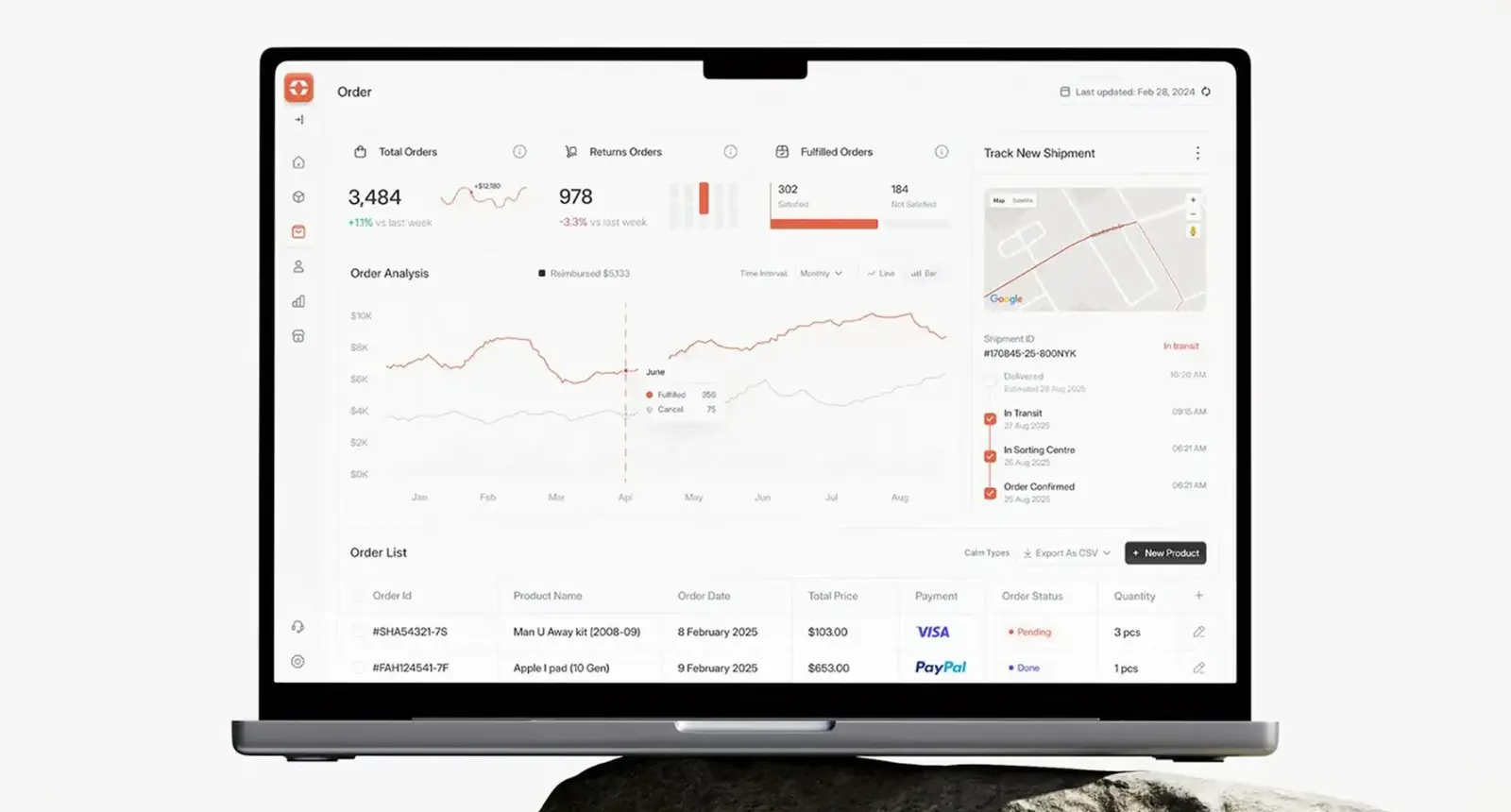
- Orders open on total, returned and fulfilled counts, with a shipment tracker from order confirmed to delivered and CSV export on the list.
- An order's page holds the customer's details and a conversation thread, so a question about an order is answered beside the order, not in a separate inbox.
- Inventory shows low stock items above a trend chart, so restocking starts from a number.
- A customer's page adds total spending, recent activity and order history, so a rep sees the relationship before calling.
The deck lists more than 40 screens, plus a mobile view that stacks the KPI cards in the same order as the desktop.
What I'd carry into the build. Every Alignify screen follows one pattern: a row of cards, one main chart, then a table. People learn the layout once, and the same few components serve every page. The CSV export, the thread on the order and the low stock count map straight onto the feature list above. Building it, I'd start with the data model, with orders, products, customers and shipments as records in their own right, not custom fields hung off a deal.
What decides the cost of a custom CRM
I don't publish prices, because the scope sets them, but here's what moves the number:
- the number of record types and how they relate;
- permission depth, since three roles is a different project from field-level rules per region;
- integrations, each a small project with its own failure cases;
- data migration: how many records, how messy, from how many sources;
- reporting, where fixed dashboards cost less than a report builder;
- mobile, as a responsive web view like Alignify's or native apps;
- upkeep after launch: hosting, monitoring, security updates and new features.
The public benchmarks. On 1 November 2026 Salesforce's US pricing page listed Sales Cloud at $25 per user a month for Starter Suite, $100 for Pro Suite, $195 for Core, $395 for Advanced and $550 for Max, most billed annually. HubSpot listed Sales Hub Professional from $90 per seat a month and Enterprise from $150, with required one-time onboarding fees of $1,500 and $3,500. On the build side, the US Bureau of Labor Statistics puts the median annual wage for software developers at $135,980 in May 2025, an anchor for what engineering time costs.
The sum to do is seats times price times the years you'll use it, against a fixed build plus upkeep. It turns mostly on how many people need access and how far your process sits from a standard pipeline. My guide to MVP development cost breaks down the build side.
How to choose who builds your CRM
- Will the person who designs it also build it? The gap between a design file and a separate build is where CRM screens lose their logic.
- Who owns the code and the data? You should, from day one, in your own repository and cloud account.
- How do you get your data out? Ask for the export format before you sign.
- What's in the first release? A tight first scope is a better sign than a long feature list. My guide on how to scope an MVP shows how I cut one.
- What happens after launch? Who fixes a bug in month three, and on what terms?
Frequently asked questions
Is custom CRM development worth it?
It is when your core records, workflow or integrations don't fit a stock CRM, or when seat fees for a wide team outgrow the value. It isn't when a standard pipeline fits and you need it live this week.
How do you build a CRM?
Start with the data model, then design the screen a sales lead opens first, then lists, record pages and permissions. Build the core with import, export and an audit log, migrate your data, pilot with a few reps, then roll out.
How long does it take to build a custom CRM?
It depends on record types, roles, integrations and how much data moves across. I give a timeline in the written scope after the intro call, because two projects both called "a CRM" can differ by months of work.
Can a custom CRM work with HubSpot or Salesforce?
Yes. It can sync with either through its API, or a custom front end can sit on top of one that stays the system of record.
Do I own the code and the data?
You should. I set up the repository and the cloud account in your name, so both are yours from the first commit.
Sources and method
I read every source on 1 November 2026. Prices are from each vendor's US pricing page that day and change often. GDPR wording is from the official text on EUR-Lex. Nothing here is legal advice.
- Salesforce, Sales Cloud pricing, date read 1 November 2026: salesforce.com
- HubSpot, Sales Hub pricing, date read 1 November 2026: hubspot.com
- US Bureau of Labor Statistics, Occupational Outlook Handbook, Software Developers, Quality Assurance Analysts, and Testers (pay for May 2025), date read 1 November 2026: bls.gov
- Regulation (EU) 2016/679, the General Data Protection Regulation, Articles 12, 15, 17, 20 and 25, date read 1 November 2026: eur-lex.europa.eu
If a stock CRM no longer fits how your team sells, see my development services and product design work. A project starts with a free 30 minute intro call, then a written scope and one fixed quote.
Tags: CRM, Custom software, Development, Sales, SaaS