iOS and Android app design for founders in Europe, the US, the Gulf and Asia
Mobile app designer for startups shipping on iOS and Android
I'm Maniruzzaman Jubayer, a mobile app designer for startups, and my senior team designs iOS and Android apps from the first user interview to the last App Store screenshot. Working from Dhaka with founders in Europe, the US, the Gulf and Asia, I hand your developers a design system and tested prototypes they can build in Swift, Kotlin, Flutter or React Native.
An app earns its place on the home screen in the first minute, with one thumb, on a weak signal.
Free 30 min intro call · iOS and Android · One fixed quote
Founders shipping iOS and Android apps work with me






- Years leading a design team
- 3+
- Products shipped
- 20+
- Behance gallery features
- 22
- Clutch rating
- 5.0




Product designer and design lead, with a senior team behind me
The mobile app problems founders bring me
Most apps that reach me have at least one of these. Here is how I fix each one.
Problem 01
The app feels like a website in a frame
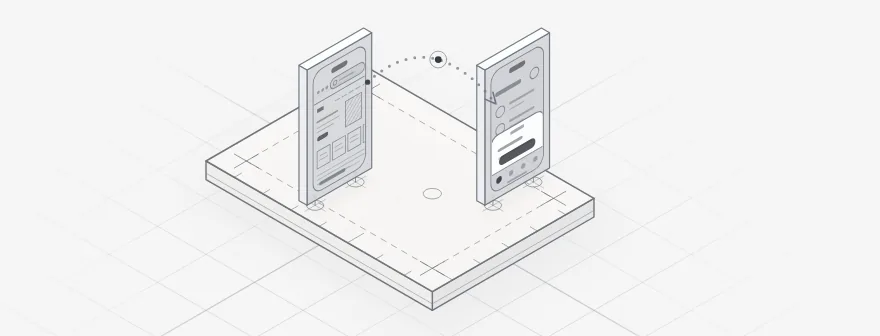
Tab bars, back gestures and sheets that ignore Apple's Human Interface Guidelines and Material Design 3 make an app feel foreign on both phones. I design each platform's navigation, controls and type to its own conventions, then share everything that can be shared in one system.
Problem 02
People install it, then never open it again
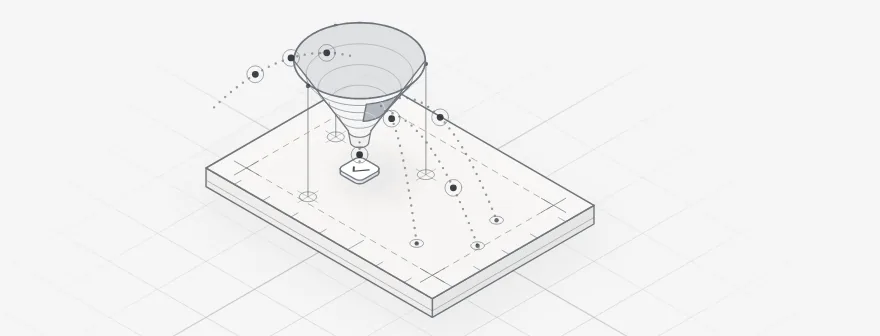
A long tour, a sign-up wall and four permission prompts before anything useful happens give new users every reason to leave. I redesign the first session around one early win, and ask for location, camera or notifications only when a feature actually needs them.
Problem 03
It falls apart on a weak signal
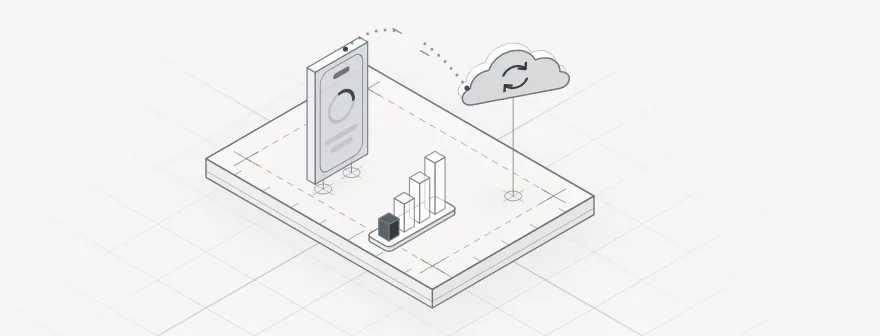
Spinners that never stop, forms that lose what was typed, and payments that may or may not have gone through. I design the offline, slow and failed states for every key screen, so people always know what saved, what is waiting and what to retry.
Problem 04
App review keeps saying no
A missing demo account, no way to delete an account inside the app, or a vague permission message can each send a build back and push the launch. I check the design against Apple's App Review Guidelines and Google Play's policies before you submit, not after the first rejection.
Mobile app case studies
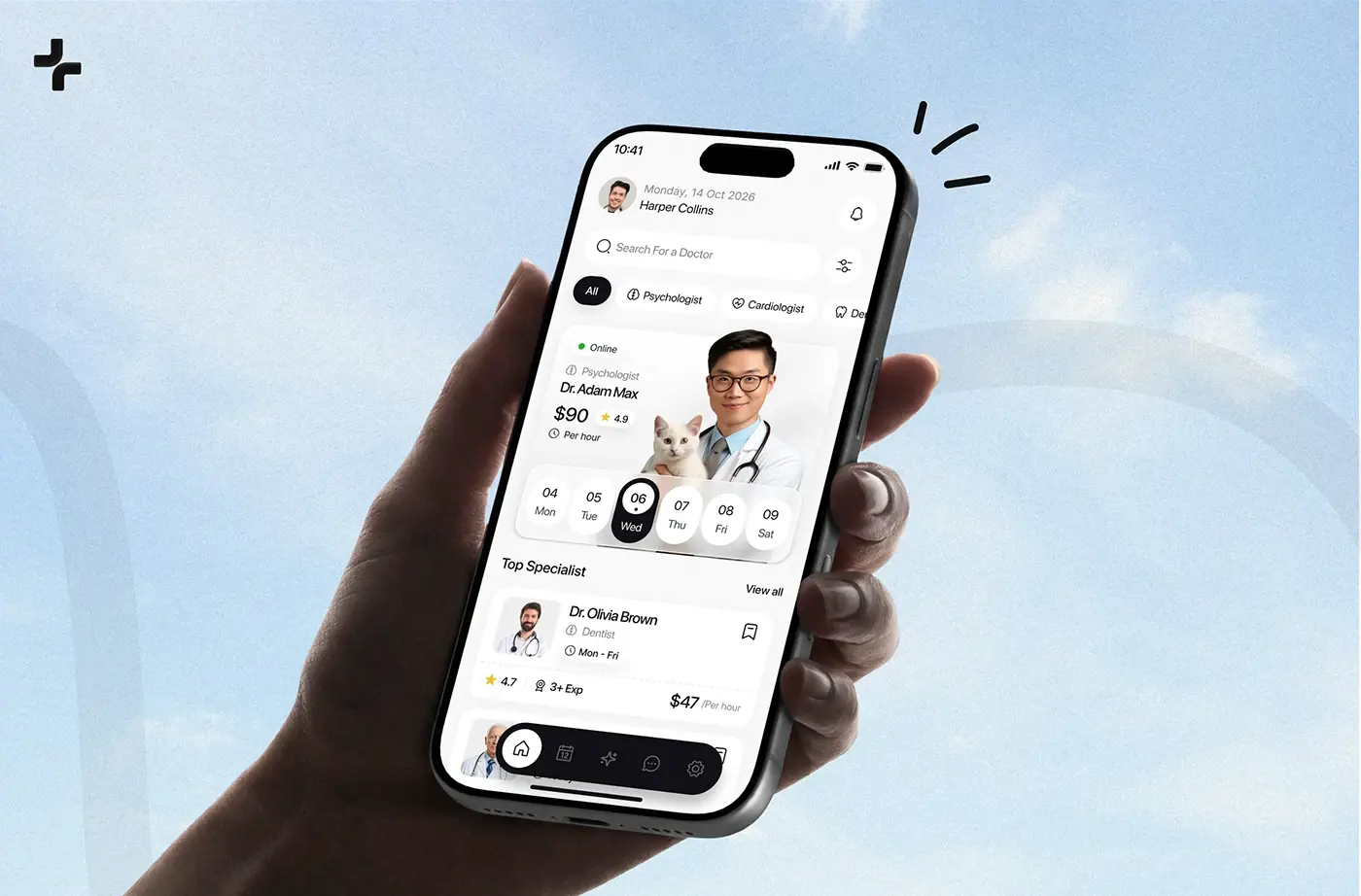
An AI healthcare app for finding a doctor and booking, an iOS app that redesigns a room from one photo, and a delivery app built around live tracking, each designed with my team.
Product design · Healthcare
CareUp
A mobile healthcare app, from user research and wireframes to the identity and final UI.
View case study →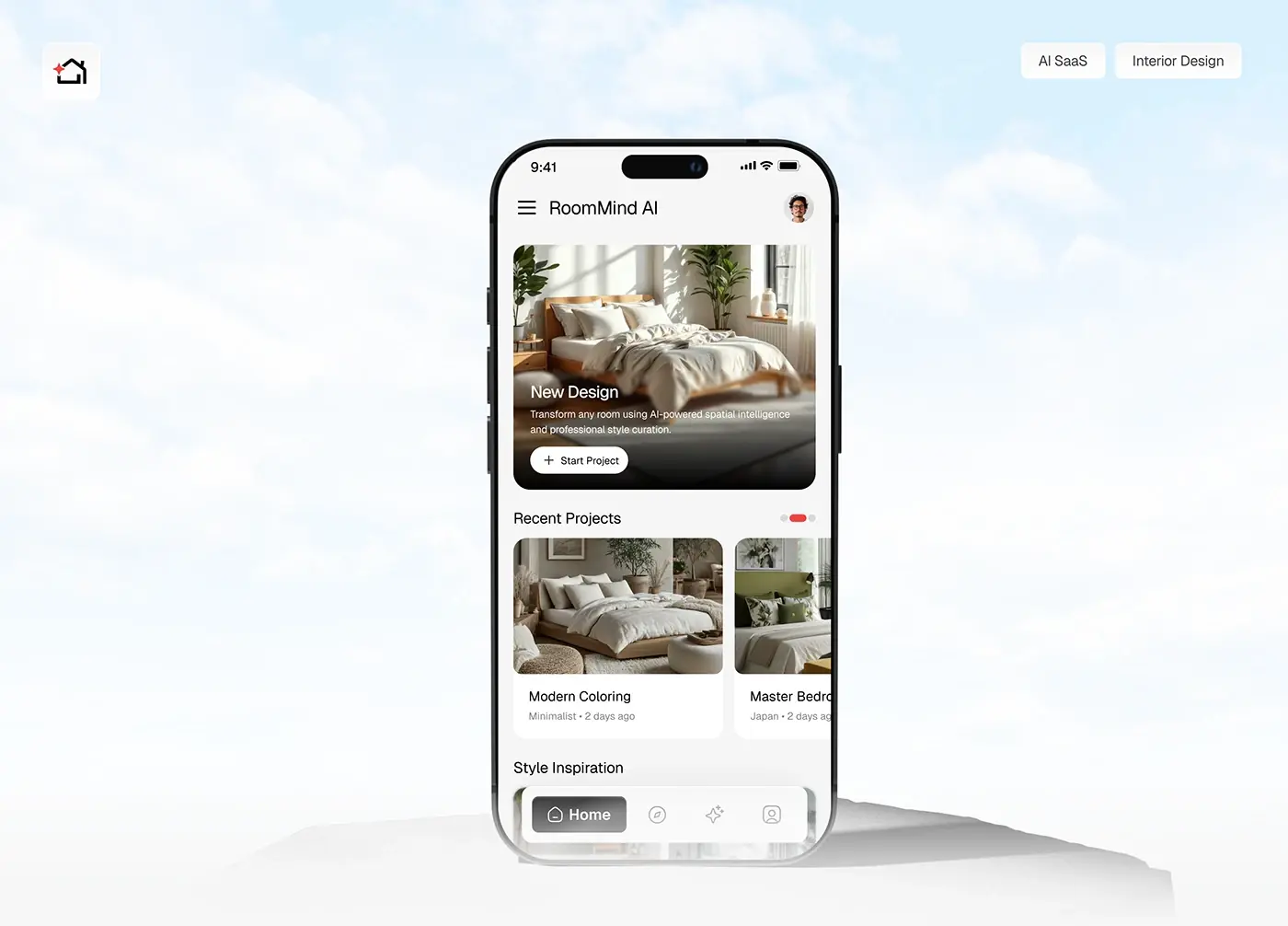
Product design · AI
RoomMind AI
Photograph a room, pick a style, get an AI redesign in seconds. The full iOS app, from user flow to final UI.
View case study →
Product design · Logistics
Shipora
Ordering, tracking and on-time delivery in one mobile app, with the research and persona work behind it.
View case study →Is your app losing people before they reach the first useful screen?
Book an intro callEverything your app needs, from first sketch to store listing
Six pieces of work in one engagement, each one something your developers or your store listing will actually use.
Research and UX flows
Interviews, a read of your analytics and store reviews, and every core journey mapped screen by screen, including sign-in, onboarding and the paths that end in a payment or a booking.
iOS and Android interfaces
Every screen and state for both platforms, with system bars, safe areas and the Android back gesture accounted for, and edge-to-edge layouts, which Android applies by default to apps targeting Android 15 or later.
A mobile design system in Figma
Components, tokens and type styles that scale with Dynamic Type and Android font size, light and dark themes, and touch targets of 44 by 44 points on iOS and at least 48 by 48 dp on Android.
Prototypes tested on real phones
Clickable prototypes that people try on their own devices, so problems with reach, wording and flow show up before a single sprint is spent building the wrong thing.
App Store and Google Play assets
Screenshot sets and listing visuals sized for each store, plus the wording for every permission prompt and the notes your reviewer at Apple or Google will read.
A handoff your developers can build
Annotated specs, exported assets and tokens that map onto SwiftUI, Jetpack Compose, Flutter or React Native components. My team can also build the companion web app or admin panel in React and Next.js; see development.
From first call to app store, in four steps
The same four steps for every app, with platform rules and store review planned in from the first week.
- 01
A free 30 minute intro call
Show me the app, the prototype or the idea on your own phone. We talk about who uses it, which platform comes first and what is blocking launch, and I tell you plainly whether I am the right fit.
- 02
A written scope and one fixed quote
The flows, platforms, devices and deliverables in writing, with one fixed quote for the whole project before anything starts. Nothing is billed by the hour and there is no retainer.
- 03
Design and test sprints
Weekly sprints in shared Figma, a written update in Slack every 48 hours and a review call each week. Prototypes go in front of real users on real phones before screens are signed off.
- 04
Handoff, build and submission
A walkthrough of the design system with your developers, quick answers while they build, and store screenshots and review notes ready on the day your build goes to Apple and Google.
Working with me on your app
- Platforms
- iPhone and iPad, Android phones and tablets, and the web app or admin panel that sits beside them
- Clock
- UTC+6 in Dhaka all year, so when Europe or the US changes its clocks, only one side of the call moves
- Working week
- Sunday to Thursday, as Friday and Saturday are the weekend in Bangladesh
- Testing
- prototypes checked on real iPhones and Android phones, including the mid-range models many of your users carry
- Ways to talk
- Google Meet for reviews, Slack in between, and Figma comments on the screens themselves
Industries I design mobile apps for
Six sectors where the phone is the product, and what each one asks of design.
Payments and wallets
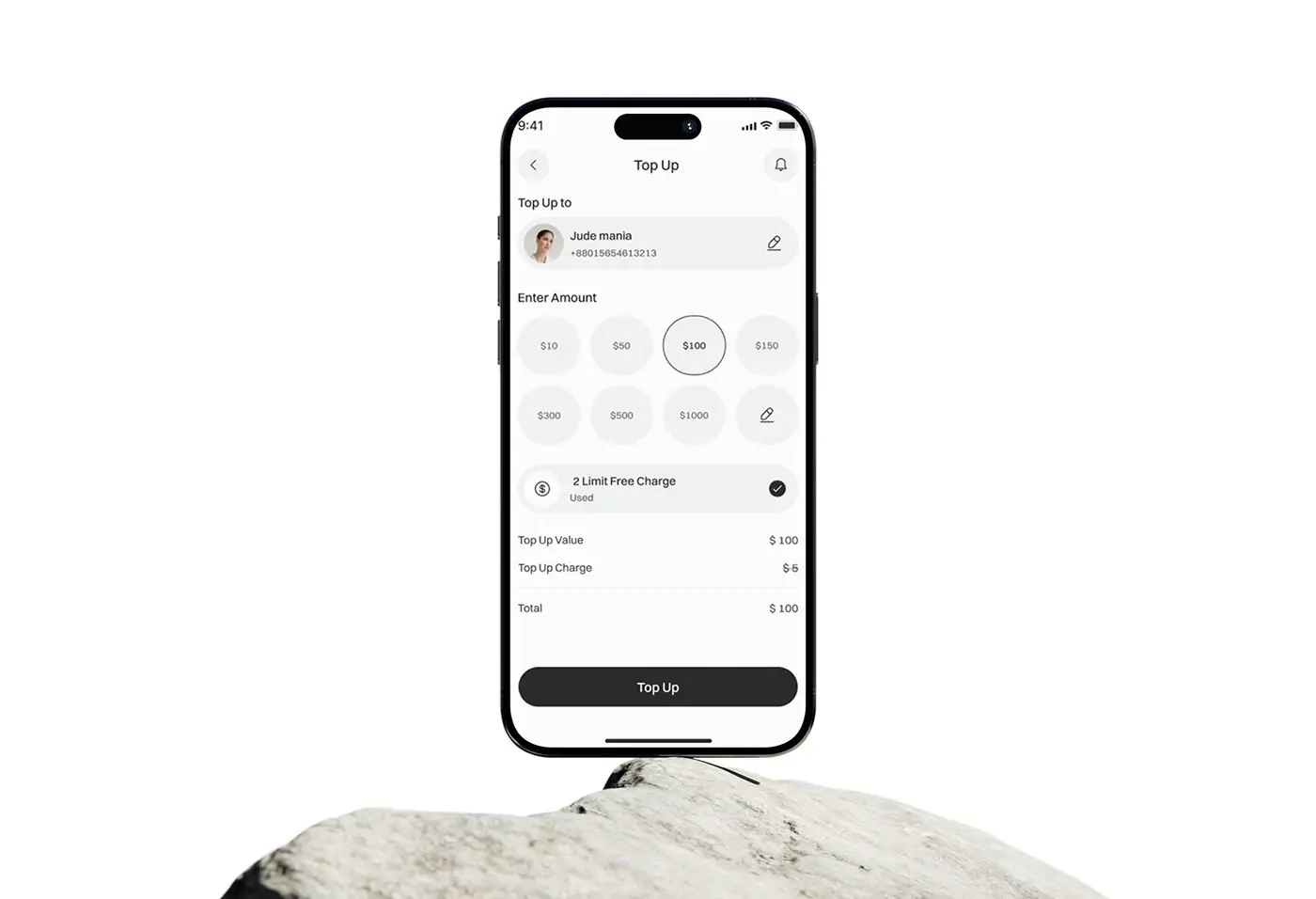
Sending, receiving and topping up in a few taps, with identity checks that feel quick, a clear status for every transfer and a receipt people can trust when the signal drops halfway.
Personal finance and wealth
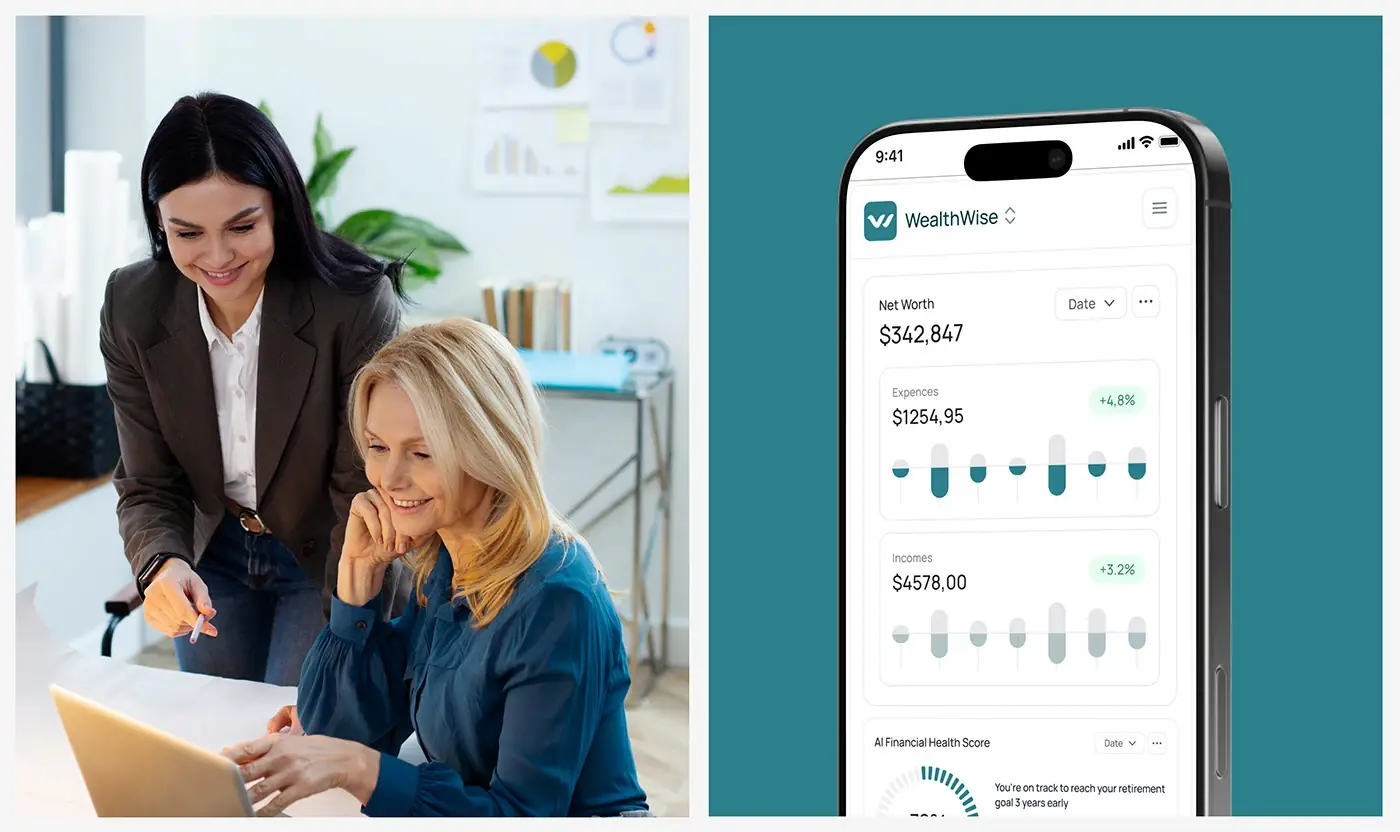
Balances, budgets and investments read on a small screen in seconds. Charts need plain labels, AI insights need their reasons shown, and nothing private should ever appear in a notification.
Healthcare and telehealth
Finding a doctor, booking a slot and joining a call, often for someone unwell or older. Large text, VoiceOver and TalkBack support and calm consent screens matter more here than anywhere.
AI consumer apps
Camera-first flows where people share a photo and wait for a result. The app has to set expectations, show progress honestly and make a poor result easy to refine. My guide to shipping AI features people trust sets out how.
Delivery and logistics
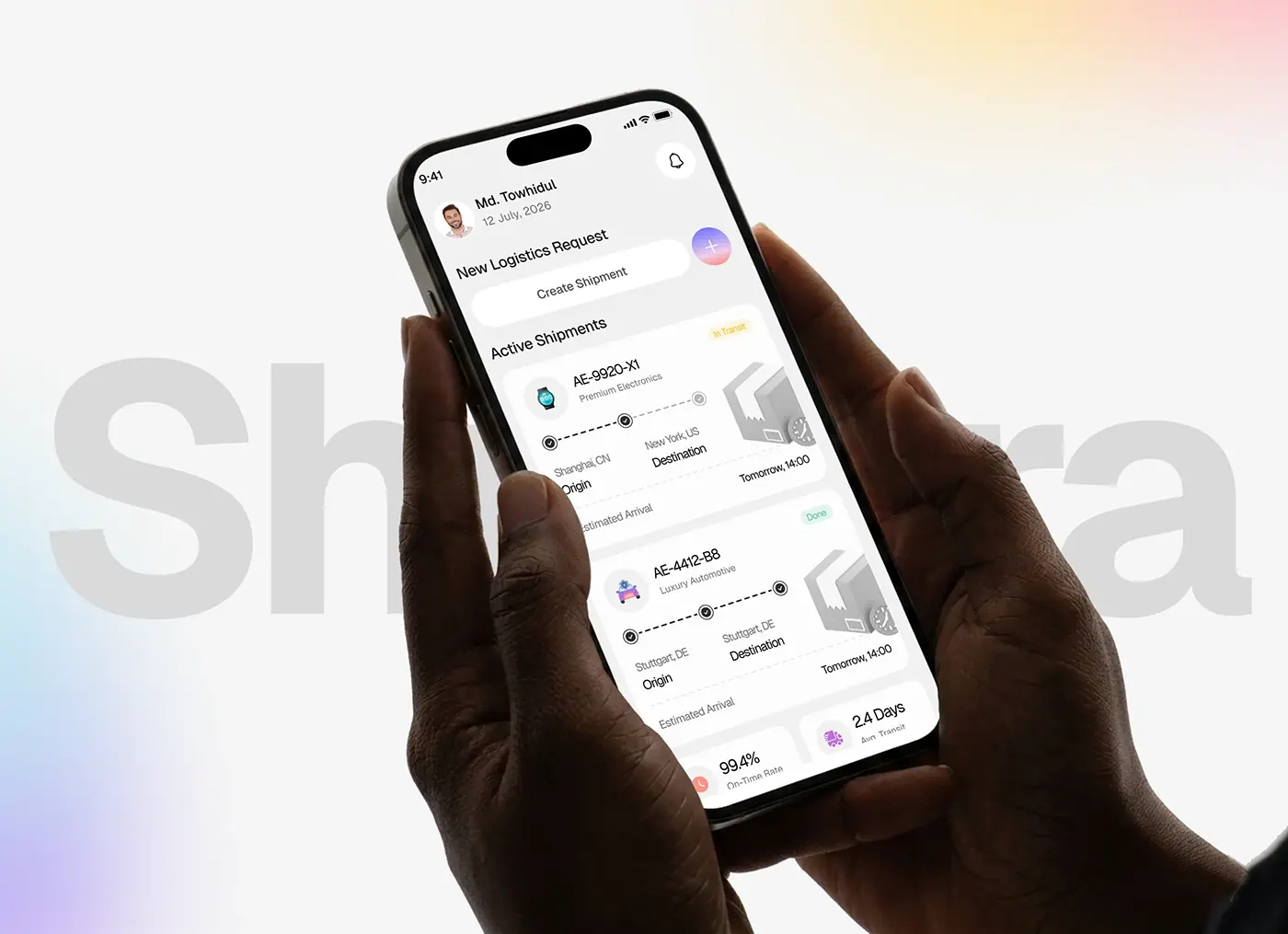
Live tracking for customers, and one-handed screens for couriers working outdoors in bright sun on patchy networks. Every status change has to read at a glance, and every notification has to be worth opening.
Agriculture and field work
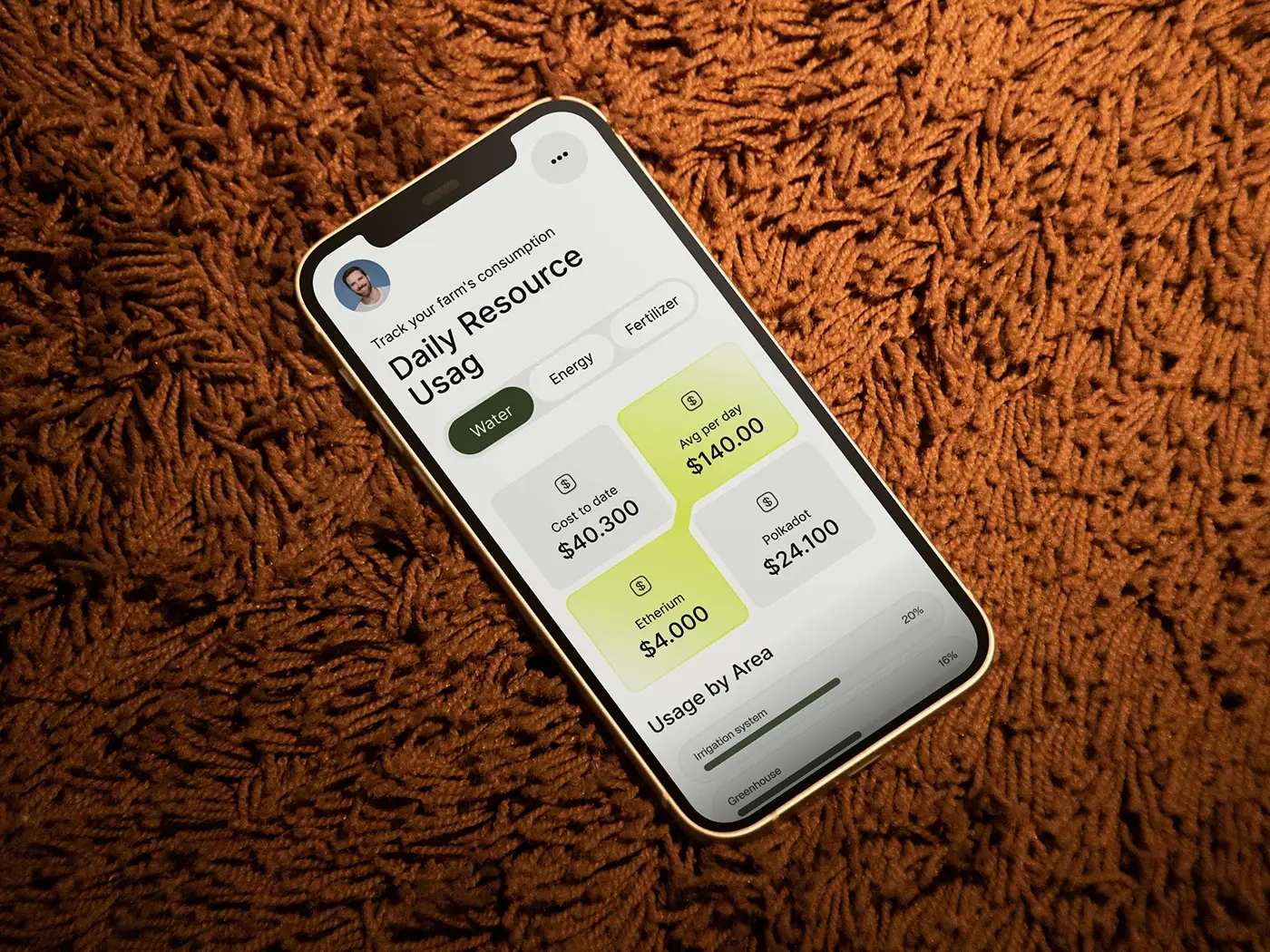
Apps used on farms and sites far from good coverage, where data has to save on the phone and sync later, and controls have to be large enough for working hands in daylight.
How I work with your app team, wherever you are
You see the work as it happens, in your own hours, without having to chase anyone for it.
You work with me and the designers
Reviews are with me and the designers drawing your screens, and your developers ask the same people their questions directly. There is no account manager relaying messages in between.
Overlap with your day
Gulf and Asian teams share most of my working day, and Europe shares its morning with my afternoon. For founders in the US, I keep evening calls, 7 to 10 pm in Dhaka, which is your morning.
Written, tracked and testable
Shared Figma from the first day, a Slack update every 48 hours, a call each week, and prototype links you can open on your own phone and pass round your team between reviews.
I know both platforms' rules
Apple's Human Interface Guidelines and App Review Guidelines, Material Design 3 and Google Play policy, WCAG 2.2 and the accessibility law in your market, designed into the screens rather than checked at the end.
Me, an in-house hire or a freelancer: an honest comparison
Where each option wins for a startup building its app, including the row where hiring wins.
| What you get | With me | In-house hire | Freelancer |
|---|---|---|---|
| Senior designers who know both iOS and Android conventions | Yes | Sometimes | Sometimes |
| Starts this month, without a hiring round | Yes | No | Yes |
| Usability testing on real phones built into the plan | Yes | Sometimes | No |
| Store screenshots and review readiness included | Yes | Sometimes | Sometimes |
| Web app and admin panel from the same team | Yes | No | No |
| In your office and your stand-ups every day | No | Yes | No |
| Cost agreed in writing before work starts | Yes | No | Sometimes |
Who I help as a mobile app designer for startups
Four kinds of team I work with most, across Europe, the US, the Gulf and Asia.
Founders before the first release
Pre-seed and seed teams with an idea, a prototype or a no-code test, who need the first version designed properly for both stores before the engineering budget is spent.
Live apps with a retention problem
Apps whose reviews mention confusion, lost data on slow networks or a sign-up nobody finishes. I audit the app, fix the flows that cost you most first, and redesign the rest in stages.
Web products adding an app
SaaS and fintech teams whose customers now expect an app. I bring the product's logic to the phone without shrinking the desktop, as part of my wider product design work, on one shared design system.
Apps launching in several markets
Teams releasing in Europe, the US, the Gulf and Asia at once, with right to left Arabic layouts, several languages, local payment methods and each market's privacy and accessibility rules.
Other services for app teams
An app rarely ships on its own. These usually come with it.
What founders say about working with me on their apps
Working with Jubayer and the team has been a blast. Their creativity has honestly taken our platform to new heights. Incredibly professional and so proud to work with, we’re over the moon with their results, and we can’t wait to team up with them again.

I highly recommend Jubayer for any design project. He quickly grasps complex concepts, excels in standard design practices, and responds promptly.

Working with Jubayer on our website was fantastic from start to finish. He took the time to understand our vision and provided valuable insights.

Mobile app design: frequently asked questions
What founders usually ask me before an app project starts.
Should we design separately for iOS and Android?
Not entirely. I build one set of flows and one design system, then adapt navigation, controls, type and gestures to each platform, following Apple's Human Interface Guidelines on iOS and Material Design 3 on Android. Most screens share their layout, while tab bars, back behaviour, sheets, date pickers and system dialogs differ. You avoid paying for two designs, and neither app feels borrowed from the other.
Do you design for React Native or Flutter apps?
Yes. I design for whatever your team builds with: Swift and SwiftUI, Kotlin and Jetpack Compose, React Native or Flutter. For cross-platform frameworks, I set up components and tokens that map one to one onto the coded library, and mark where a screen should behave differently on each platform. Your mobile developers build the app; my team can build the web front end beside it in React and Next.js.
How much does it cost to design a mobile app?
It depends on the number of core flows, whether you launch on one platform or both, the user roles, and how much research and testing the app needs. After a free 30 minute intro call I write a scope and give you one fixed quote for the whole project, so the number is settled before work begins. Nothing is billed by the hour, and there is no retainer.
Will my app pass App Store and Google Play review?
No designer can promise approval, but I remove the usual design reasons for rejection. I check screens against Apple's App Review Guidelines and Google Play's policies: account deletion inside the app if it offers sign-up, clear permission messages, a demo account for reviewers, and an honest Data safety section. Your developers handle technical rules, such as Google Play's rule that new apps and updates target Android 16 from 31 August 2026.
Do you design the App Store and Google Play screenshots?
Yes, as part of the store listing work. Apple accepts one to 10 screenshots per device size and Google Play up to 8 per device type, and Apple's guidelines ask that they show the app in use rather than a splash or login screen. I plan the set as a short story of what the app does, sized and exported for each store.
How do you make a mobile app accessible?
From the first component, not in a final audit. I design to WCAG 2.2 AA, with touch targets at each platform's recommended size, text that scales with Dynamic Type and Android font settings, labels for VoiceOver and TalkBack, no action that only works by dragging, and contrast checked in light and dark themes. In the EU, the European Accessibility Act has covered most banking and e-commerce apps since 28 June 2025.
Can you design an app that works offline?
Yes, and it is far easier to plan from the start. For each key screen I decide what is kept on the phone, what happens when the connection drops mid-task, and how the app shows what has synced, what is waiting and what failed. Google describes an offline-first app as one that keeps its core functions working without the internet; I design the states that make that visible and trustworthy.
When should an app ask for notifications and other permissions?
When people reach the feature that needs them, not at launch. Apple advises waiting until someone uses a feature that requires access, and on Android 13 and later notifications need a runtime permission too. I design a short explanation in context, write the permission message in plain words, and give people a way forward if they say no, such as typing an address instead of sharing their location.
Can we test the design with real users before building?
Yes, and I recommend it for every core flow. I build clickable prototypes that run on a phone, then watch real people try the key tasks on their own devices. In Steven Hoober's study of people using phones in public, 49 percent of those touching the screen held the phone in one hand, so every round checks thumb reach as well as wording and flow.