
Delivery app development means building three connected products, not one: a customer app to book and track, a courier app to take jobs and prove delivery, and an admin panel to run orders, pricing, support and refunds. All three share one thing, the order's status, and most of the work is keeping that status correct, live and worded the same everywhere. Before you commission one, decide your delivery type, which sides you need at launch, and which services (maps, routing, payments) you'll rent rather than build. That sets the scope, and the scope sets the cost.
I'm a design engineer: I design products and build them in production code, iOS and Android apps in React Native or Flutter and web apps in React and Next.js. I designed Shipora, a parcel delivery app built around live tracking, and walk through it below. The service behind this post is my mobile app design work.
Types of delivery app, and why the type changes the build
- On-demand food and grocery. A fourth side joins: the restaurant or store needs a screen to accept an order and mark it ready. Minutes matter, so dispatch and arrival times lead.
- Parcel and courier. Booking asks for weight, size, declared value and a pickup slot. A parcel can travel for days, so a timeline of stops and proof of delivery matter most. Shipora is this type.
- Business deliveries for retailers. Bulk orders, many stops per route and invoices. The admin side outgrows the customer side.
- Own-fleet delivery for one brand, such as a pharmacy. No marketplace, so the courier and admin sides carry the weight.
That fourth, merchant side is the piece founders most often leave out of a first brief.
The three sides of a delivery app
Customer app
The customer wants two answers: how much, and where is it now. Sign-in with Apple and Google keeps sign-up short. Booking works best in steps (address, service, package, pickup time, payment) with the price shown before the card is asked for. Every screen that mentions an order shows its status and estimated arrival without a tap.
Courier app
The courier works one handed, outdoors, often on a weak signal. That means big targets, a job list sorted by the next stop, one button per state change (picked up, on the way, delivered) and proof of delivery: a photo, a signature or a code. It also needs earnings and payouts. This is the side that needs location in the background, which brings store rules into the design.
Admin panel
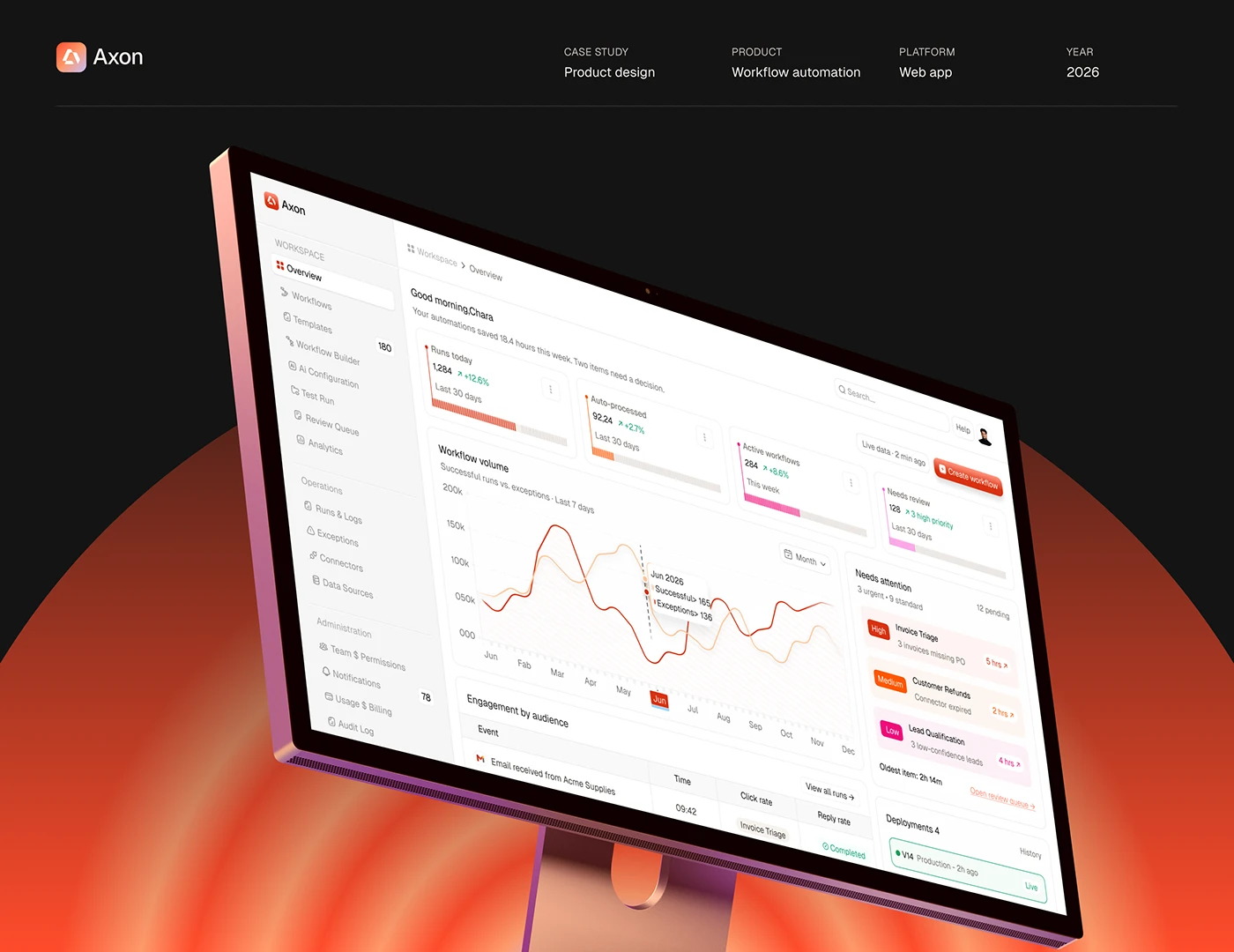
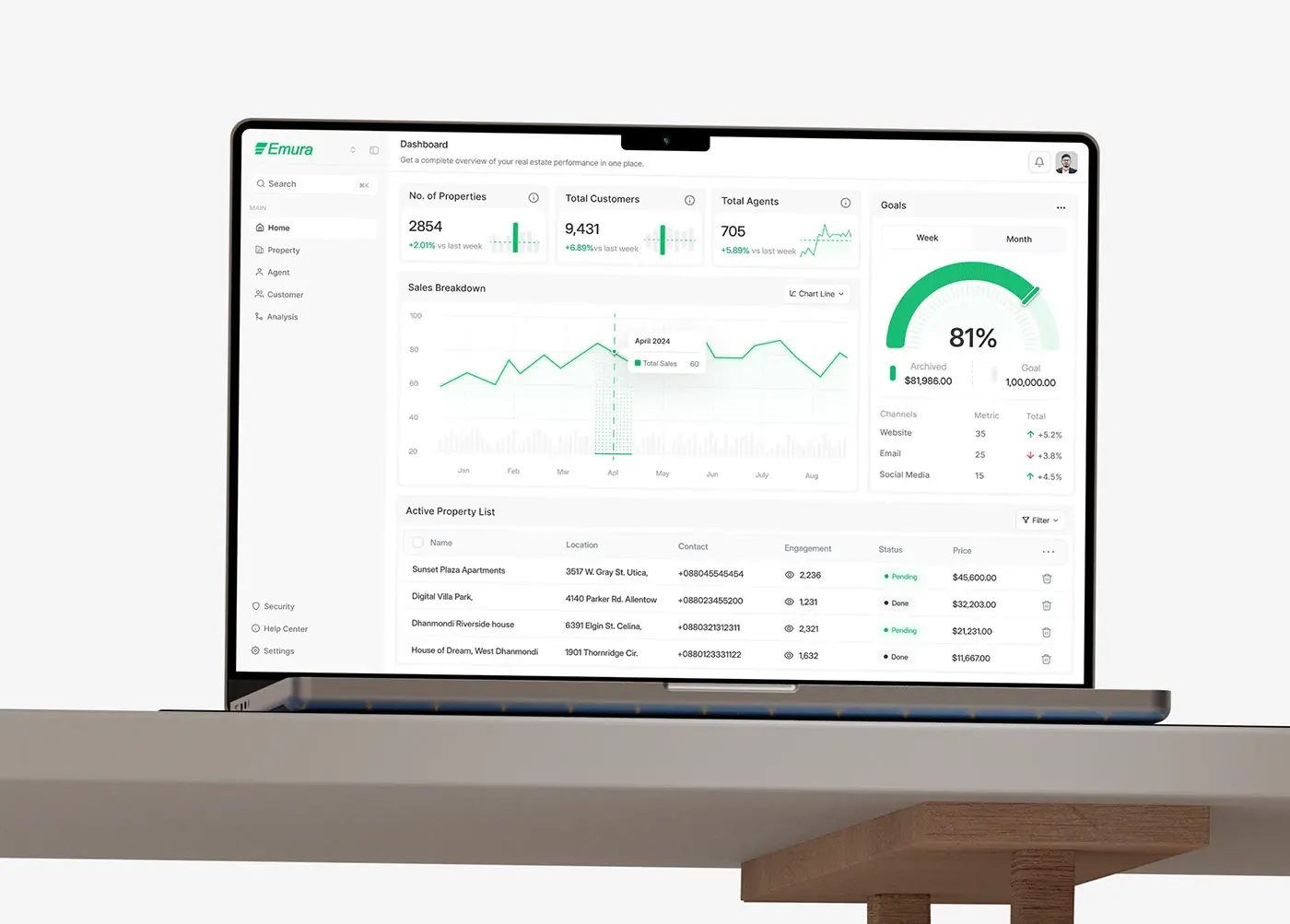
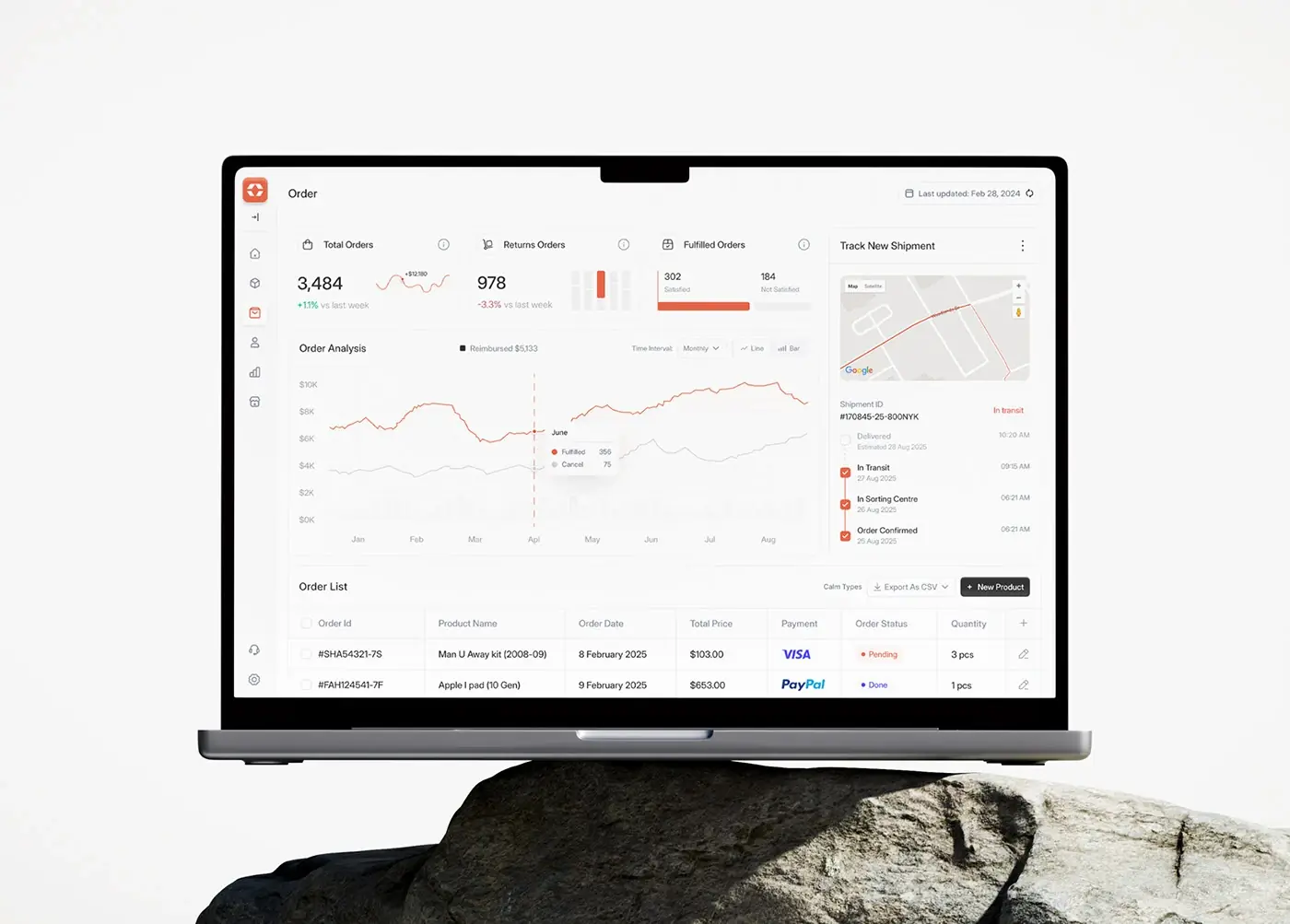
Admins run the exceptions: counts at the top (today, delivered, in transit, failed), a live map, order search, pricing by zone and parcel type, promo codes, support tickets and a refund queue. I design every admin screen to end in an action, so a failed order doesn't wait for a phone call.
Must-have features, and why each one is there
| Feature | Side | Why it's a must |
|---|---|---|
| Booking in steps, price shown first | Customer | A surprise total loses the order |
| Live status and arrival time on every order card | Customer | Answers "where is it?" before it becomes a ticket |
| Push notifications on each status change | Customer, courier | The status reaches people not looking at the app |
| Proof of delivery (photo, signature or code) | Courier, admin | Settles "it never arrived" with evidence |
| Earnings, wallet and payouts | Courier | Couriers keep working with an app they trust |
| Failed delivery flow with a reason | Courier, admin | Every failure gets a next step |
| Counts, live map and activity feed | Admin | Problems show before customers call |
| Pricing by zone and parcel type | Admin | Prices change without an app release |
| Support tickets and a refund queue | Admin | One place to see what happened and fix it |
Ratings, chat and loyalty can usually wait for the second release.
Common mistakes in delivery app projects
Designing only the happy path. An on-time parcel needs few screens. A wrong address, a closed door or a refund needs many, and each must say what happens next. I map the failures before I draw the main flow.
Different words for one status. If the courier taps "Collected", the customer sees "In transit" and the admin sees "Dispatched", support has to translate. Write one list of statuses and use it in the design, the code and the notifications.
Background location without a reason. Apple's App Store Review Guidelines say to use Location Services only when directly relevant to the app's features, and to notify people and get consent before collecting location data (guideline 5.1.5). Google Play allows background location only when it's core to the app, asks for a declaration in Play Console with a short video, and wants a prominent in-app disclosure before the permission prompt, under its background location policy. Customers rarely need it; couriers do on shift. Design that disclosure into courier onboarding from the start.
Building what you can rent. Maps, routing and payments are mature services. Custom code belongs in your dispatch rules, pricing and admin tools.
Launching everything at once. Start with one delivery type and one set of pricing rules. My guide on how to scope an MVP covers what I build first and what I cut.
How I'd approach your delivery app, from intro call to launch
- A free 30 minute intro call. I ask what you deliver, who your couriers are, how orders arrive today and where they go wrong.
- A written scope and one fixed quote for the whole project. No retainer, nothing billed by the hour.
- The status map. Before any screen, I write the order statuses and who can move an order from one to the next.
- Weekly design sprints in Figma, with a written update in Slack every 48 hours and a review call each week.
- A documented design system, with tokens and components named the same in Figma and in code.
- The build. iOS and Android in React Native or Flutter, and a web admin panel in React and Next.js where the team needs a desk view. I use AI coding tools where they save time, and a person who knows the design reviews every change.
- Store submission and launch, with the location disclosure and privacy policy ready before review.
See my development page for the build side and my logistics industry page for the sector.
Case study: how I designed Shipora
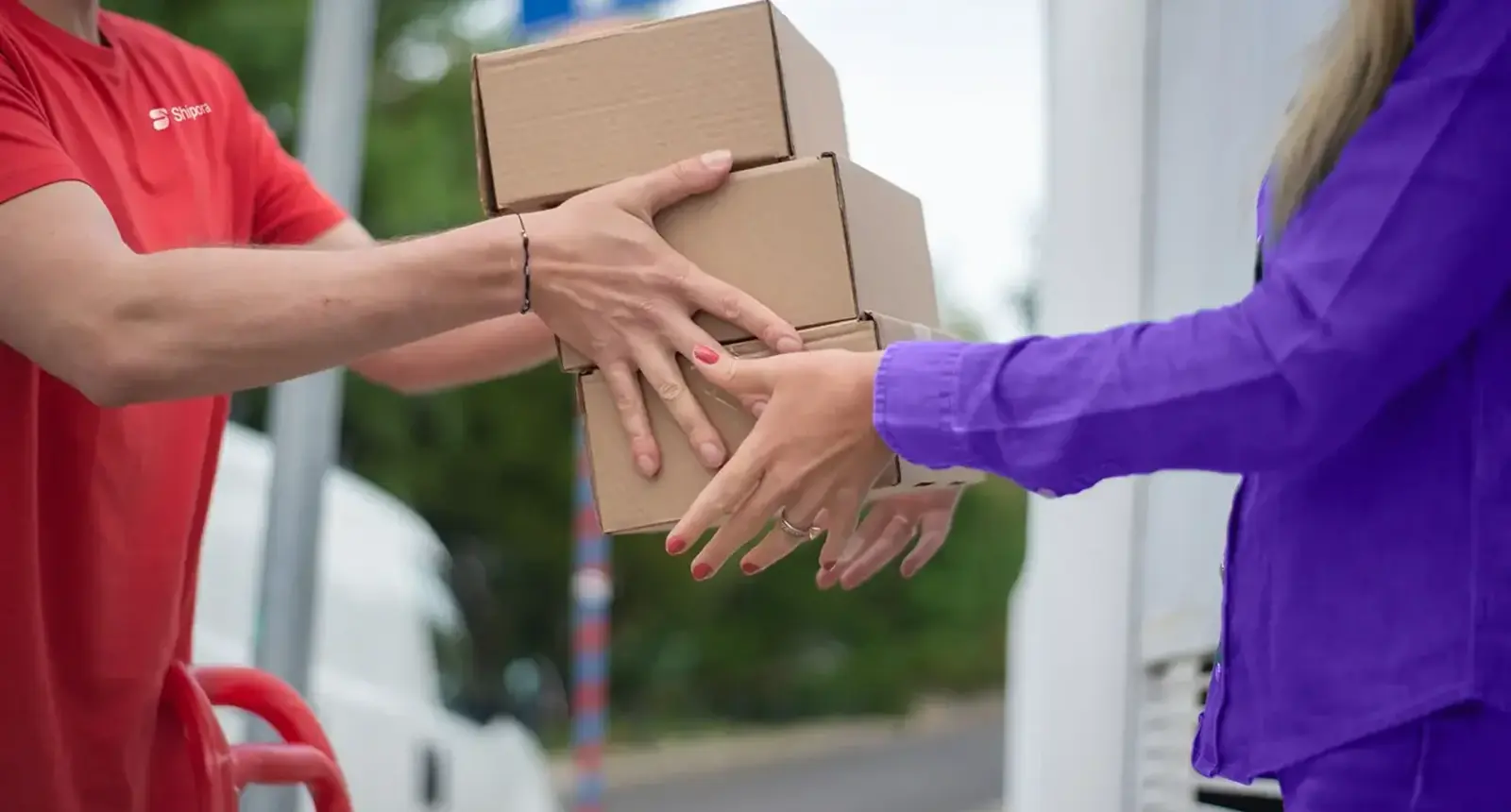
Shipora is a parcel delivery app: customers book a shipment, follow it live and pay, while admins run orders, pricing, support and refunds. I designed the mobile app, customer side and admin side, in 5 weeks.
The problem. Late parcels were costing Shipora trust. Drivers on inefficient routes meant delayed deliveries and repeated complaints, and complex booking left people guessing. Research showed customers want convenience, real-time visibility and dependable service. The answer on the booking screen was AI route optimisation.
The process. User research, then a persona, Evelyn Taylor, a business owner with five goals: real-time tracking, fast delivery, order management, secure payments and customer support. Then a style guide in Geist with purple and coral red, and the high fidelity screens.
Customer side. Home opens on a Create Shipment button, then one card per active parcel with origin and destination on a route line, a status tag such as In Transit and the estimated arrival. Booking starts on a map, then two service cards side by side with their prices. Package details is step 2 of 4: category, a weight slider that flags a heavy load, dimensions, declared value and a pickup slot. Checkout itemises freight, customs clearance and insurance above the total. In order history, ongoing orders get Track Live and the rest View Details.
Payments and admin. A payment screen puts total earnings and wallet balance on one card with Withdraw Now beneath. Admin opens on four counts (today, delivered, in transit, failed), then a status monitor with a live map and activity feed, pricing by zone and parcel type, support tickets with a timeline and Resolve or Refund, and a refund queue with Approve and Reject. Both sides run on a phone, so an admin can act away from a desk.
What decides the cost of a delivery app
I don't publish prices; after the intro call you get one fixed quote for your scope. These move it:
- Sides and platforms. Customer, courier, admin and maybe merchant. React Native or Flutter shares most of the work between iOS and Android.
- How live it is. A courier position every few seconds is a different build from a status that changes four times a day.
- Your rules. Dispatch, zone pricing, cash on delivery, customs and refunds take more time than screens.
- People. The US Bureau of Labor Statistics puts median pay for software developers at $135,980 a year, from May 2025 data, in its Occupational Outlook Handbook.
- Usage-priced services. On the Google Maps Platform price list, Dynamic Maps includes 10,000 free loads a month, then costs $7.00 per 1,000 up to 100,000; Compute Routes Essentials is $5.00 per 1,000 after 10,000 free. Stripe's standard pricing is 2.9% plus 30 cents per successful domestic card transaction.
- Store accounts. The Apple Developer Program is $99 a year, and a Google Play developer account is a US$25 one-time fee.
For how design time is priced around the world, see my guide to app design cost.
How to choose who builds your delivery app
- Ask to see a delivery or logistics product they designed, admin side included.
- Ask how they handle failures. A good answer names screens: failed delivery, refund, wrong address.
- Ask who turns the design into code and how the build is kept matching the screens.
- Ask how the price is set. A written scope with a fixed price tells you what you're buying.
- Ask who owns the accounts and code. Developer accounts, map and payment keys and the repository belong in your company's name.
Frequently asked questions
How long does delivery app development take?
It depends on the sides you launch with and your rules. Shipora's design took 5 weeks. Your timeline goes in the written scope after the intro call.
What features does a delivery app need at launch?
Customers: sign-in, booking with the price first, live status, notifications and payment. Couriers: a job list, one-tap status changes, proof of delivery and earnings. Admins: counts, a live map, pricing, support and refunds.
Do I need a separate app for couriers?
Usually, yes. Couriers need different screens, background location and proof of delivery. It can share the codebase and design system with the customer app.
Should I build for iOS and Android at the same time?
Couriers use whatever phone they own, so usually yes. React Native or Flutter serves both from one codebase.
How much does it cost to build a delivery app?
It depends on sides, platforms, live features and rules, plus maps and payment fees that continue after launch. You get one fixed quote after a free intro call.
Can you design and build the whole delivery app?
Yes. I design the product and build it, mobile apps in React Native or Flutter and admin panels in React and Next.js, with a design system so the code matches the design.
Sources and method
I read every source on 1 November 2026. Prices change often, so check them before you budget. I give no market size figures, because the ones I found came from vendors' sales pages.
- Apple, App Store Review Guidelines, 5.1.5 Location Services, date read 1 November 2026: developer.apple.com
- Google, Play Console Help, background location access, date read 1 November 2026: support.google.com
- US Bureau of Labor Statistics, Occupational Outlook Handbook, Software Developers, date read 1 November 2026: bls.gov
- Google Maps Platform, core services pricing list, date read 1 November 2026: developers.google.com
- Stripe, pricing, date read 1 November 2026: stripe.com
- Apple Developer Program, date read 1 November 2026: developer.apple.com
- Google, Play Console Help, registration fee, date read 1 November 2026: support.google.com
If you're planning a delivery app and want the customer, courier and admin sides designed and built as one product, book a free 30 minute intro call. After it, you get a written scope and one fixed quote.
Tags: Delivery apps, Logistics, Mobile apps, Case study, Product design