
Agriculture app development means building a product for people who work outdoors, often on an entry-level Android phone, with a weak signal, in a language that may not be English. The features every guide lists (plot records, weather, market prices, a marketplace) are the easy part. Whether farmers keep using the app depends on four things: it opens with no signal, it runs on a phone with 2 GB of RAM, it speaks their language, and they can learn it in five minutes. Before you commission one, decide who it serves first, what must work offline, and which weather and price data you'll license rather than collect. That sets the scope, and the scope sets the cost.
I'm a design engineer: I design products and build them in production code, iOS and Android apps in React Native or Flutter and web apps in React and Next.js. I designed Kresho, app screens for a modern agriculture company, and walk through them below. The service behind this post is my mobile app design work.
Who an agriculture app is for
- Farm managers and estates: a desk dashboard plus a phone view for harvest, workers, orders and input costs. Kresho is this type.
- Smallholder farmers: advice, weather, prices and a way to sell, on the phone only.
- Field agents and cooperatives: staff who visit farms, register farmers and collect data. Offline forms and photos matter most.
- Buyers and input sellers: a marketplace for produce, seed and fertiliser.
Must-have features, and why each one is there
| Feature | Who uses it | Why it's a must |
|---|---|---|
| Plot records: crop, sowing date, area, location | Farmer, agent | Advice, alerts and costs all hang off the plot |
| Forecast for the plot, with rain chance | Farmer, manager | Spraying, irrigation and harvest are planned around rain |
| Alerts for weather, equipment and supplies | Manager | A rain warning matters before the day is planned |
| Prices for the crops the farmer grows | Farmer, buyer | Decides when and where to sell |
| Water, energy and fertiliser costs by area | Manager | Shows where money goes |
| Task log with photos and time stamps | Agent, manager | A record of what was done, and when |
| Orders with one plain status | Buyer, manager | Fulfilled, pending or cancelled, nothing vaguer |
| Offline capture with later sync | Everyone in the field | The signal drops exactly where the work is |
Satellite crop health, sensors and AI disease detection can wait until farmers use the basic record every week, unless they are the reason the product exists.
Offline use in rural areas
The numbers explain why offline comes first. ITU's Facts and Figures 2025 reports that 85% of urban dwellers use the internet, against 58% of rural people, and in low-income countries only 14% of rural dwellers are online.
Offline first means the phone's own database is the source of truth. Android's offline-first guide calls the local data source "the canonical source of truth" and says to write updates there first. Flutter's offline-first pattern does the same: write locally, flag the record as not yet synced, sync later. The rules I design around:
- Every capture works with no signal. Forms, photos, GPS points and tasks save on the phone with a small "waiting to send" mark.
- Sync is visible. One line shows the last sync and how many records are waiting.
- Conflicts have a rule. The Android guide names "last write wins", by timestamp, as the common approach. For shared records, such as a cooperative's stock, I show both versions to a person instead.
- Cached data shows its age. A price saved yesterday says "yesterday".
On Android, WorkManager queues the sync, waits for a connection and retries with exponential backoff, as the same guide shows.
Designing for low-end Android
Test on the phones your users carry. Google's Android (Go edition) page lists a minimum of 1 GB of RAM for Android 11 and 12 and 2 GB for Android 13, and warns of "significant built-in performance, network, and battery limitations". What I do:
- Ship an Android App Bundle and turn on R8 code and resource shrinking, both from Google's guide to reducing app size. It also suggests bundling only the translations you support.
- Keep the first screen light. The same guide names complex animations and large GIFs as things to cut on Go devices.
- Measure startup and memory on a cheap phone from the first sprint. React Native and Flutter both run on entry-level hardware when you check early.
Local languages
A farmer who reads Bangla or Swahili should never meet an English error message.
- A language picker before sign-up. Android 13 added per-app language preferences, and AndroidX AppCompat 1.6.0 or higher brings them to older versions.
- Every string in a translation file from day one, with dates, numbers and the land units farmers actually use.
- Room for taller scripts. I test Bangla and Devanagari in the real font; they need more line height than Latin text.
- Pictures beside words for crops, weather and inputs, and voice or short video for advice where research shows reading is a barrier.
- A full mirror for right to left if you serve Arabic or Urdu.
Weather and market data sources
Don't collect what you can license. Sources I'd look at first:
- Open-Meteo forecasts include soil temperature, soil moisture at several depths, FAO reference evapotranspiration (
et0_fao_evapotranspiration) and hourly precipitation probability. Its terms limit the free API to non-commercial use, under 10,000 calls a day, with CC BY 4.0 attribution; an app with subscriptions or ads needs a paid plan. - NASA POWER offers free solar and meteorological data, more than 300 parameters, through an API, with agroclimatology as a focus.
- OpenWeather's Agro API gives NDVI and other vegetation indices for a field polygon from Landsat 8 and Sentinel-2, weather and a 5 day forecast, and soil temperature and moisture. History isn't available on the free account.
- FAO's Food Price Monitoring and Analysis tracks domestic prices of basic foods, mainly in developing countries, with over 2,000 price series. Good for trends, not today's local market.
- National market services for local prices, such as USDA's Market News, free price and sales information on farm commodities. Check each one's licence and update frequency before you promise "today's price".
Show the source and time beside every number.
Farmer onboarding
- Language first, then a phone number with a one-time code. No email, no password.
- One plot and one crop, picked from pictures, located by GPS or a pin on a map.
- Something useful straight away: the forecast for that plot or the price for that crop.
- Permissions when they're needed, each with one line on why.
- Assisted sign-up. A field agent registers a farmer on the agent's phone, offline, and hands the account over later.
My post on mobile app onboarding examples covers these patterns in more depth.
Common mistakes
- Designing on a new phone in an office, never testing on a cheap Android phone in the sun.
- Promising live prices from a source that updates weekly.
- Translating at the end, so the app ships in English "for now".
- Using a free weather API in a paid app without reading its licence.
Case study: how I designed Kresho
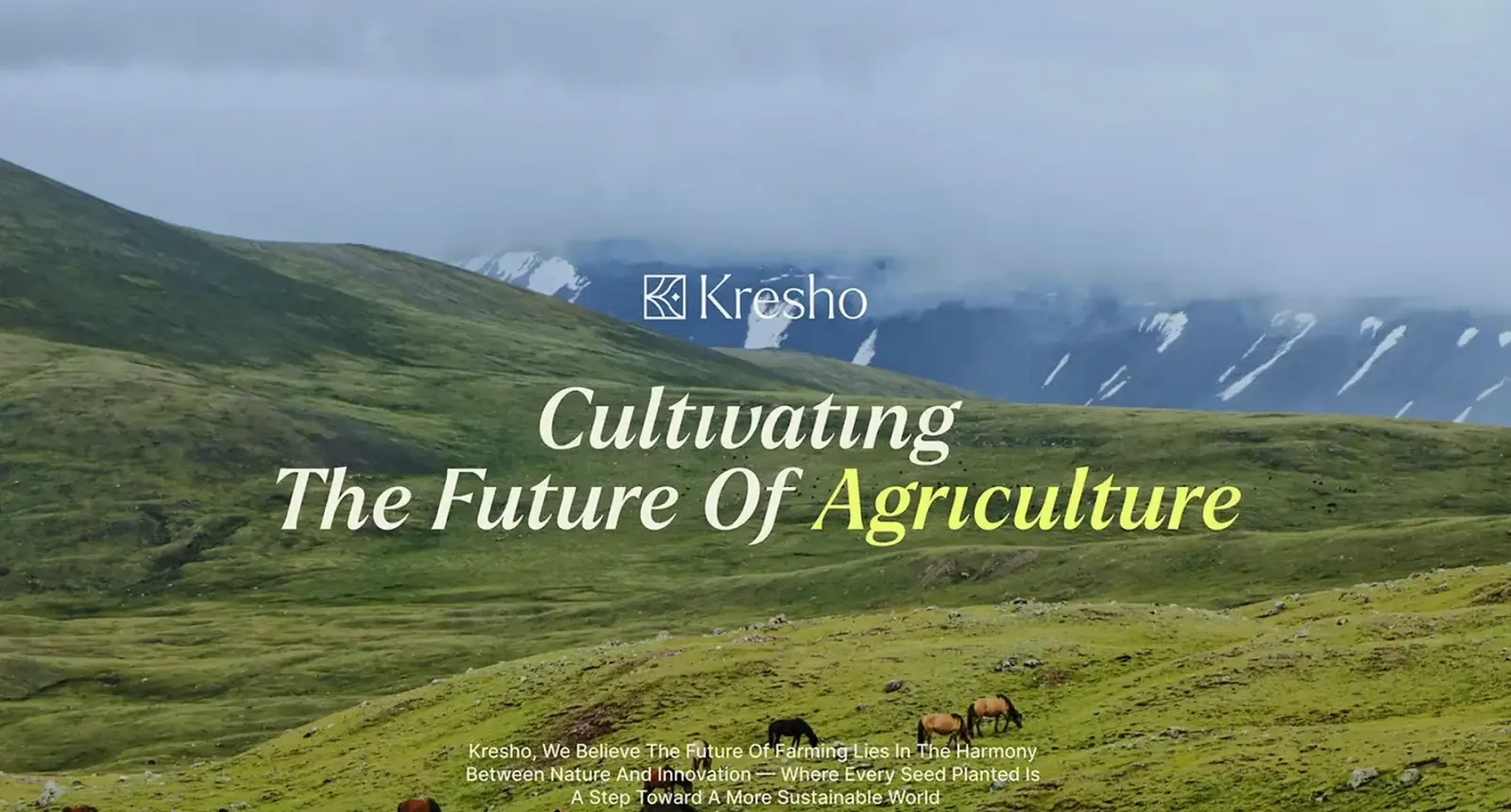
Kresho is a modern agriculture company that pairs nature with technology to support farmers. I designed its product screens: a web dashboard, phone screens for tracking farm resources and a website hero, plus the type and colour they share.
The dashboard. Three cards fill the top row: today's harvest in hours with workers active, active orders with their total value, and weekly revenue against last week. Charts below show harvest hours and completed tasks by month. The right column holds a feed of field updates and Priority Alerts: heavy rain on Thursday, a tractor due for service and organic fertiliser running low. Because alerts sit beside the numbers, a rain warning is seen before the day is planned.
Orders. Each row shows the customer, order number, a status chip and the number of crates. Only cancelled turns red, so it stands out in a long list.
The phone. "Track your farm's consumption" has tabs for water, energy and fertiliser, cards for cost to date and average per day, and Usage by Area with a bar beside the irrigation system and the greenhouse. One resource at a time, in large figures, keeps it readable outdoors.
The card library. Produce and seed cards with a price per kilo, a cart line, a payment switch, a contact card with a call button and a five day weather card with the chance of rain, in Larken and Inter, olive green, lime and warm cream.
How I'd approach your agriculture app, from intro call to launch
- A free 30 minute intro call: your users, their phones, where the signal fails and what data you hold.
- A written scope and one fixed quote for the whole project. No retainer, nothing billed by the hour.
- The offline map: what's captured in the field, what's cached, and what each screen shows with no signal.
- Weekly design sprints in Figma, a written update in Slack every 48 hours and a review call each week.
- A documented design system, with tokens and components named the same in Figma and in code.
- The build: iOS and Android in React Native or Flutter, and a web dashboard in React and Next.js. I use AI coding tools where they save time, and a person who knows the design reviews every change.
- Store submission and launch, with the privacy policy and location wording ready.
The build side is on my development page, and my guide on how to scope an MVP covers what to leave out of a first release.
What decides the cost of an agriculture app
I don't publish prices; after the intro call you get one fixed quote for your scope. These move it:
- Sides: farmer app, agent app, manager dashboard, buyer marketplace.
- Offline depth: a cached, read-only app is a different build from full capture with sync and conflict rules.
- Languages: each adds translation and testing, more with a new script or right to left.
- Data licences: Open-Meteo's commercial plans are sized by calls, 1 million a month on Standard and 5 million on Professional.
- People: the US Bureau of Labor Statistics puts median pay for software developers at $135,980 a year, from May 2025 data, in its Occupational Outlook Handbook.
- Store accounts: the Apple Developer Program is $99 a year, and a Google Play developer account is a US$25 one-time fee.
For how design time is priced, see my guide to app design cost.
How to choose who builds your agriculture app
Ask what each screen shows with no signal, which phone they test on, who checks each translation, and which data sources they'd use under what licence. And ask who owns the accounts, keys and code: they belong in your company's name.
Frequently asked questions
What features does a farm management app need?
Plot records, a forecast with rain chance, alerts, crop prices, input costs by area, a task log with photos and orders with a plain status, all working offline.
Can an agriculture app work without internet?
Yes, if it's built offline first: records save on the phone and sync when a signal returns.
Should I build for Android or iPhone first?
Follow your users' phones. React Native or Flutter covers both from one codebase, so the choice is mostly where you test first.
Where does an agriculture app get weather and price data?
From licensed sources: Open-Meteo, NASA POWER or OpenWeather for weather, FAO or national market services for prices.
How long does agriculture app development take?
It depends on the sides, offline depth and languages. Your timeline goes into the written scope after the intro call.
Can you design and build the whole agriculture app?
Yes: mobile apps in React Native or Flutter and dashboards in React and Next.js, from one design system.
Sources and method
I read every source on 1 November 2026. Data licences and prices change, so check them before you budget. I give no agritech market size figures, because the ones I found came from vendors' sales pages.
- ITU, Facts and Figures 2025, internet use in urban and rural areas, date read 1 November 2026: itu.int
- Android Developers, build an offline-first app, date read 1 November 2026: developer.android.com
- Flutter, offline-first support, date read 1 November 2026: docs.flutter.dev
- Android Developers, Android (Go edition), date read 1 November 2026: developer.android.com
- Android Developers, reduce app size for Android (Go edition), date read 1 November 2026: developer.android.com
- Android Developers, per-app language preferences, date read 1 November 2026: developer.android.com
- Open-Meteo, forecast API docs, terms and pricing, date read 1 November 2026: open-meteo.com
- NASA, POWER project, date read 1 November 2026: power.larc.nasa.gov
- OpenWeather, Agro API, date read 1 November 2026: agromonitoring.com
- FAO, GIEWS Food Price Monitoring and Analysis, date read 1 November 2026: fao.org
- USDA Agricultural Marketing Service, Market News, date read 1 November 2026: ams.usda.gov
- US Bureau of Labor Statistics, Occupational Outlook Handbook, Software Developers, date read 1 November 2026: bls.gov
- Apple Developer Program, date read 1 November 2026: developer.apple.com
- Google, Play Console Help, registration fee, date read 1 November 2026: support.google.com
If you're planning an agriculture app and want it designed and built to work in the field, offline and in your farmers' language, book a free 30 minute intro call. After it, you get a written scope and one fixed quote.
Tags: Agriculture, Farm management apps, Mobile apps, Offline first, Case study