


Product design · AI
RoomMind AI
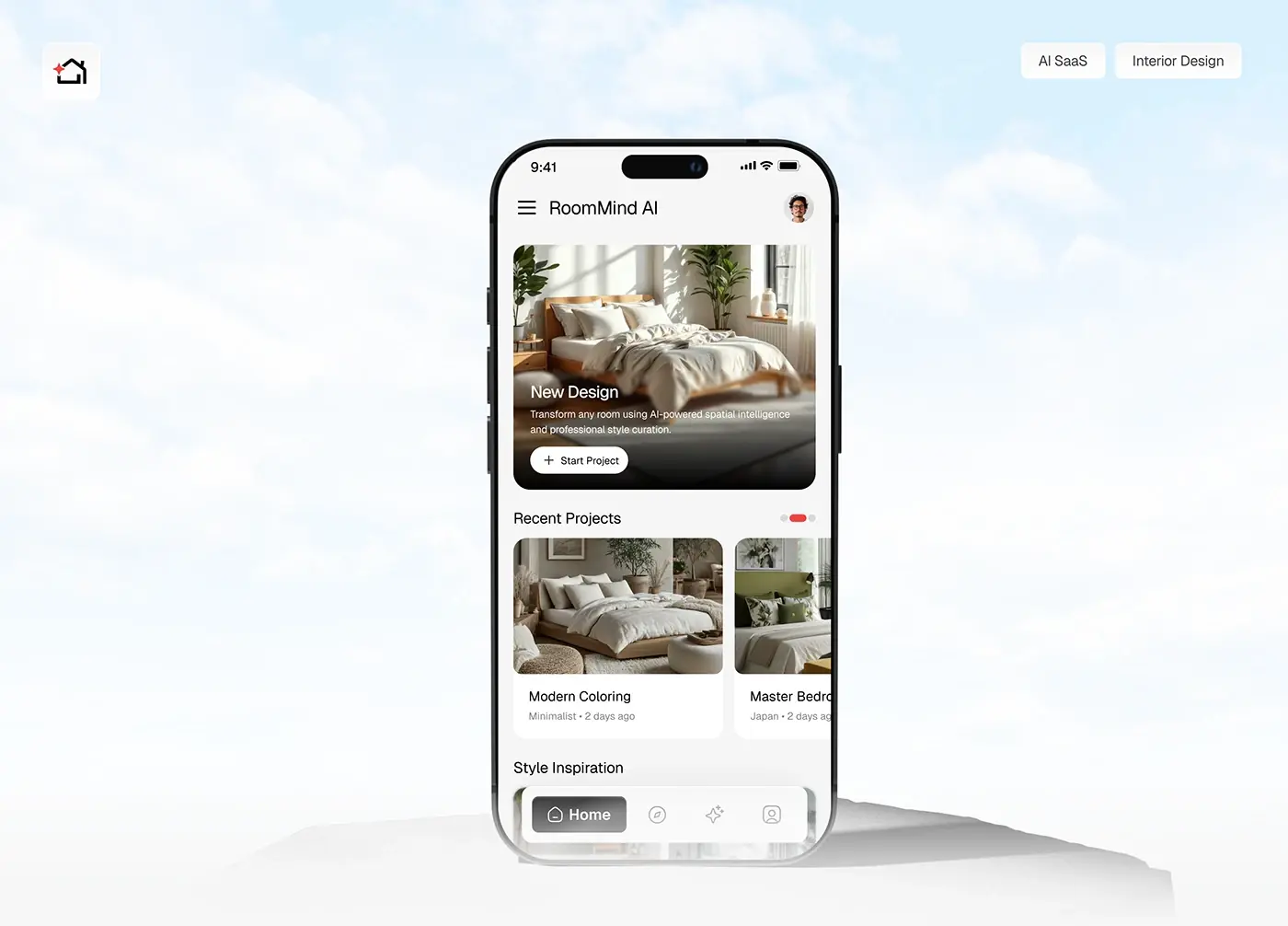
Photograph a room, pick a style, get an AI redesign in seconds. The full iOS app, from user flow to final UI.
View case studyAI apps and agents, designed and built from Dhaka
I'm Maniruzzaman Jubayer, a design engineer, and with the senior team I lead I design and build AI products: assistants, agents, generative tools and the dashboards that explain what a model found. Every AI screen we draw answers three questions before anyone relies on it: what did it do, how sure is it, and how do I undo it.
7 case studies of AI products and AI features on this site · Built in TypeScript, React, Next.js, React Native and Flutter







Design engineer and product design lead, with a senior team behind me
04 problems
Most AI briefs I see start with one of these four. Each comes with what I do about it.
The model is right most of the time, but nobody can tell which time it isn't, so people either check everything or stop using it. I start by listing every output and what a wrong one costs, then pick the pattern for each: act with undo, suggest with a reason, or draft for a person to send. Sources sit beside the claim they support, and confidence only shows when the scores have been checked against real results. My guide to shipping AI features people trust sets out the method.
Generation takes seconds, sometimes longer, and a spinner with "Thinking..." reads as a hang. I design the wait as its own screen: named steps instead of a generic loader, streamed text people can read as it arrives, a Stop button that keeps what was written so far, and long jobs that run in the background and tell you when they're done. Errors and timeouts keep the input and offer the next step, never a dead end.
An empty prompt box teaches nothing, so most people type one vague request, get a vague result and leave. I seed the first screen with real example requests, say in one line what the feature can and can't do, and where I can, replace free text with choices: a short quiz, a few cards to pick from, a style to start from. The open box stays for the people who want it.
Once software can send, edit, book or spend, one wrong step costs more than a bad paragraph. I write the agent's scope down first, as verbs and objects marked allowed, allowed with approval, or never. Then I design the plan it shows before it starts, approvals tiered by risk, a live log, Pause and Stop on screen for the whole run, and an honest report when only part of the job worked. My guide to agentic UX design covers each pattern.
An iOS app that redesigns a room from one photo, an AI influencer marketing platform, an AI property advisor, two AI finance dashboards, an AI healthcare app and a landing page for an AI business analysis product.
Product design · AI
Photograph a room, pick a style, get an AI redesign in seconds. The full iOS app, from user flow to final UI.
View case study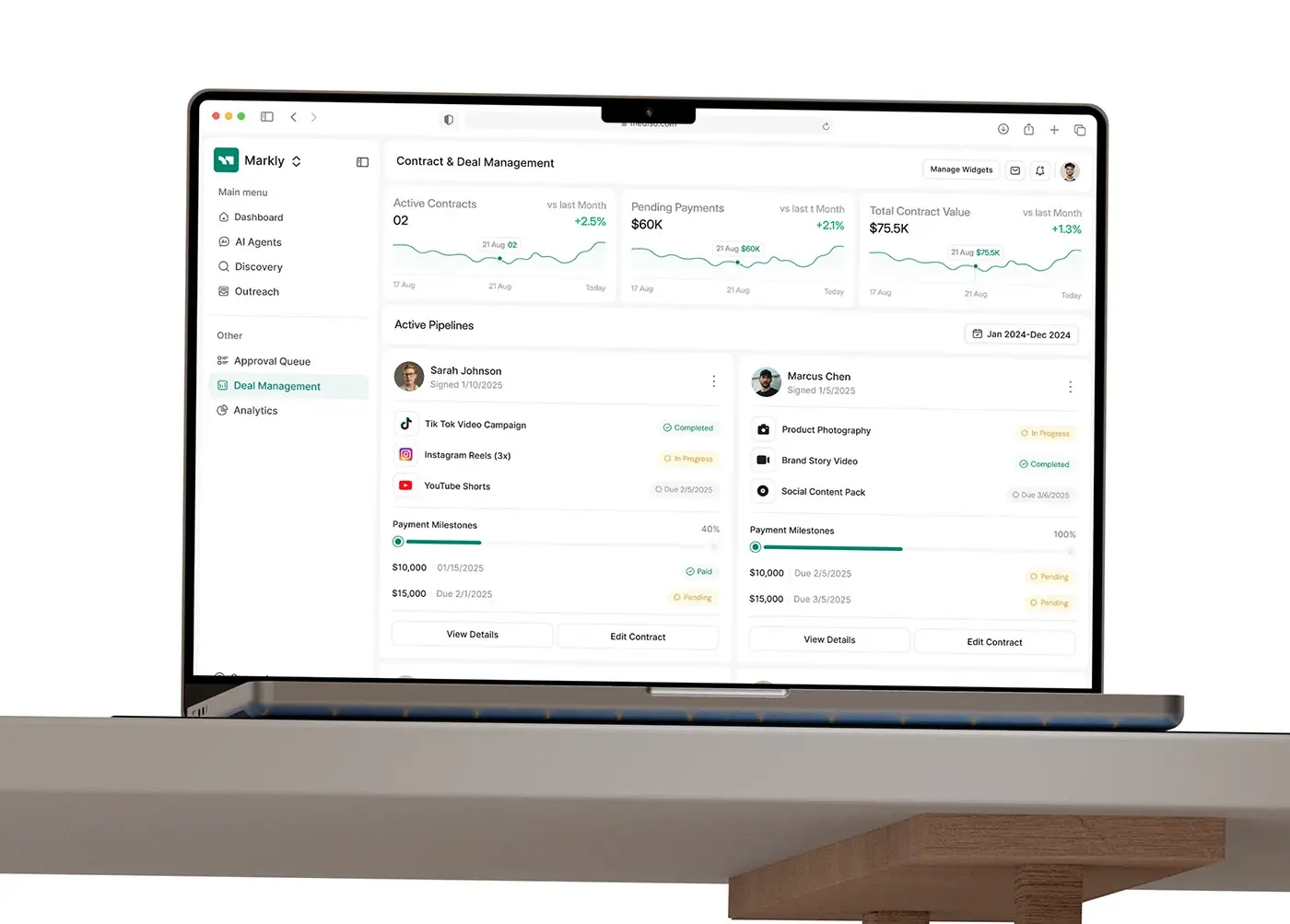
Product design · Marketing tech
Discover creators, negotiate and manage campaigns with AI agents, all from one dashboard.
View case study
Website design · Product design · Real estate
An AI real estate platform for the UAE market: the website and the product screens.
View case study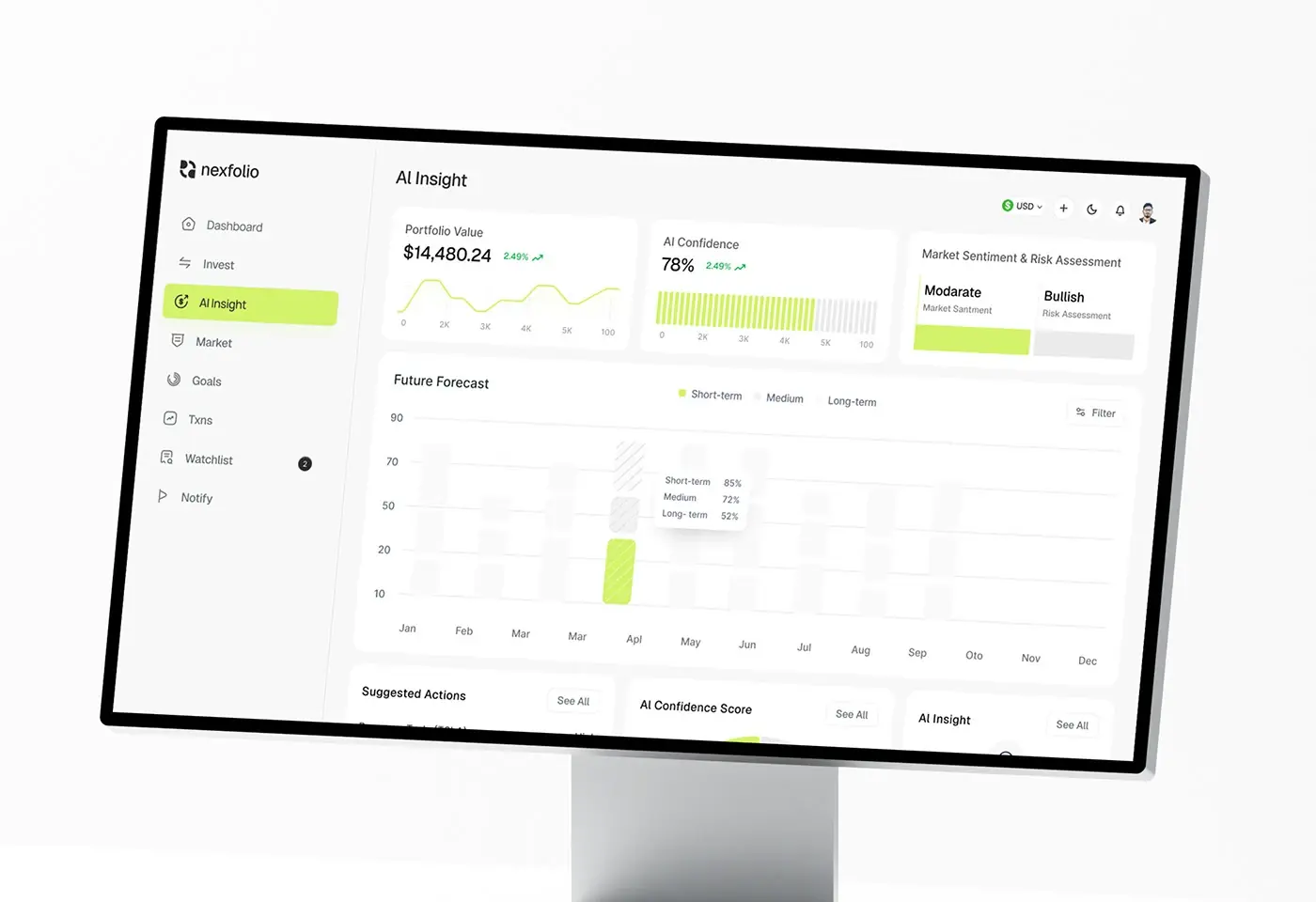
Product design · Fintech
Portfolio management, market forecasts and AI insights in a web app made for modern investors.
View case study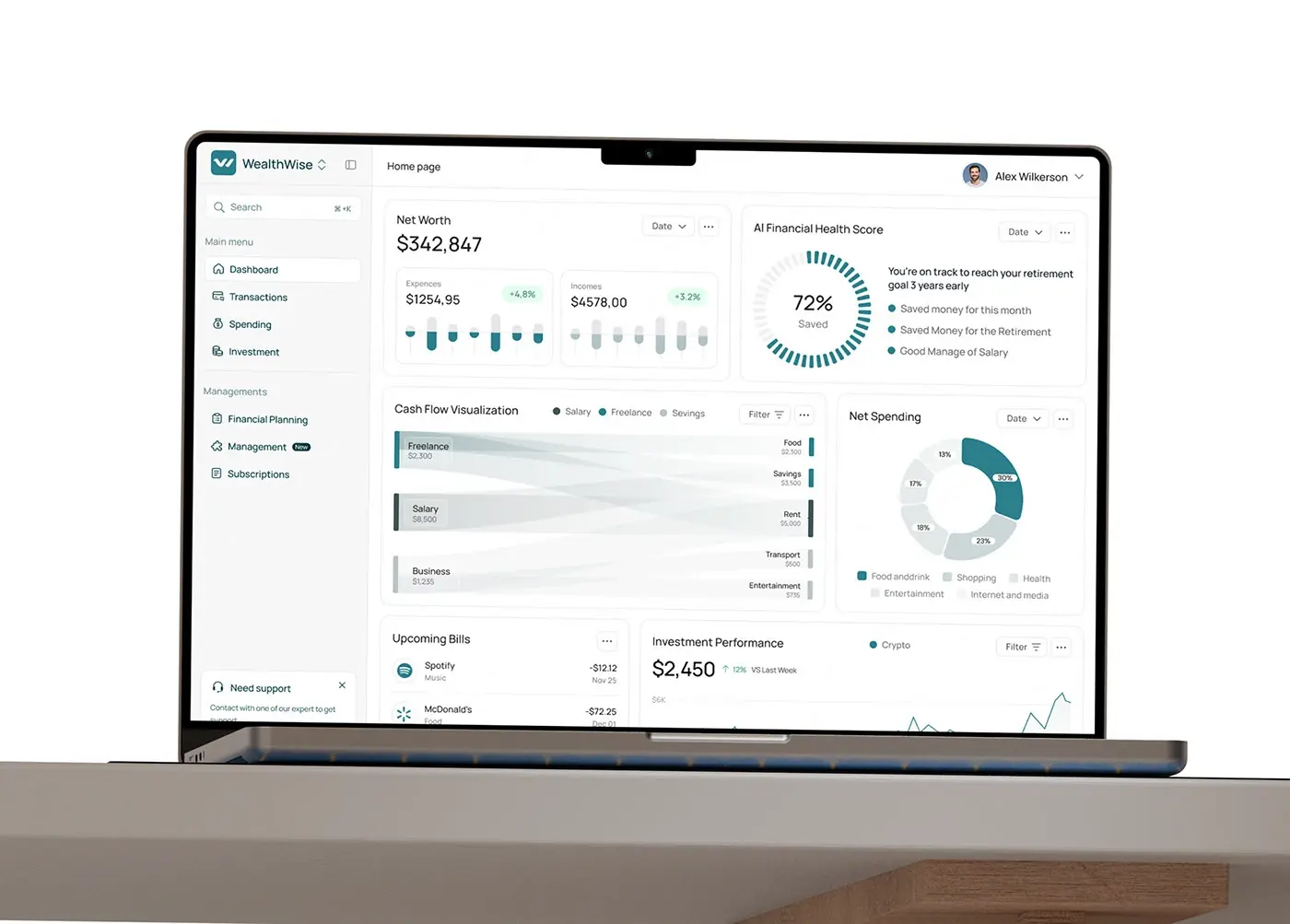
Product design · Fintech
Cash flow, investments and financial goals in one AI-assisted web dashboard.
View case study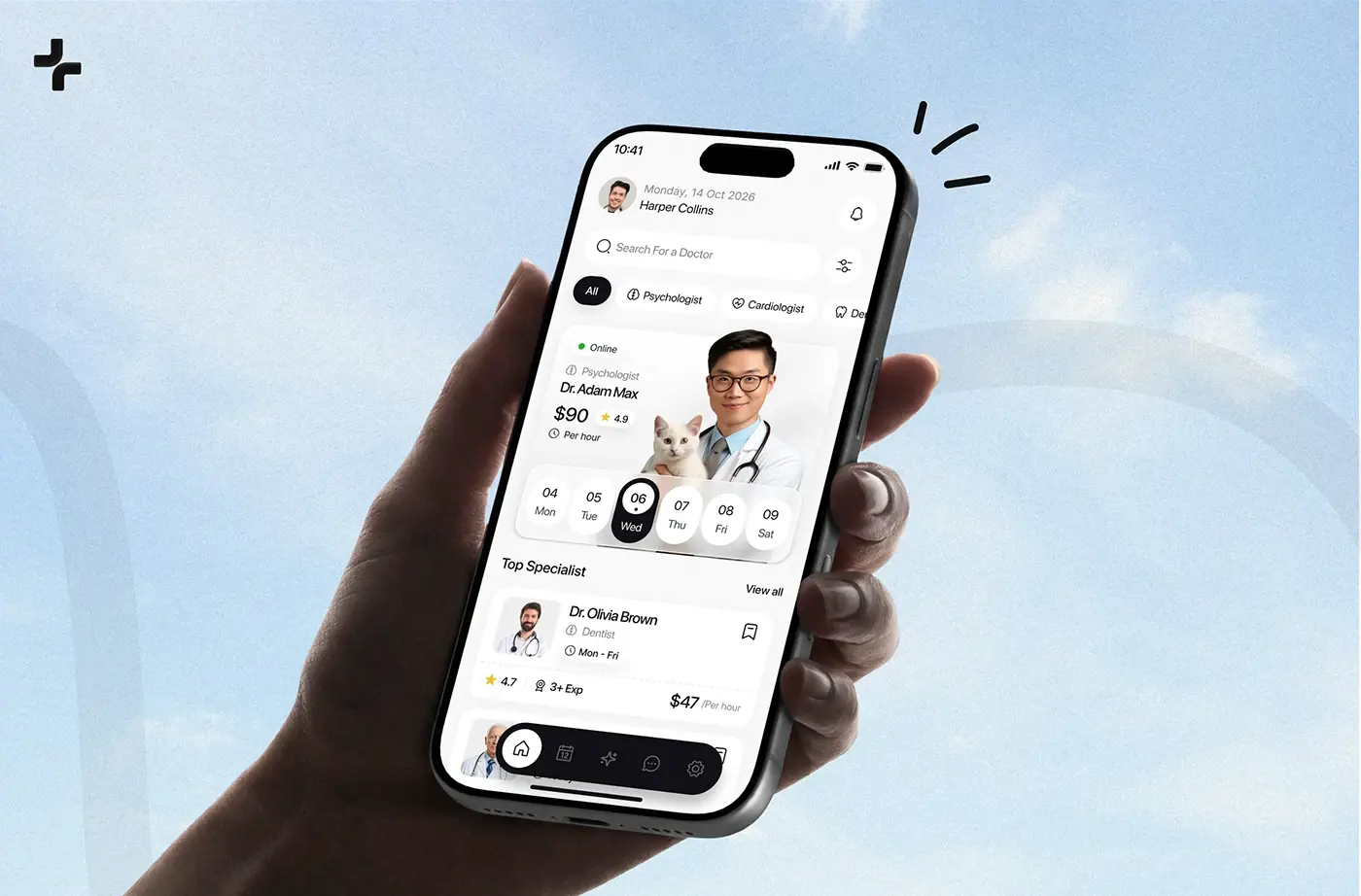
Product design · Healthcare
A mobile healthcare app, from user research and wireframes to the final UI.
View case studyIs your AI feature the one people try once and switch off? Let's find out why.
Start a projectSix shapes an AI product usually takes, each with its own hard screens. The case studies above cover the first five.
A helper that drafts, answers or explains inside the work, not in a separate chat tab. The hard parts are the first screen, the sources beside each answer and the edit, retry and undo controls next to every result. My team designed CareUp, an AI healthcare app for finding a doctor and booking.
Software that takes steps on someone's behalf: outreach, follow-ups, bookings, changes to records. Every action stays visible, and anything that leaves the product or costs money waits for a person's yes. My team designed Markly, an AI influencer marketing platform.
Images, rooms, text and content made from a prompt or a photo, where people need to steer the result rather than accept whatever comes back. The work is in the inputs, the wait and the before and after. RoomMind AI is an iOS app that redesigns a room from one photo.
Forecasts, scores and suggested next steps placed beside the numbers they come from, so people can see where an insight came from before they act on it. My team designed Nexfolio, an AI-powered investment dashboard, and WealthWise, an AI personal finance dashboard.
Most AI work isn't a new product: it's a suggested field value, a summary on a record or a one-click action with undo, added to a tool people already know. I design it into the workflow you have, with the admin switch to turn it off. For property, my team designed Lyvio: website and product screens for an AI property advisor in the UAE market.
Your product as a few tools and small cards inside someone else's assistant, where you don't own the screen, the fonts or the text box. I pick the three to five jobs that belong there and mark each tool honestly so the host knows when to ask. My guide to designing apps for AI assistants explains the choices.
Each card names the rule or guideline, what it means for your screens and where I read it. This is design guidance, not legal advice: your counsel confirms which rules apply to your product and your markets. For German and English products under the EU rules, see my page on product design in Berlin.
The European Commission states that Article 50 "applies as from 2 August 2026". People must be told they are dealing with an AI system "from the start of the first interaction in a clear and distinguishable manner", generated content must be marked in a machine-readable way, and deepfakes need a visible label. Systems already on the market before that date have until 2 December 2026 for the marking duty only. So the disclosure goes in the interface at the first turn, never only in the terms.
NIST AI 100-1, released on 26 January 2023, lists the characteristics of trustworthy AI, among them "valid and reliable", "accountable and transparent" and "explainable and interpretable". Its Generative AI Profile (NIST AI 600-1, July 2024) names confabulation, "confidently stated but erroneous or false content", and over-reliance as risks. It is voluntary, and NIST says it is being revised. I use it as a checklist: every claim gets a source, every automated step a log, and the interface never sounds surer than the model is.
Apple's Human Interface Guidelines, updated 8 June 2026, say to communicate where an app uses AI, never trick someone into thinking content was written by a person, state known limitations up front, and offer a non-AI fallback where possible. They also advise against automating destructive actions or ones that are hard to undo, "like making a purchase on a person's behalf". For an iOS app, that means a disclosure line, curated starting suggestions and a confirmation before any significant action.
Apple's App Review Guidelines say you "must clearly disclose where personal data will be shared with third parties, including with third-party AI, and obtain explicit permission before doing so". If your app sends a photo, a message or a document to a model provider, the permission screen comes before that first request, names what is sent, and has a real choice. My App Store rejection checklist covers the rest of review.
Google Play says apps that generate content using AI "must contain in-app user reporting or flagging features that allow users to report or flag offensive content to developers without needing to exit the app". It covers chatbots, image generators and apps that make voice or video of real people. So every generated result on Android gets a report control next to it, and the reports feed your moderation, not an inbox nobody reads.
Success criterion 4.1.3 (Level AA) asks that status messages "can be programmatically determined through role or properties" so assistive technology can announce them without moving focus. AI interfaces are full of them: generating, step two of four, done, failed. I mark each one as a live region with a sensible pace, so a screen reader hears the progress and the result, not every streamed word.
The same four steps as every project, with the checkpoints AI products need.
Bring the feature, a handful of real prompts and the outputs you're least proud of. We talk through who uses it, what a wrong answer costs them and where people give up today, and I give you an honest view of whether I can help.
You get a written scope, flow by flow, with every AI output listed beside the pattern it needs (act with undo, suggest, draft or ask first) and the disclosure rules that likely apply in your markets, plus one fixed quote for the whole project. No retainer and no hourly billing.
Weekly sprints in Figma, a written update in Slack every 48 hours and a review call each week. Screens are tested with real responses from your model, including the vague, wrong and refused ones, because a design that only works with perfect answers isn't finished.
Before handoff we read every AI screen against the rule list from the scope: the disclosure line, the data notice, the report control, the undo. Then a documented design system and a walkthrough with your engineers, or my team builds the front end in React and Next.js, React Native or Flutter.
Everything a team needs to ship an AI feature people can rely on, in one engagement.
Every thing the AI produces or does, with the cost of a wrong one and the pattern chosen for it, so design and engineering argue about the same list.
The capability line, example requests, guided inputs where free text fails, and the limits stated next to the feature rather than in a help page.
Waiting, streaming, low confidence, refusal, timeout, partial success and undone, each with its own screen and its own words, in light and dark.
Scope, plan, approvals by risk, the live log, Pause, Take over and Stop, and the handback screen when a step fails.
The AI label, the first-turn line, the permission screen before data reaches a model provider and the report control, written in every language you ship.
Answer, source, confidence, step and approval components, with tokens and components named the same in Figma and in code.
Live regions for progress and results, focus that stays put while text streams, and controls that work by keyboard.
The same team builds it in TypeScript, React and Next.js, or React Native and Flutter, wired to your model APIs, with a person reviewing every change. See development.
Most AI projects use two or three of these together.
Figures from Eurostat, Pew Research Center and the Stanford AI Index, quoted as published.
An honest comparison, row by row, including where the other two win. You get the senior people an AI product design agency would bill for, without the layers.
| What you get | My team | Large agency | Freelancer |
|---|---|---|---|
| Senior designers on your product from week one | Yes | Sometimes | Yes |
| AI apps, agents and dashboards to show | Yes | Often | Sometimes |
| Design and production front end by one team | Yes | Yes | No |
| Screens tested on your model's real output | Yes | Sometimes | Sometimes |
| One fixed quote for the full scope | Yes | Sometimes | Sometimes |
| Cover when someone is ill or leaves | Yes | Yes | No |
| Model training and machine learning research | No | Sometimes | Sometimes |
| An office in your city | No | Often | Sometimes |
Working with Jubayer and the team has been a blast. Their creativity has honestly taken our platform to new heights. Incredibly professional and so proud to work with, we’re over the moon with their results, and we can’t wait to team up with them again.

I highly recommend Jubayer for any design project. He quickly grasps complex concepts, excels in standard design practices, and responds promptly.

Long reads on trust, agents, assistant apps, reviewing generated code and prototyping, from how my team works.
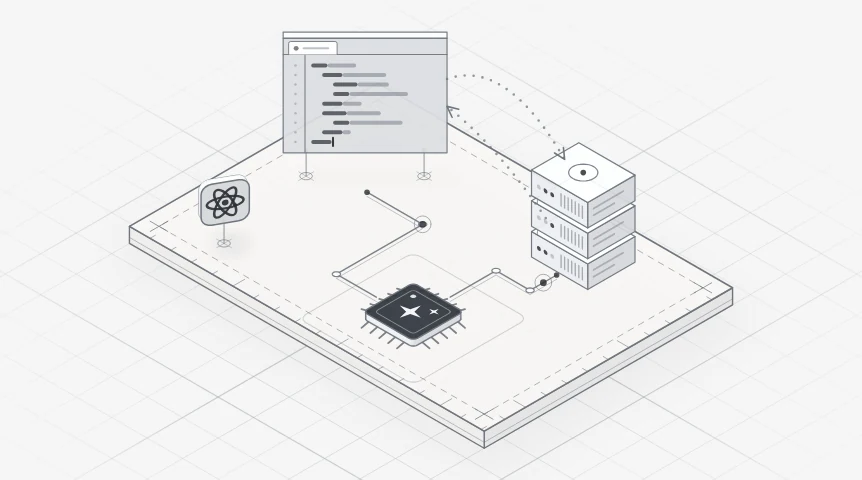
An AI UX design guide for SaaS teams: when to use AI, confidence, sources, undo, streaming, errors, feedback and the EU AI Act rules from August 2026.
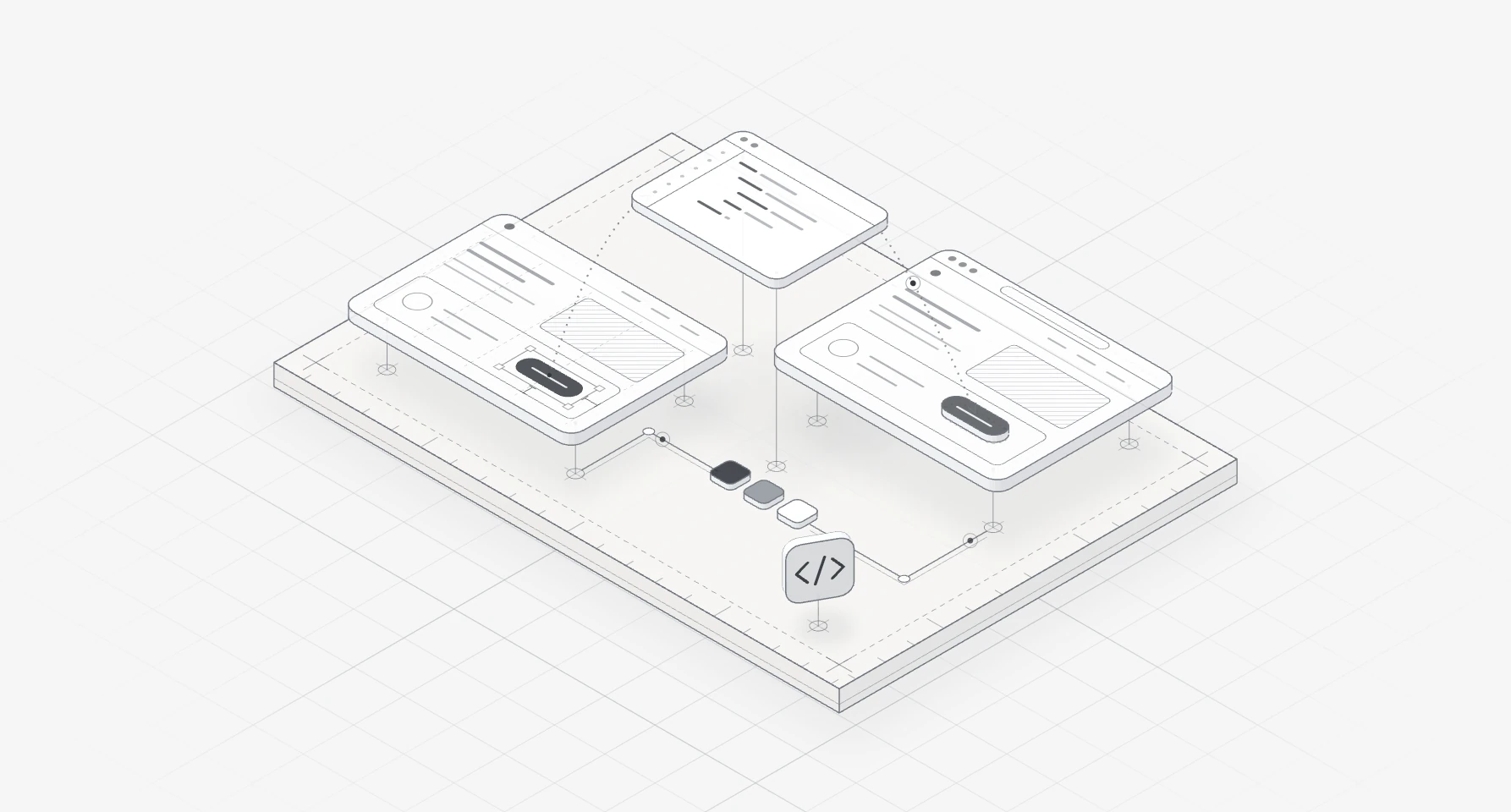
Reviewing AI-generated code for a product interface: the twelve checks I run before a merge, with React fixes, what to automate and what needs a person.
Straight answers before you book a call.
It depends on the number of AI features and flows, whether there is an agent that takes actions, the platforms, how much research the product needs, the languages you ship in, and whether my team also builds it. After a free 30 minute intro call I write a scope, flow by flow, and give you one fixed quote for the whole project, so you know the cost before you commit. No retainer and nothing billed by the hour.
No. You hire me, a senior design engineer, and work with me directly. Behind me is a senior team of designers and developers, so you get a team's range and cover without account managers or hand-offs to juniors. We work remotely from Dhaka, with evening calls for the Americas. To see if it fits, look at the case studies above, then book a free intro call.
Both, on the product side. My team builds front ends and web apps in TypeScript, React and Next.js, and mobile apps in React Native or Flutter, connected to your model provider's API and your back end. We don't train models; your engineers or your provider own the model and its evaluation. If you have your own developers, we hand over a documented design system and annotated flows instead.
I start with a written list of what the agent may do, what it needs approval for and what it must never do. Then the screens follow: a plan people can edit before it starts, approvals tiered by risk, a live log linked to the records it touched, Pause and Stop on screen, and an honest report of partial success. Anything that spends money or leaves the product waits for a person.
If people in the EU use it, quite possibly, even if your company is elsewhere. The Commission says Article 50 applies from 2 August 2026: tell people they are dealing with AI from the first interaction, and mark generated content in a machine-readable way. I design those notices into the interface. Whether and how the Act applies to you is a question for your counsel; this is general information, not legal advice.
You can't make the model faster with design, but you can make the wait make sense. I replace generic spinners with named steps, stream text people read top to bottom, keep a Stop button that saves the partial answer, and move long jobs to the background with a notice when they finish. Structured results get a skeleton that fills in, rather than text that jumps around.
Yes, and that is often where the work starts. I review real sessions and outputs, find where people stop trusting it (vague first screen, no sources, no undo, silent failures), then redesign the parts that cost you the most first. I track behaviour after the change: edits, undo, retries and whether people check sources, not only how many tried it.
The interface doesn't depend on one model. I design for whichever provider your engineers choose, with the states every model needs: waiting, refusal, low confidence and failure. Inside the team we use AI coding tools where they save time, and a person who knows the design reviews every change. See my design engineering page.