


Overview
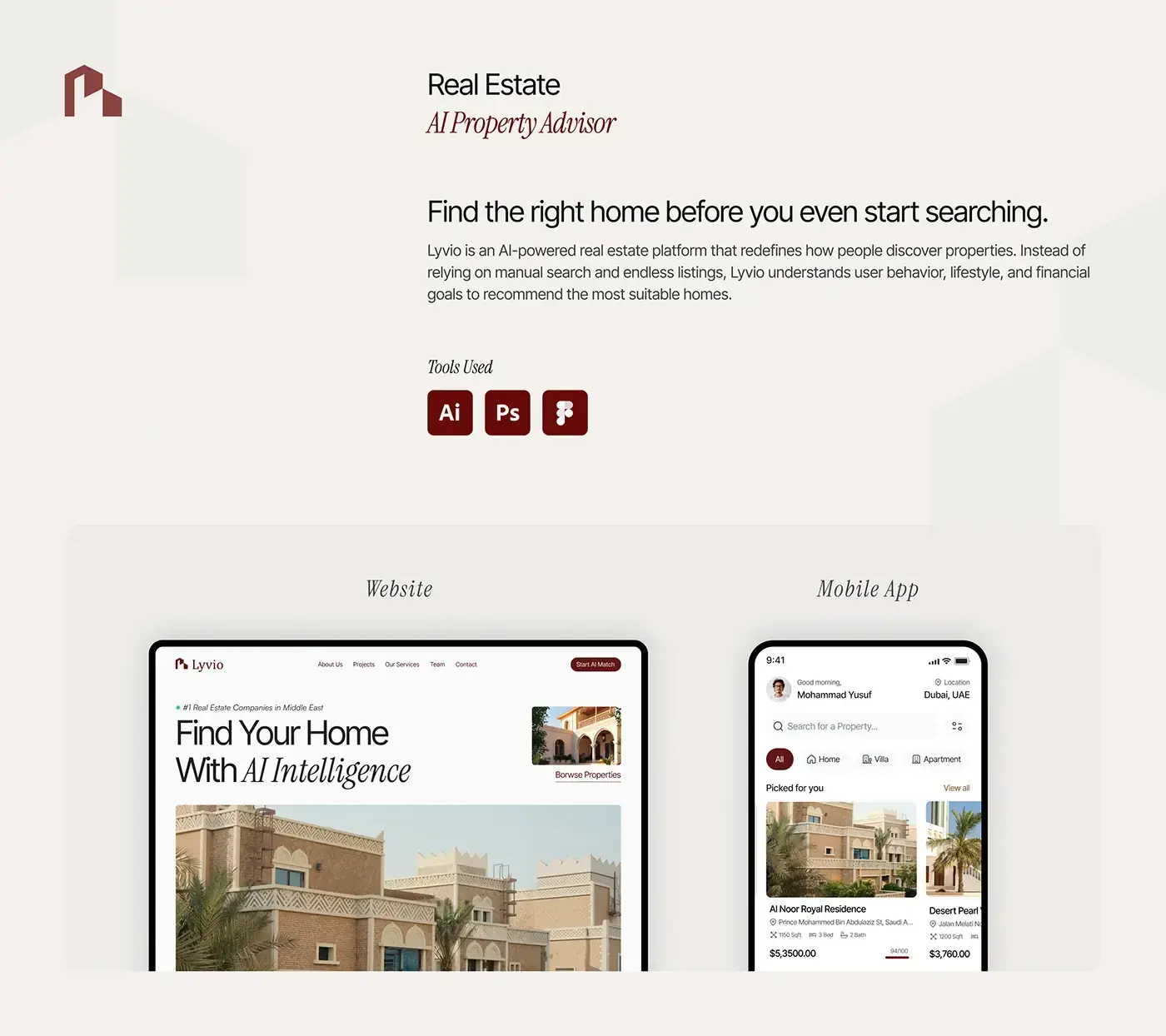
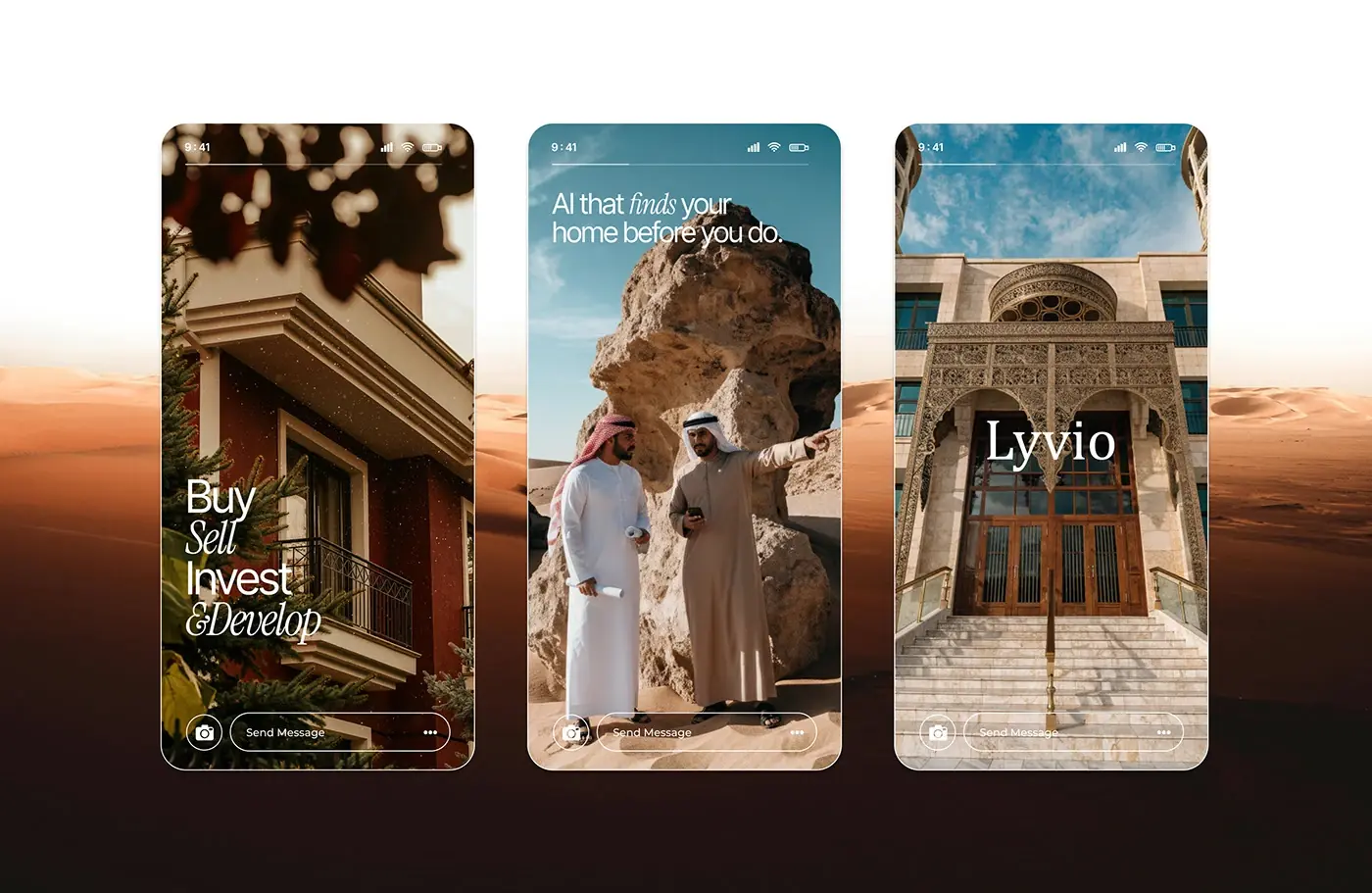
Lyvio is an AI property advisor for the Middle East, designed for the UAE market. This AI real estate app and website design starts from one idea: instead of endless listings, Lyvio learns how a person lives, then recommends homes that fit. I designed the mobile app and the website.
The challenge
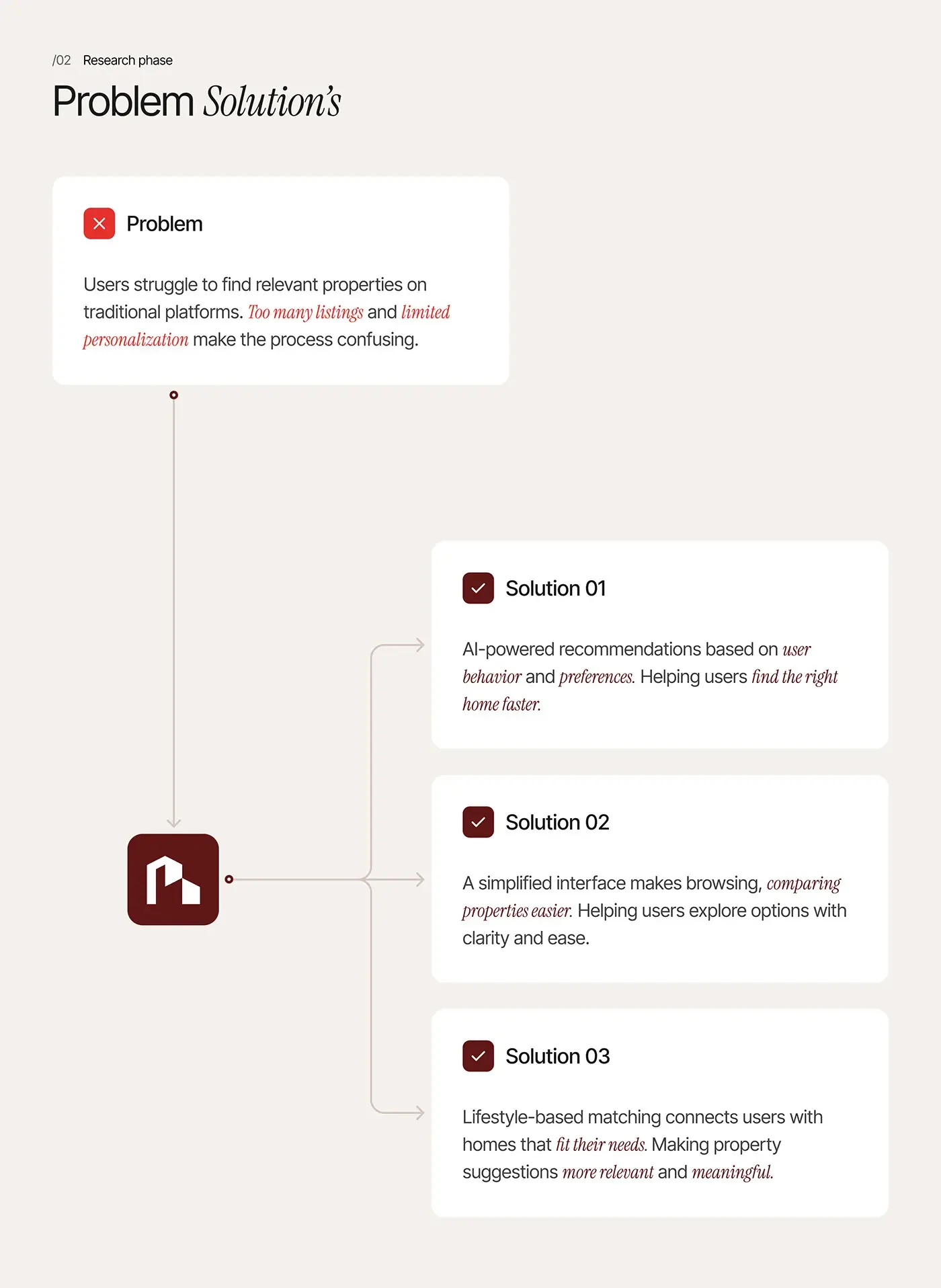
Property platforms bury buyers in listings, so Lyvio had to feel like an advisor, not a search engine.
- Too many irrelevant listings and little personalisation.
- Complex filters that slow a first-time buyer down.
- Buyers want homes matched to their lifestyle, not only price.
- An AI pick is only useful if the buyer can see why.
The process
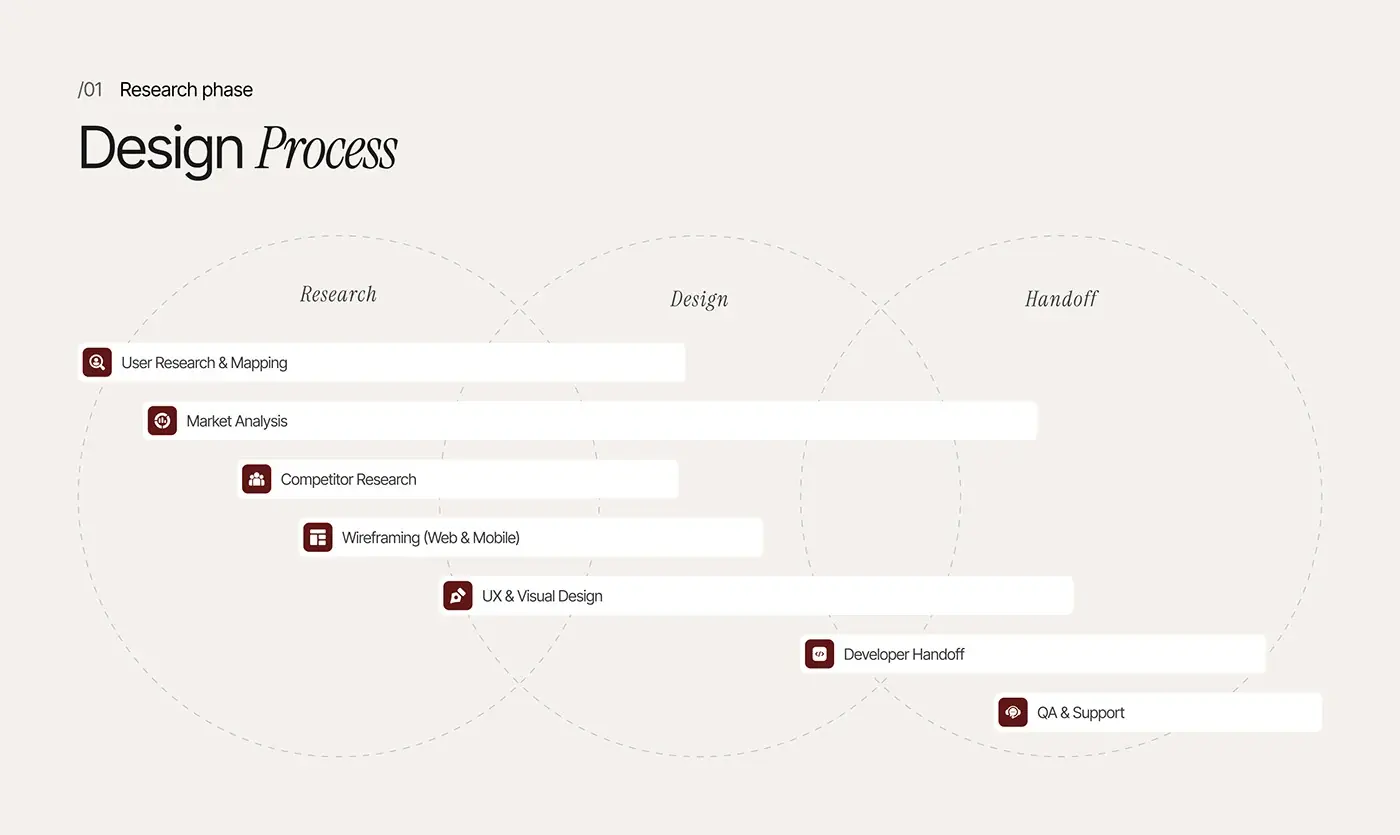
- User research and mapping, market analysis and competitor research.
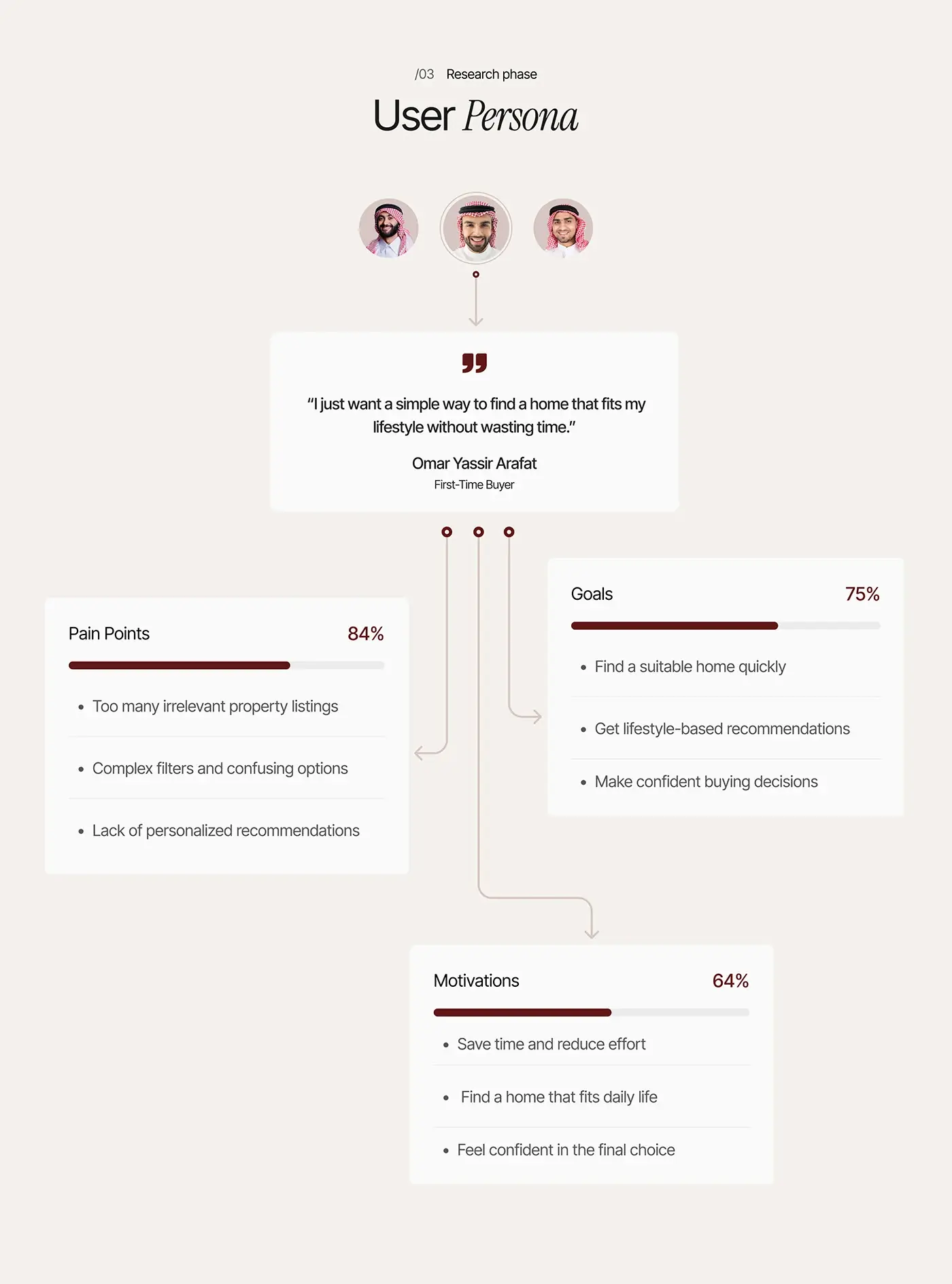
- Problem framing with three answers (AI recommendations, easier comparing, lifestyle matching) and a first-time buyer persona.
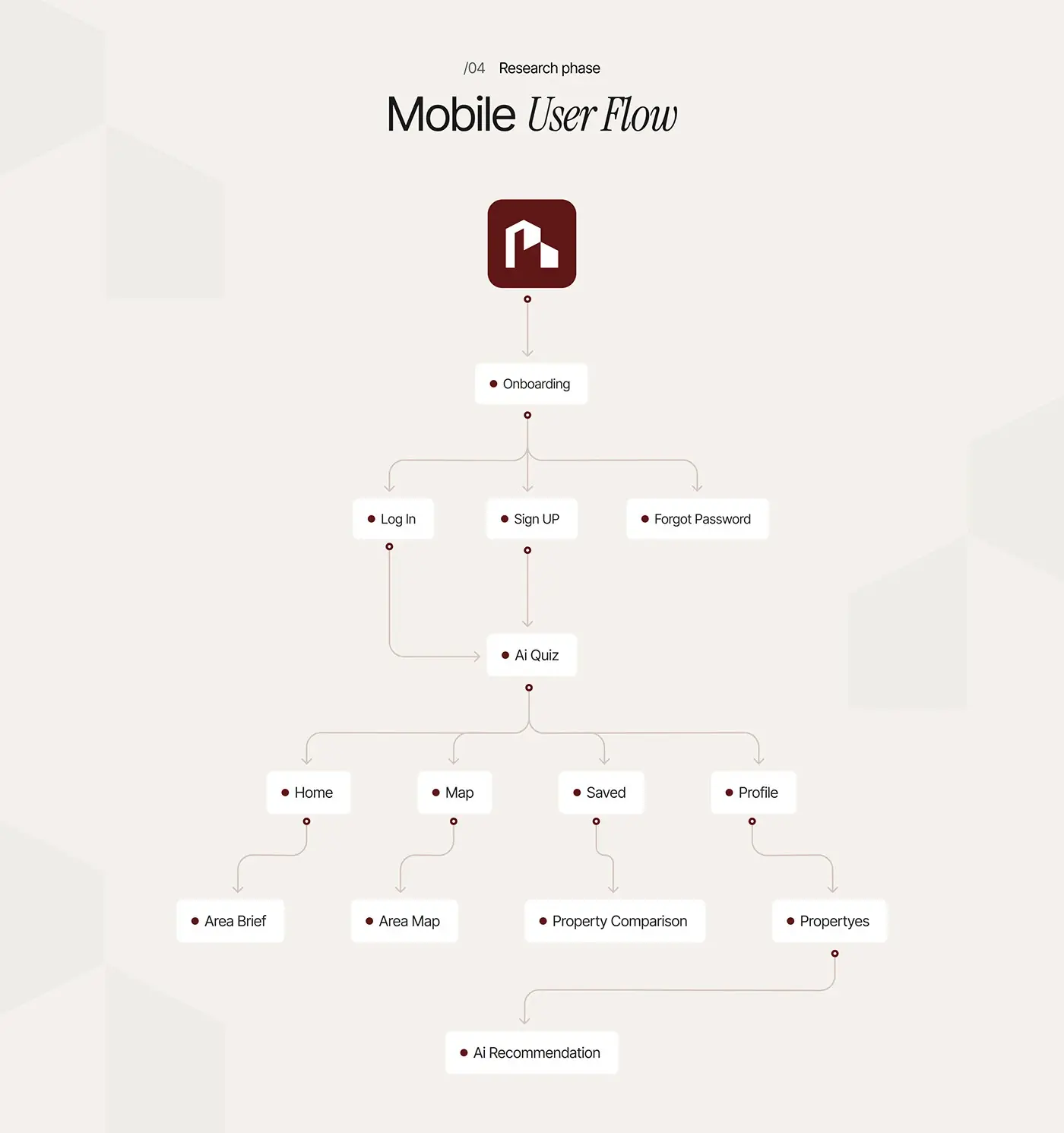
- A mobile user flow built around an AI quiz.
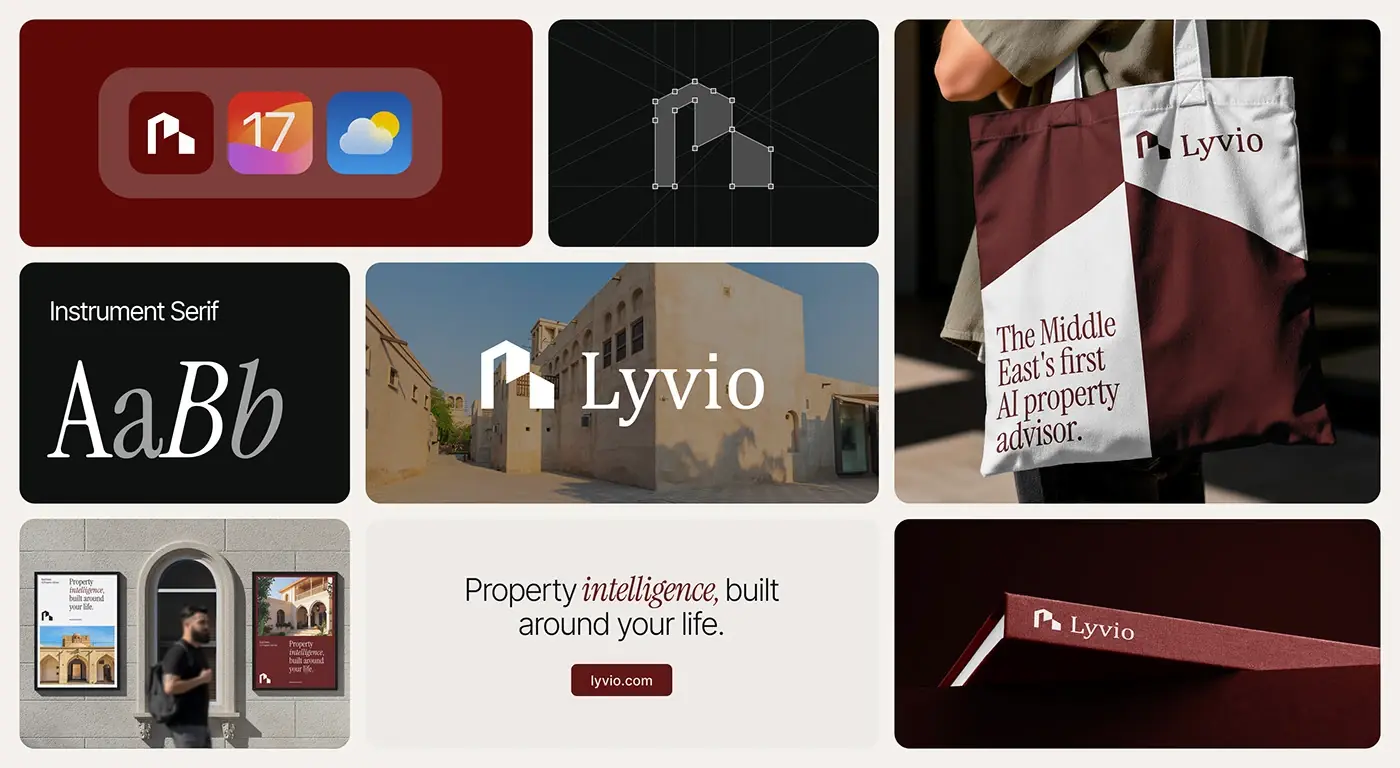
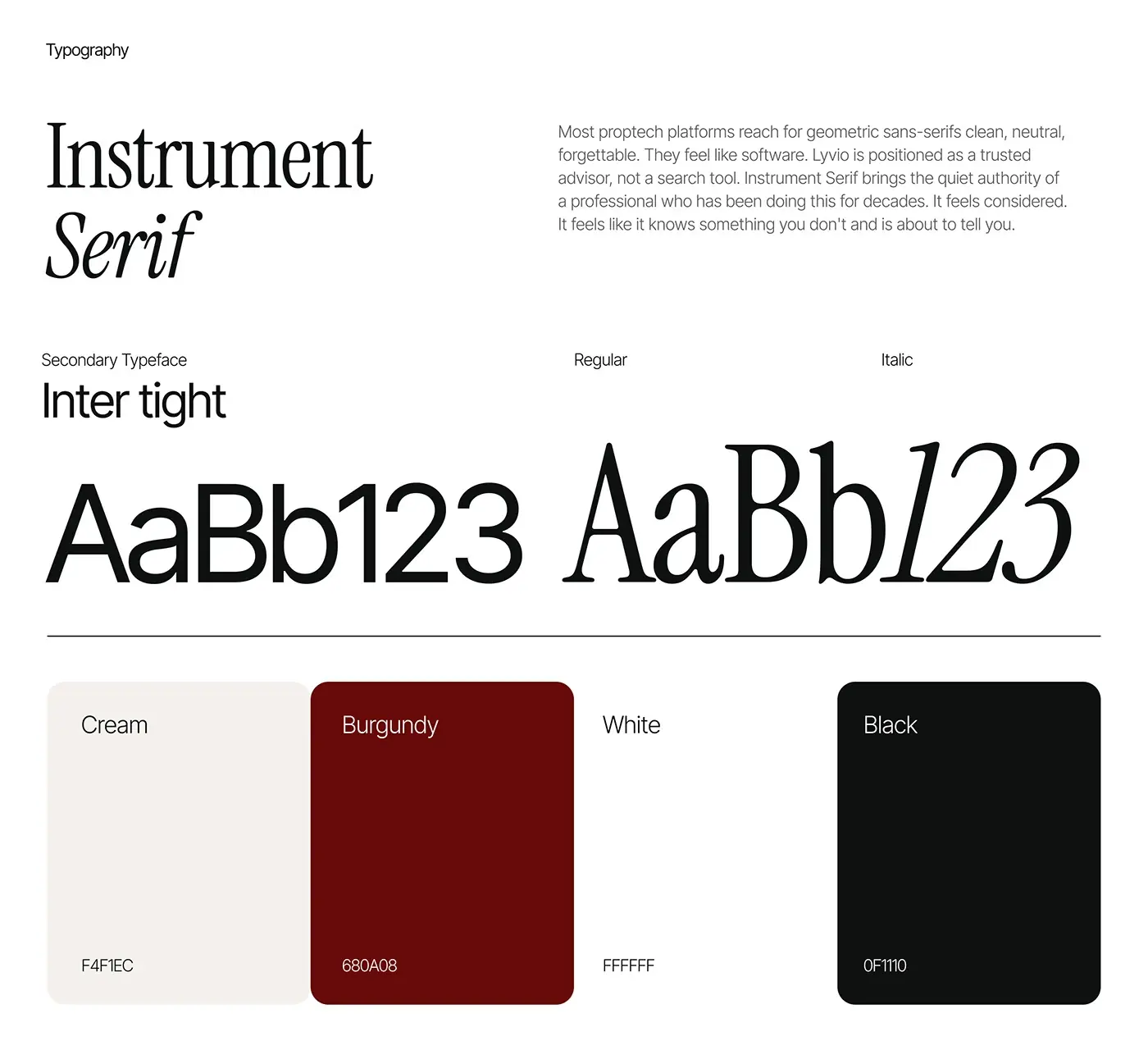
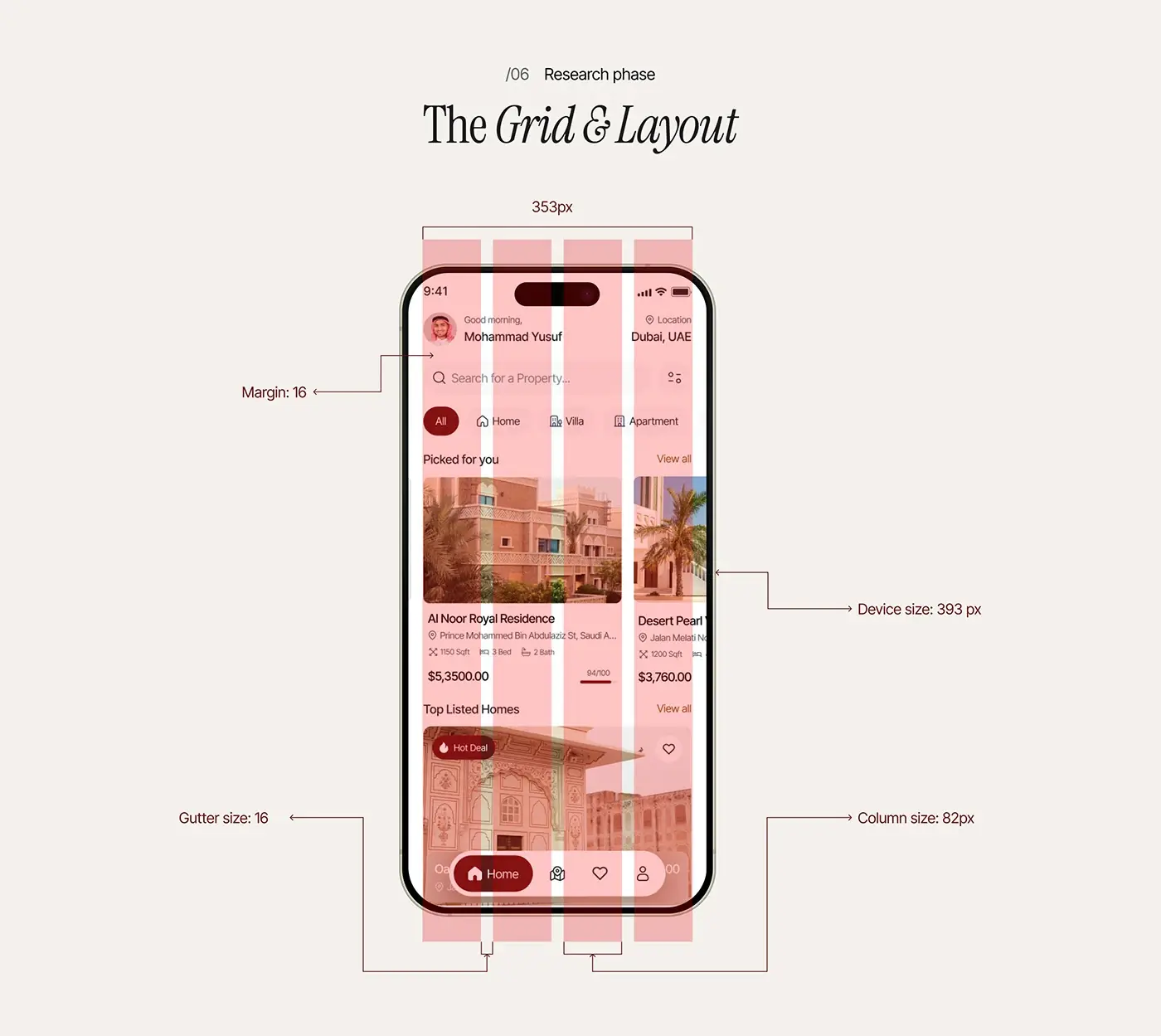
- Wireframes for web and mobile, a 4 column grid with 16px gutters and a style guide: Instrument Serif with Inter Tight, burgundy and cream.
- Visual design, developer handoff and QA.
The persona wants a home that fits daily life without wasting time, so log in and sign up both lead straight to the quiz. Instrument Serif makes Lyvio read as an advisor rather than a search tool.
The solution
The AI does the searching, and every screen shows its reasoning.
Home screen
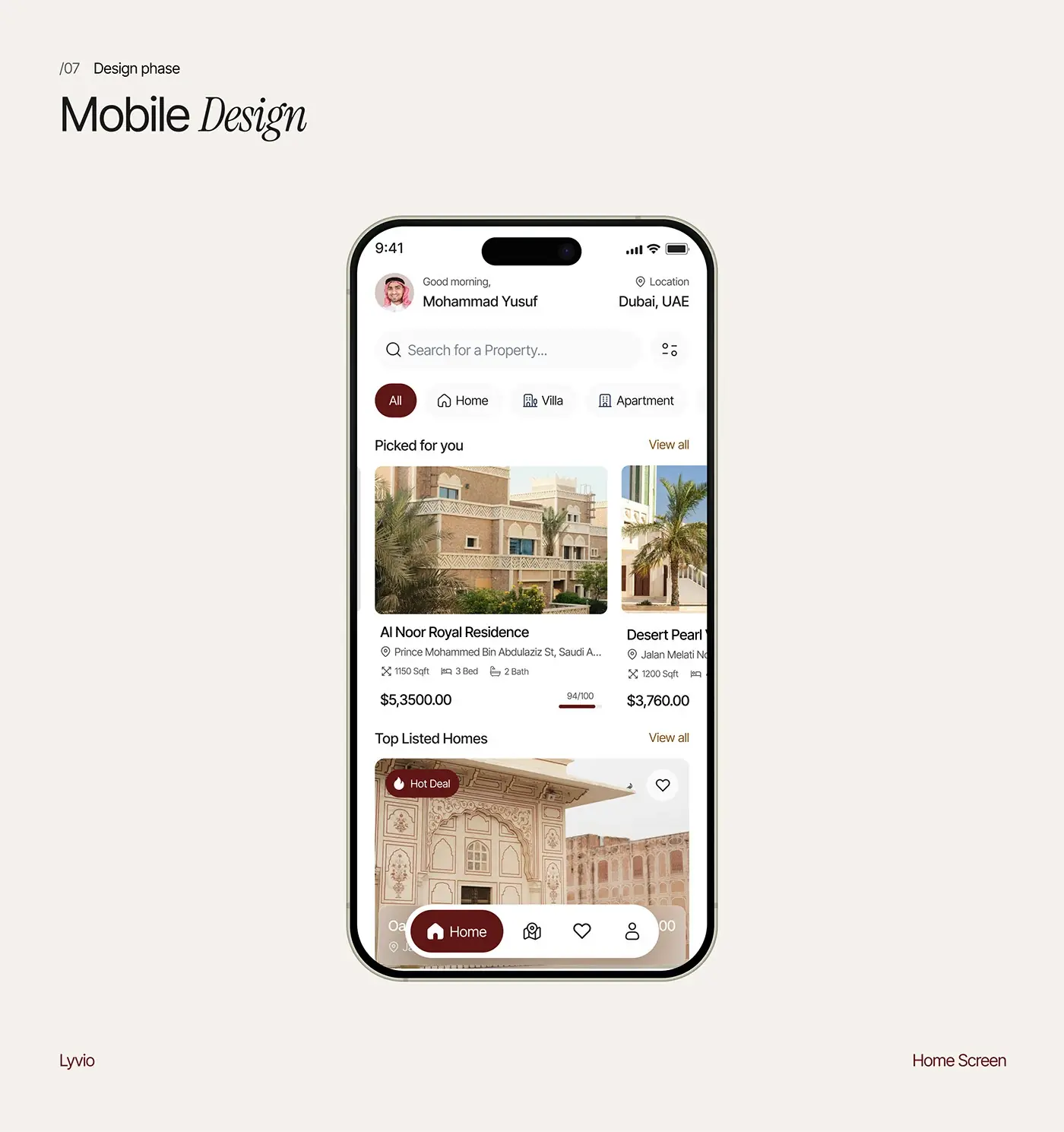
The home screen greets the buyer by name and location, then a search bar and type chips: All, Home, Villa and Apartment. "Picked for you" is a carousel where each card shows size, beds, baths, price and a match score out of 100, so fit and cost are read together. "Top Listed Homes" follows, and a floating bar holds the four tabs.
AI quiz and lifestyle profile
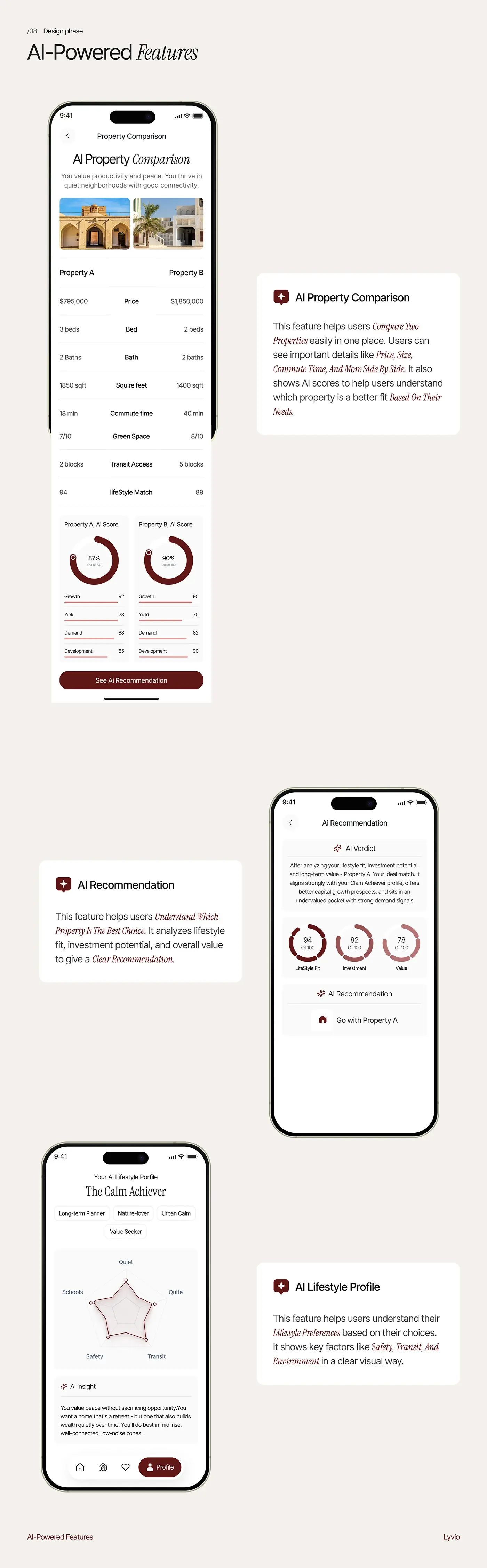
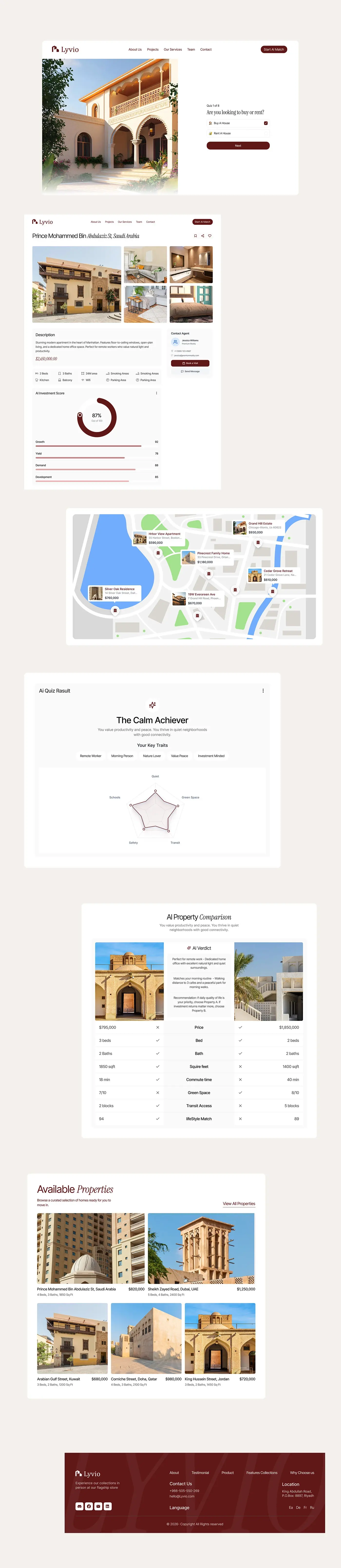
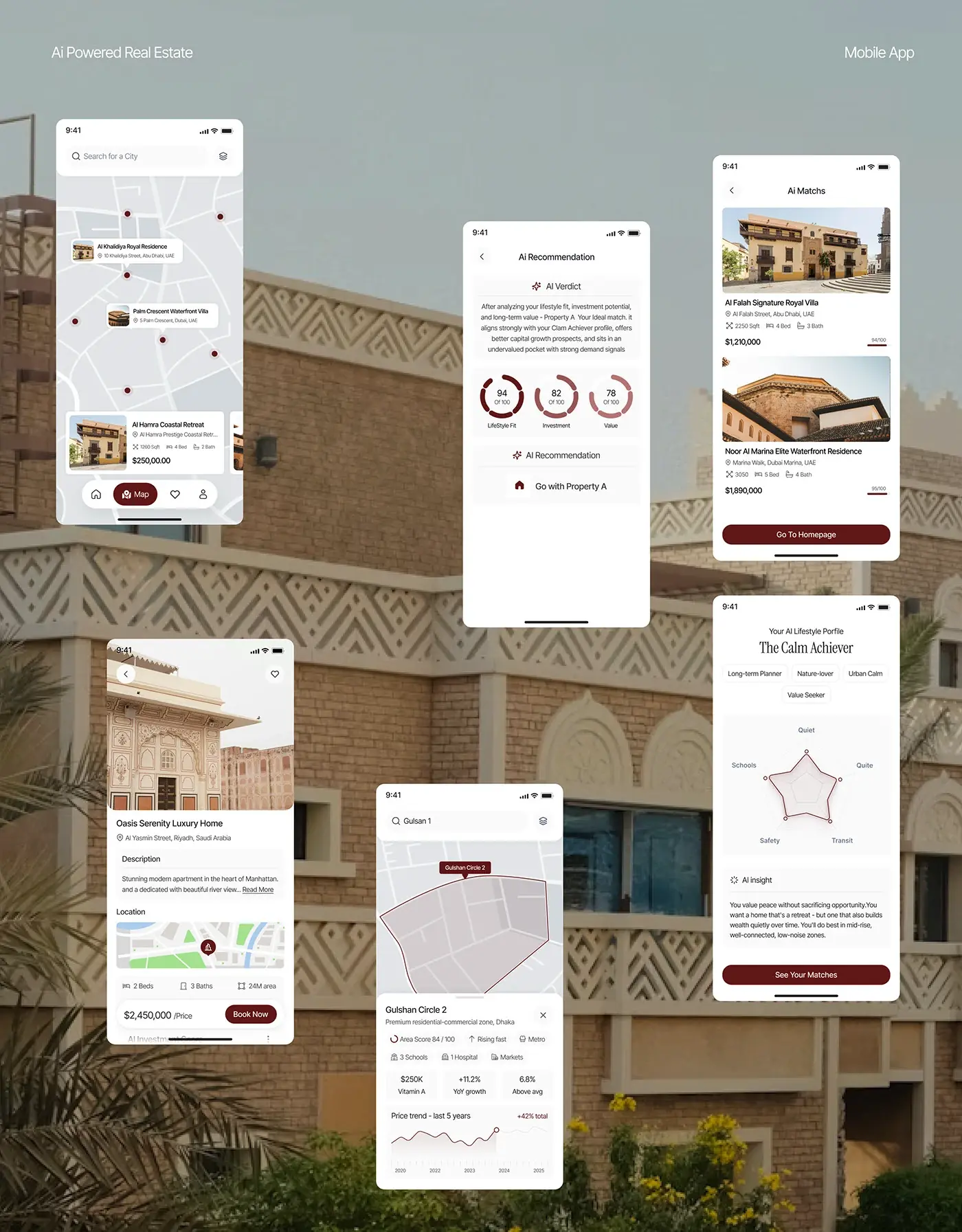
The quiz asks one question per screen, starting with "Are you looking to buy or rent?", with a Quiz 1 of 8 progress label and one Next button. The answers build a profile such as "The Calm Achiever": trait tags, a radar chart for quiet, schools, safety, transit and green space, and an AI insight in plain sentences. The chart gives the profile at a glance; the text explains it.
AI property comparison
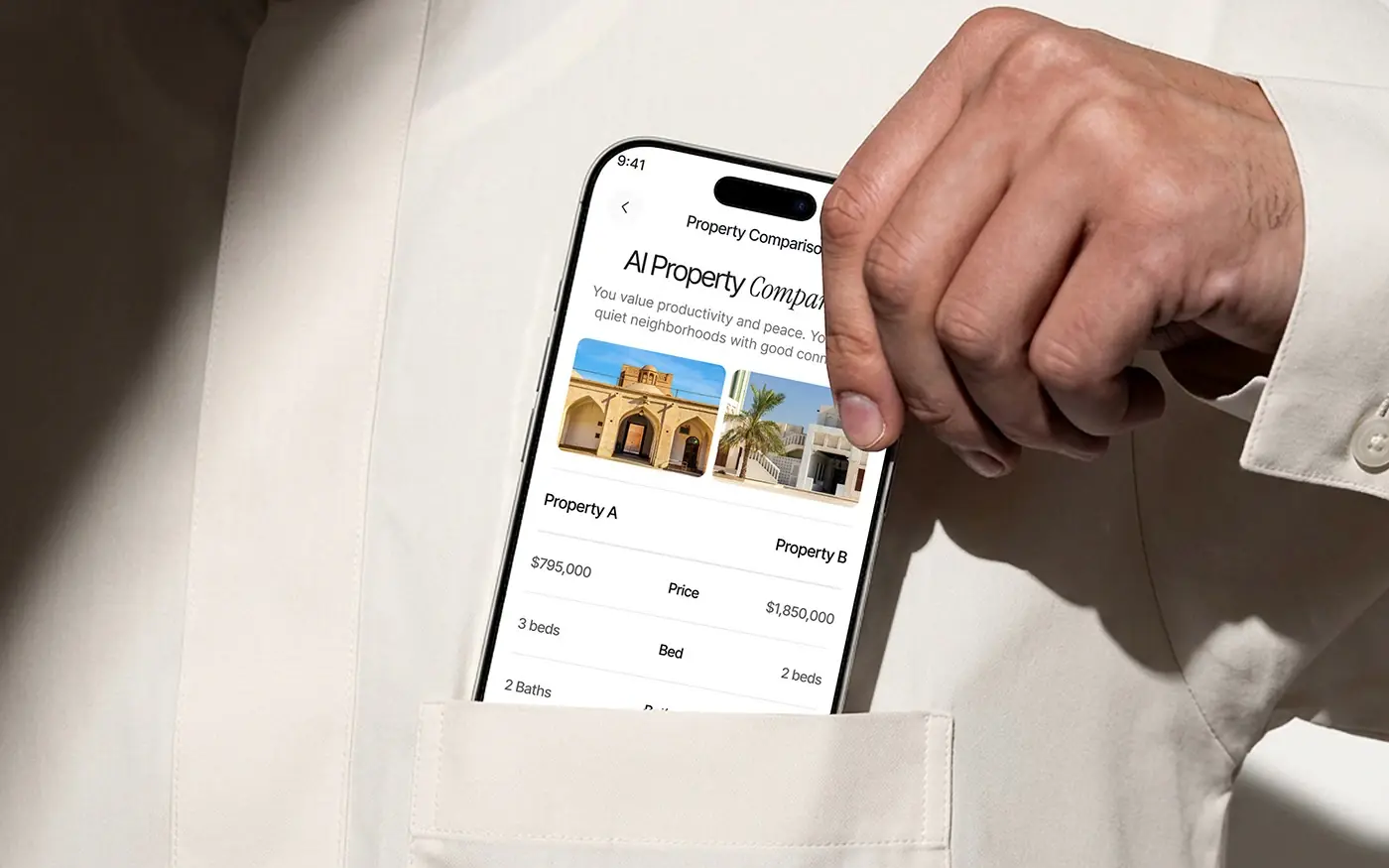
Two homes sit side by side, with rows for price, beds, baths, size, commute time, green space, transit access and lifestyle match. Below, each gets an AI score ring broken into growth, yield, demand and development, then a See AI Recommendation button. On the website a middle AI Verdict column and a tick or cross per row show which home wins each point.
AI recommendation
The recommendation opens with an AI Verdict: a short paragraph on lifestyle fit, investment potential and long-term value. Three rings score lifestyle fit, investment and value out of 100, and the screen ends with one action, "Go with Property A". Ending on a single choice keeps the AI an advisor rather than one more list.
Map and area view
Map search shows homes as pins with price cards and a carousel along the bottom. An area sheet adds an area score out of 100, tags such as rising fast and metro, nearby schools, hospitals and markets, and a five year price trend. On the website, listing cards sit right on the map.
Property detail
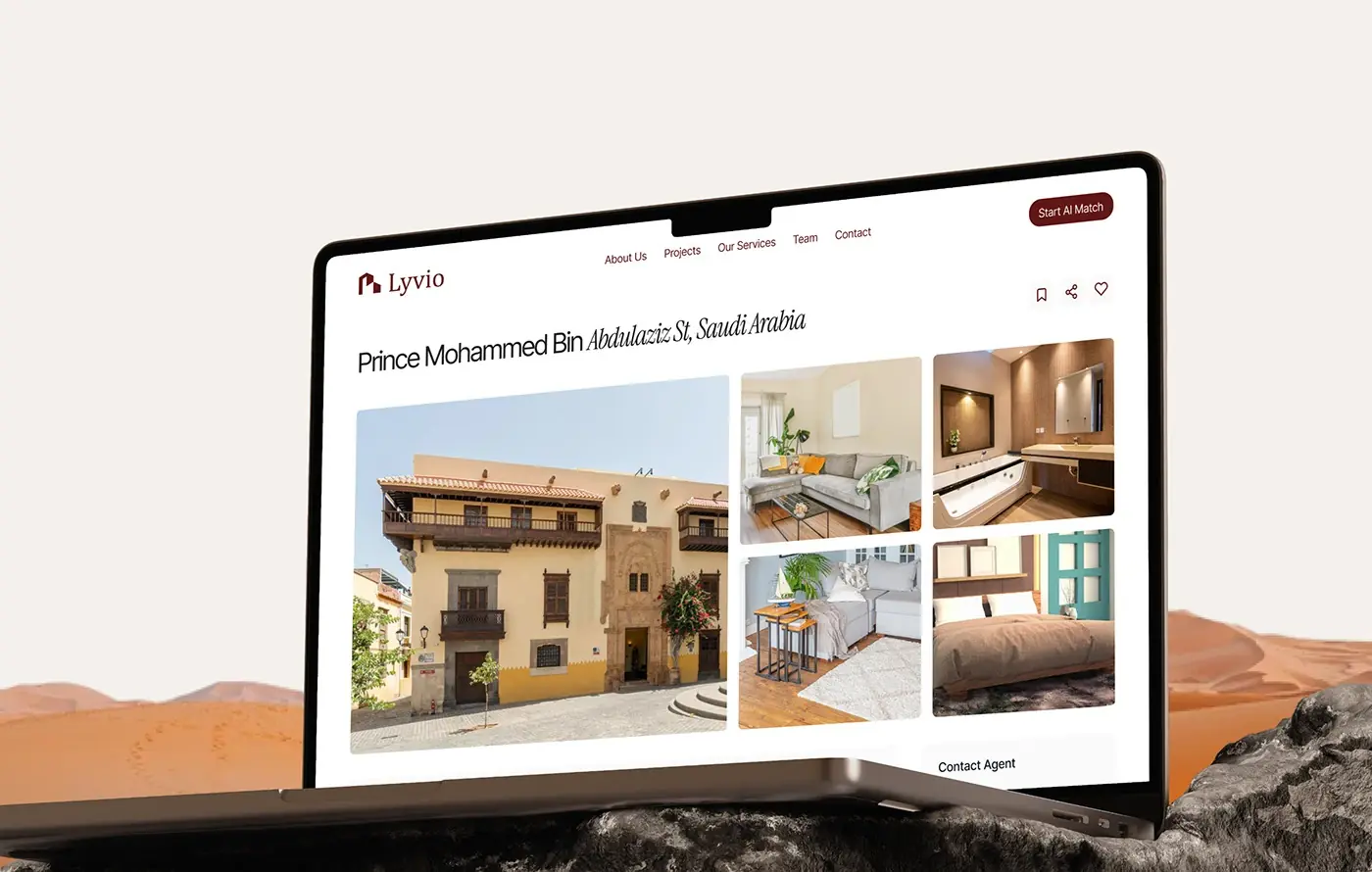
On the phone the detail screen stacks a full width photo, the description, a location map, beds, baths and area, and a floating price bar with Book Now. The web page puts one large photo beside four room photos, a Contact Agent card with Book a Visit, an amenities row and an AI Investment Score ring.
Landing page
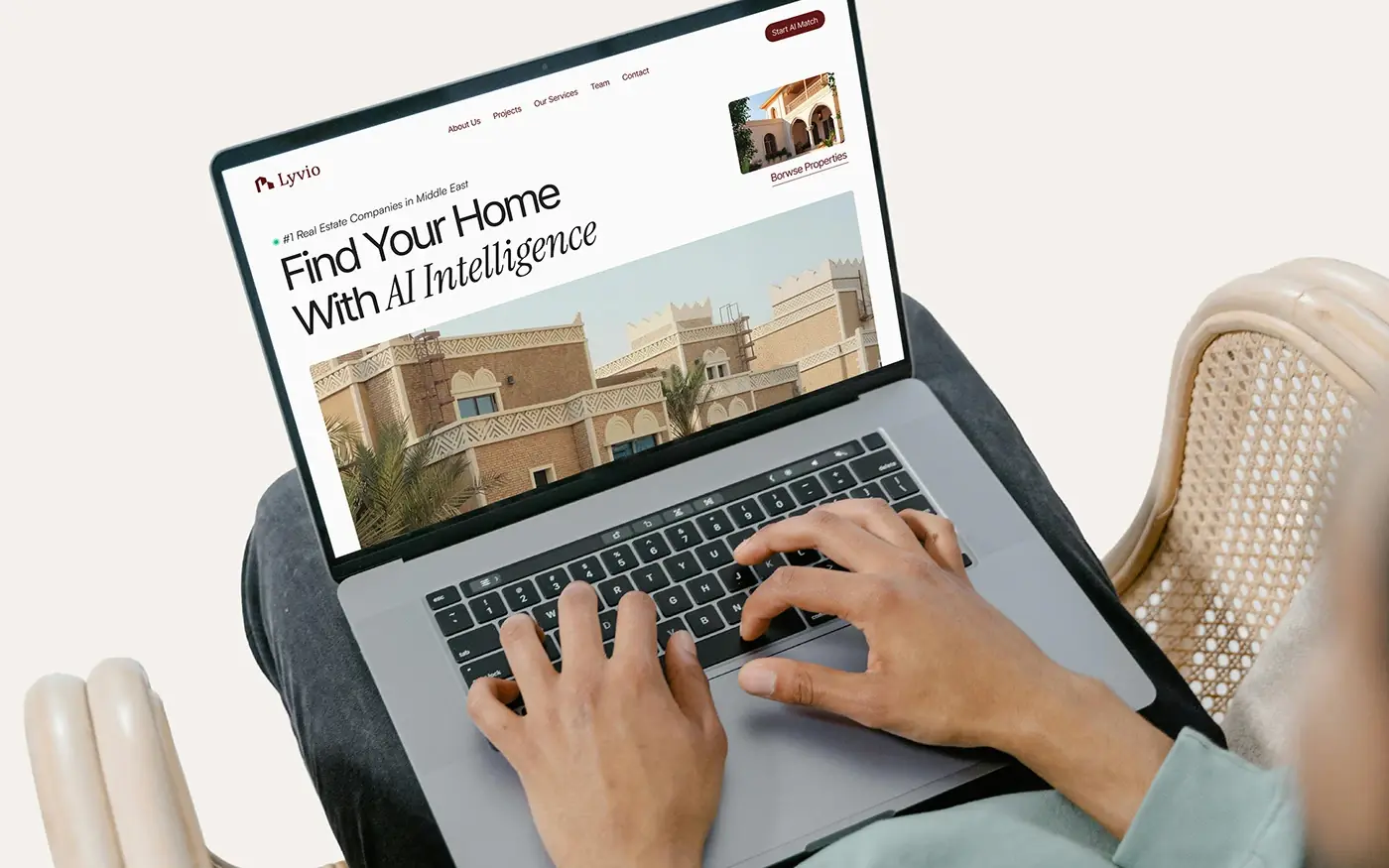
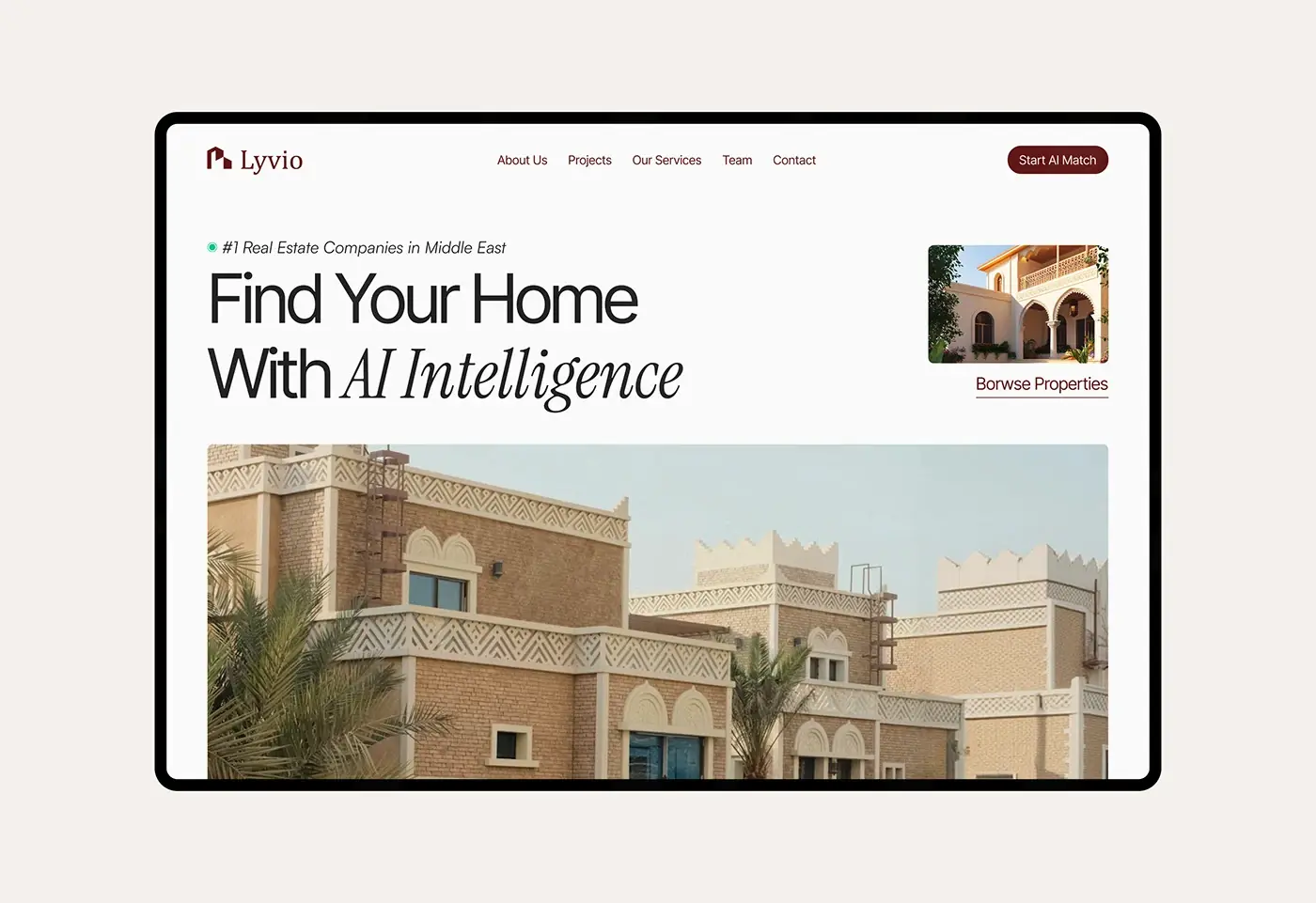
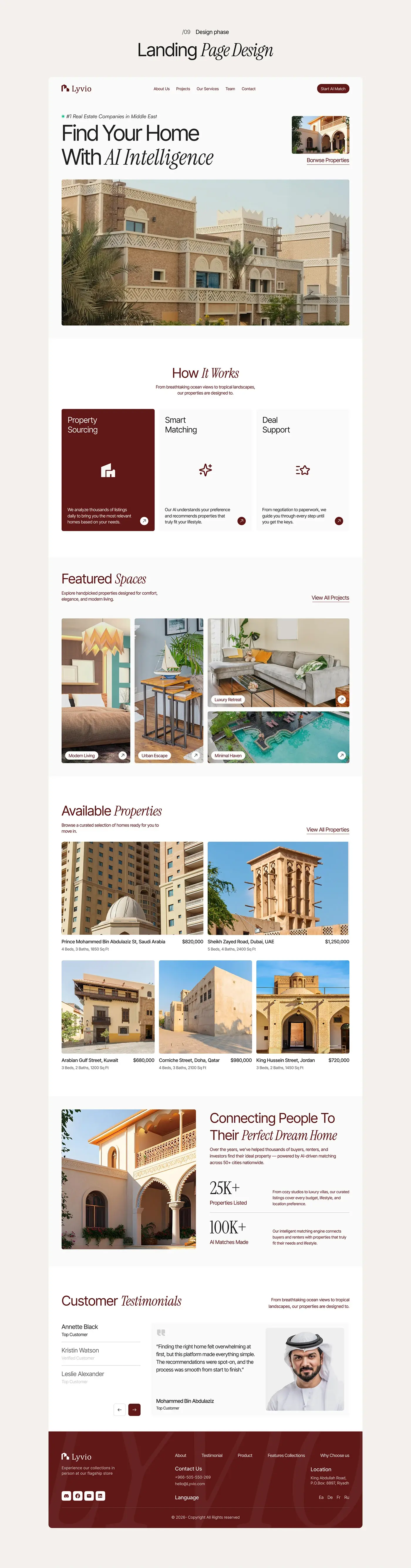
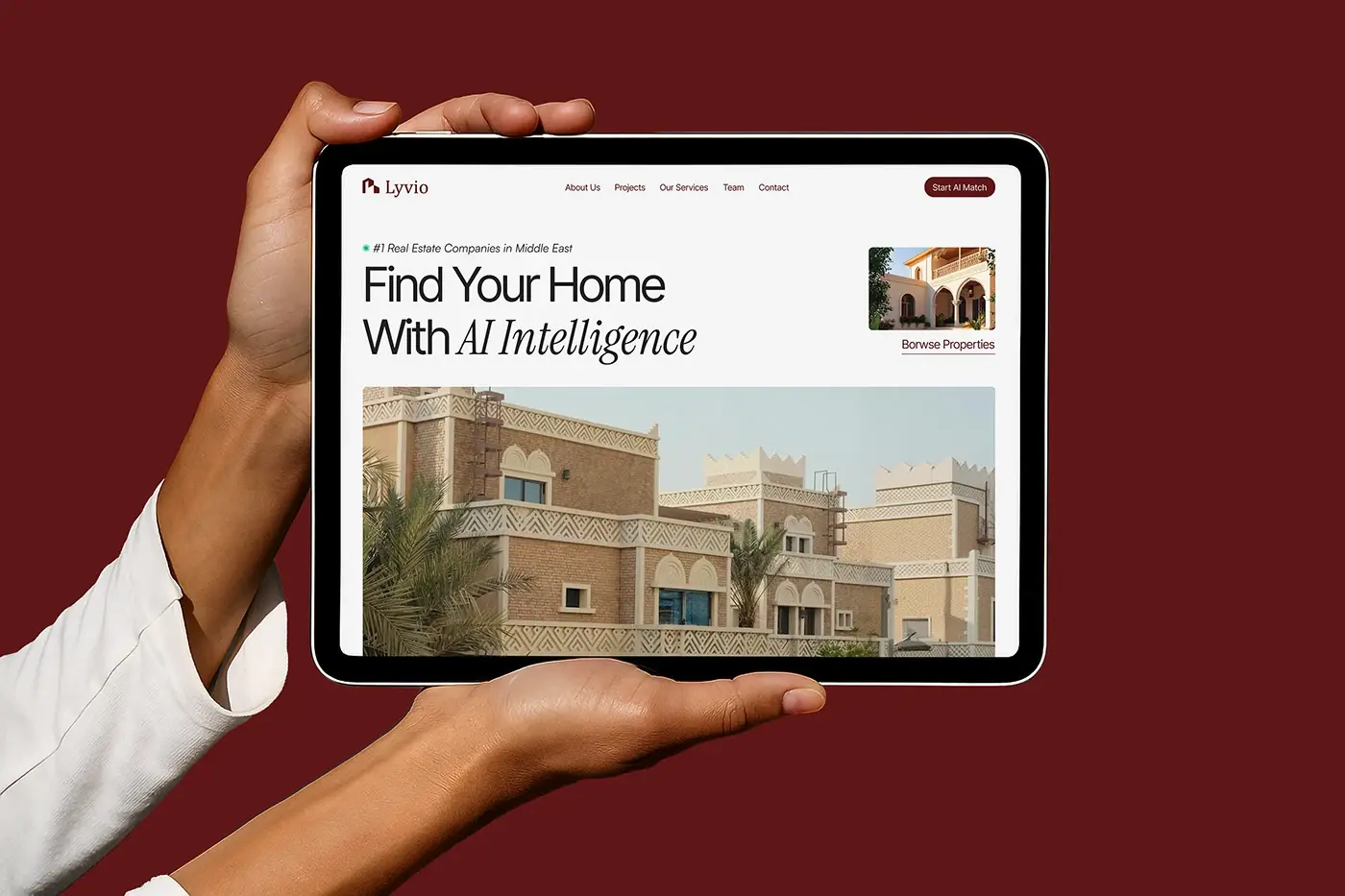
The website leads with "Find Your Home With AI Intelligence", a large villa photo and Start AI Match in the top bar. How It Works explains the service in three cards: Property Sourcing, Smart Matching and Deal Support. Featured Spaces and Available Properties follow, each listing with location, beds, baths and size, then testimonials and a burgundy footer.
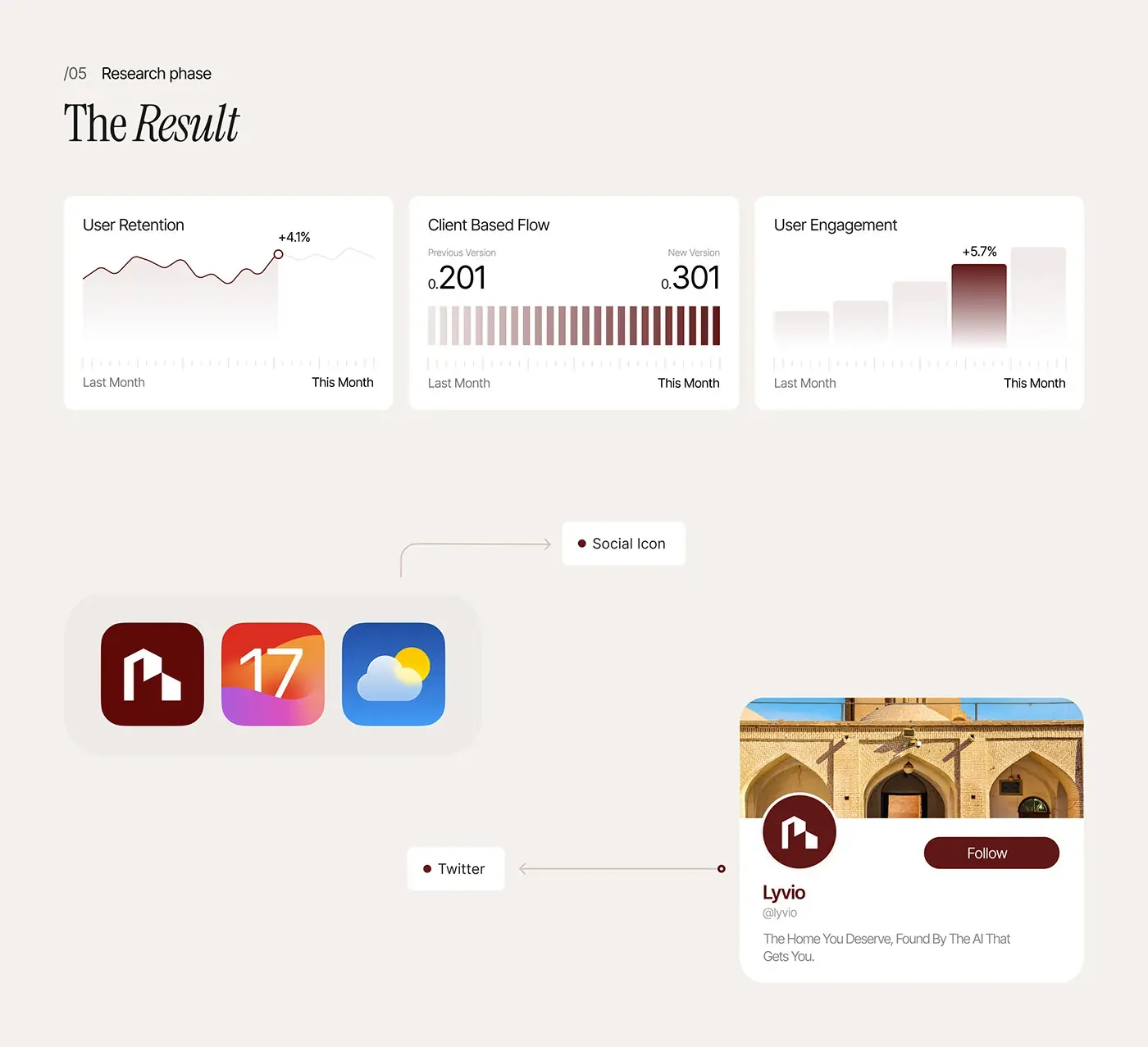
The result
- The mobile app, from onboarding and the AI quiz to comparison and recommendation.
- The website: a landing page led by Start AI Match, plus property, map, quiz and comparison pages.
- A UI style guide for type, colour and grid.
How it helps the client
The design lets Lyvio offer advice rather than listings: a buyer takes a short quiz and gets matches with the reasons behind each one. The website sends visitors straight into the AI match, so the product makes its own case. It's the kind of work I do in product design for AI platforms; see more real estate case studies.