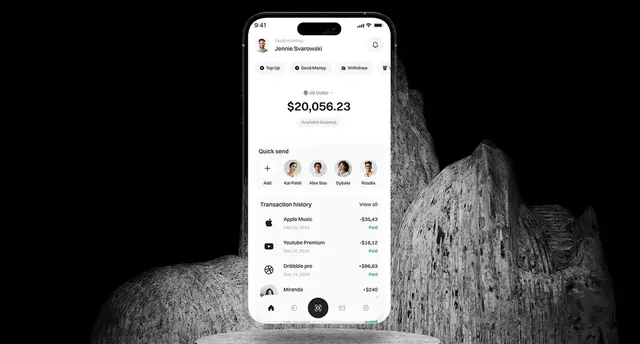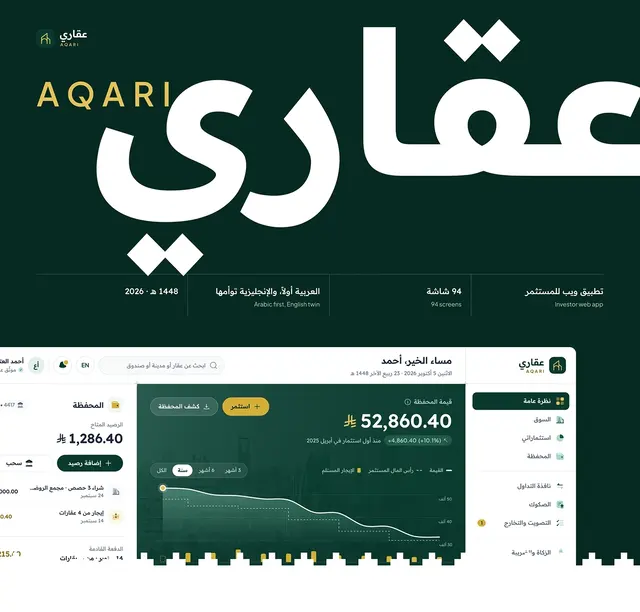
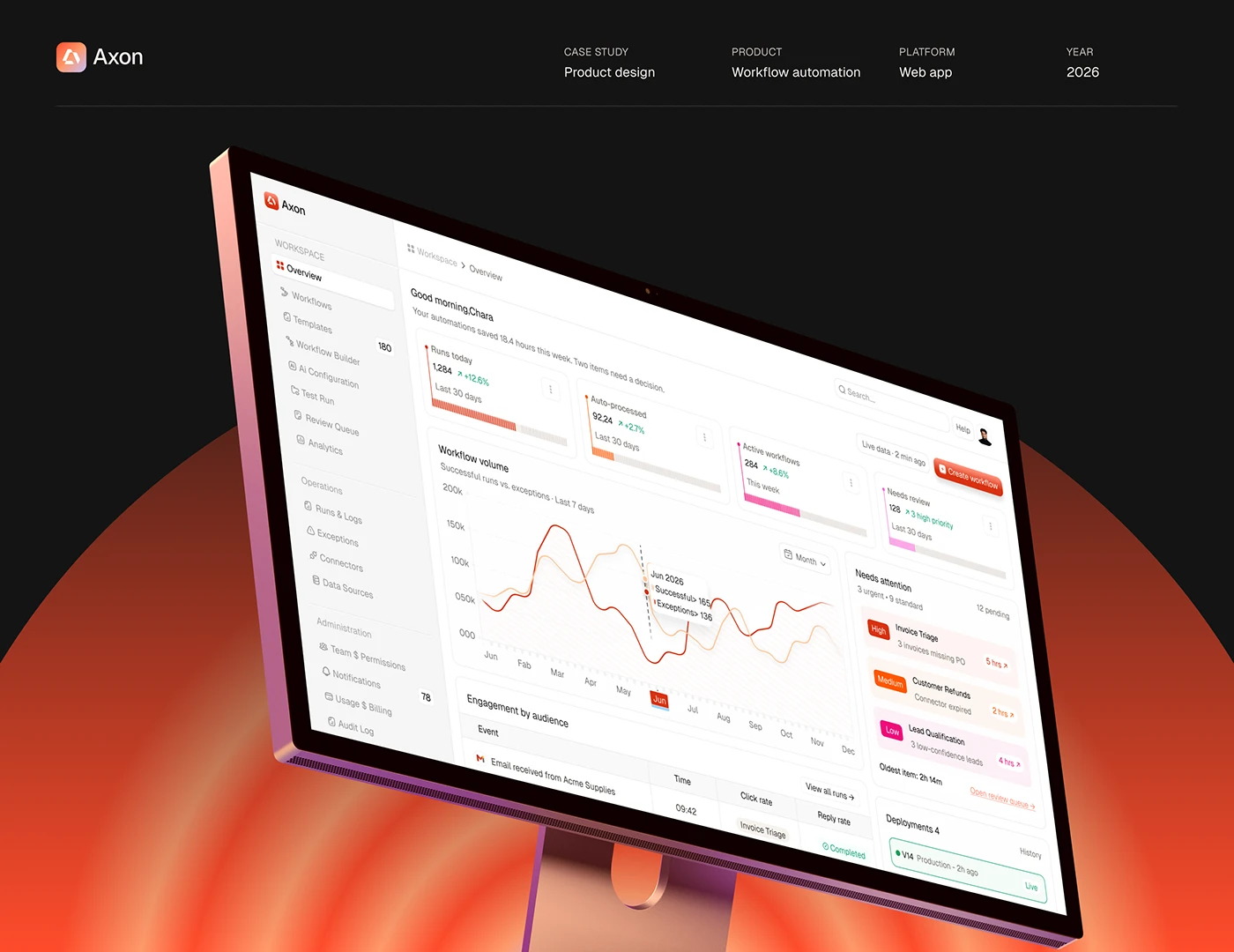

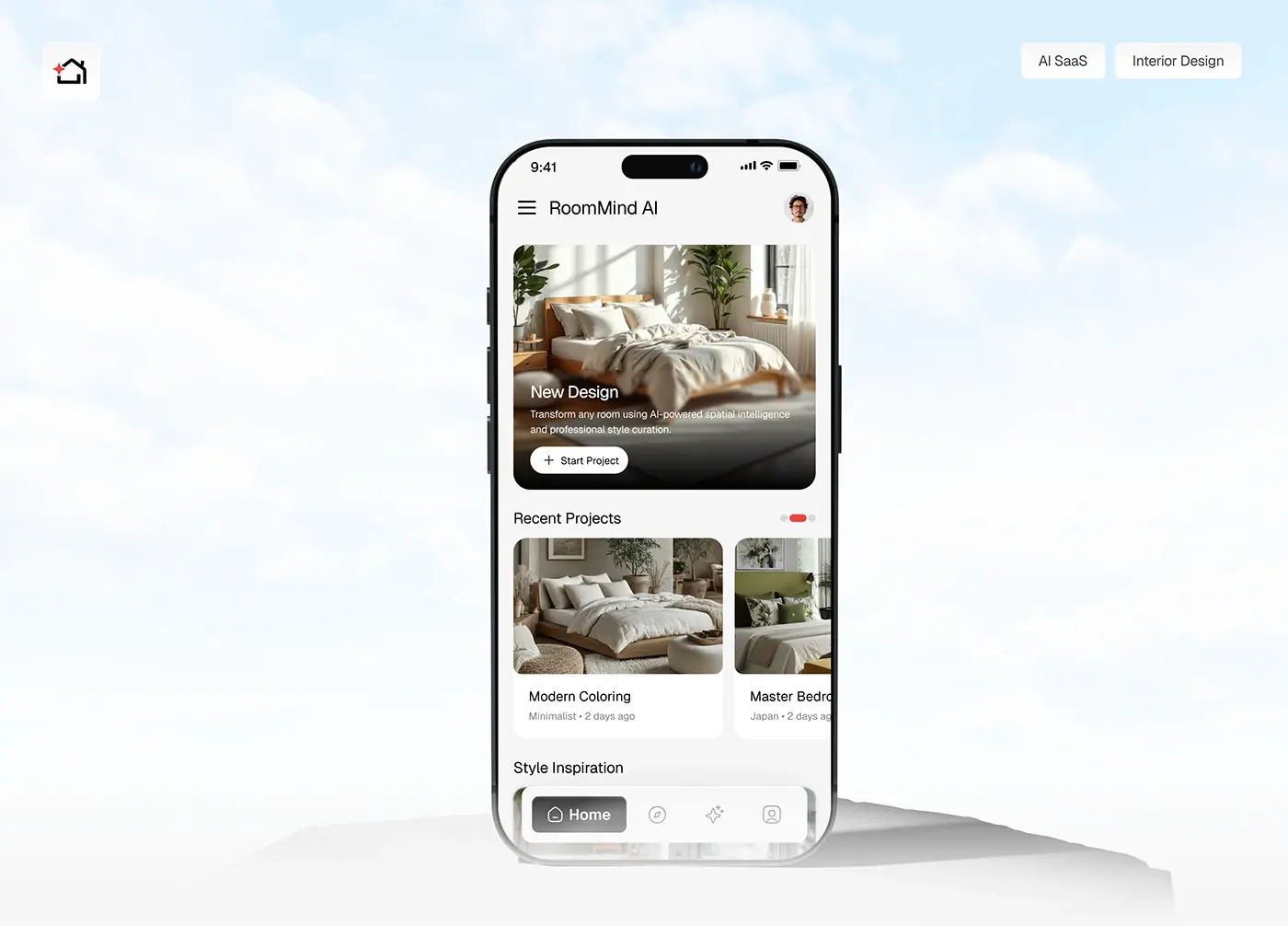

A web app runs in the browser from a link: one codebase for every device, updates the moment you deploy, no store review or store fees, and people find it through search and shared links. A mobile app is installed from the App Store or Google Play: it gets full access to the phone (camera, location in the background, sensors), dependable push notifications, offline storage and a place on the home screen, but every release goes through review, digital sales pay a store commission, and you serve two platforms. Build a web app first if people do the core job at a desk, arrive from search or links, or you need to learn fast. Build a mobile app first if the job happens on the move, needs the phone's hardware, or depends on daily habit and notifications. A progressive web app (PWA) sits between the two.
I'm a design engineer: I design products and build both, web apps in TypeScript, React and Next.js and iOS and Android apps in React Native or Flutter, so I have no reason to push you to one. This guide is for founders deciding what to build first. My mobile app design and development pages cover the two sides of the work.
Web app vs mobile app at a glance
| Web app | Mobile app | |
|---|---|---|
| How people get it | A link or search result, no install | Download from App Store or Google Play |
| Discovery | Search engines, links, ads | Store search, plus your own marketing |
| Device features | Camera, location, files, with limits | Full: background location, sensors, Bluetooth, widgets |
| Offline | Possible with a service worker | Built in, local storage is normal |
| Push notifications | Yes, with limits on iPhone | Yes, the standard channel |
| Updates | Live on deploy | Through store review, plus over-the-air for some changes |
| Store fees | None | Commission on digital goods and subscriptions |
| Codebases | One | Two native, or one cross-platform |
Reach and discovery
Most web traffic is on phones. StatCounter put mobile at 59.9% of web page views worldwide in October 2026, against 38.51% for desktop and 1.59% for tablet (StatCounter). So "web" doesn't mean "desktop": a web app has to work well on a phone too.
What differs is how people arrive. A web app can rank in search, be shared as a link and open in one tap with no install. A mobile app asks for a download before anyone sees value, and store search is its own channel to win. If your growth depends on search or shared links (marketplaces, content, booking pages), the web gives you that for free.
Device features
Browsers can use the camera, location and files, but a native app reaches much further: location in the background, Bluetooth accessories, health data, widgets and the system share sheet. If the core of your product is a courier tracked on shift, a scanner, a fitness tracker or a hardware companion, that's a mobile app.
Offline
MDN describes a PWA as able to be installed, "operate while offline and in the background", and integrate with the device (MDN, Progressive web apps). That's done with a service worker and caches, and support for the background parts varies by browser. Native apps handle offline data and sync as standard. For field work on a weak signal, I start mobile.
Push notifications
Push used to be the strongest reason to go native on iPhone. Since iOS and iPadOS 16.4, a web app that has been added to the Home Screen can ask permission to send push notifications, using the standard Push API, Notifications API and service workers (WebKit, February 2023). The catch is that people must add your web app to their Home Screen first, through the Share menu, an extra step you have to teach. If notifications drive your product (reminders, orders, messages), a mobile app is still the more dependable channel.
Performance
A well built web app is fast enough for forms, dashboards, booking and content. Native and cross-platform apps have the edge on heavy lists, gestures, animation, maps and media, and they start instantly from the home screen. Most of the performance gap I see comes from how the product is built, not from the platform.
Store fees and review
There are two developer accounts to pay for: the Apple Developer Program at $99 a year, and a Google Play developer account with a US$25 one-time fee.
Then commission on digital sales:
- Apple. The App Store Small Business Program gives a reduced 15% commission on paid apps and in-app purchases to developers earning up to $1 million a year; above that the standard rate applies.
- Google. Its service fee page lists 15% on the first $1 million a year and 30% above it in most markets, and 15% on subscriptions. A new structure with a separate billing fee applies in the US, UK and EEA to installs from 30 June 2026, and in Australia and Japan from 30 September 2026.
Not every app pays this. Apple's App Store Review Guidelines (3.1.3(e)) say apps selling physical goods or services used outside the app must use payment methods other than in-app purchase, such as Apple Pay or card entry. A delivery or booking app takes payment the normal way.
Review also shapes what you build. Guideline 4.2 asks for features "that elevate it beyond a repackaged website", so wrapping your web app in a shell and submitting it is a weak plan.
Updates
A web app updates when you deploy; everyone gets the new version on their next visit. A mobile app update goes through store review, and people update when they choose, so you support old versions for a while. React Native apps built with Expo can push some fixes faster: EAS Update lets an app update "its own non-native pieces (such as JS, styling, and images)" over the air between store submissions (Expo docs). Native changes still need a new build.
Build cost and time
Public data on this comparison is thin, and the figures I trust come from Clutch's pricing guides (both updated 21 September 2026):
- Web development projects reviewed on Clutch average $66,499.09 and typically cost less than $10,000, over a typical 9 months (Clutch).
- App development projects average $90,780.11, most fall between $10,000 and $49,999, and the typical timeline is about 11 months (Clutch).
- Both list an average hourly rate of $25 to $49.
These mix every kind of project, so treat them as a market reference. What actually drives your number is scope: features, roles, platforms, integrations and rules. A mobile app adds a second platform (or a cross-platform framework), store submission, device testing and usually an admin panel on the web anyway. My guides on app design cost and how long it takes to build an app break those down. I don't publish prices; you get one fixed quote after scoping.
PWAs: the middle route
A PWA is a web app with a manifest and a service worker, so it can be installed, cached for offline use and, on iPhone from the Home Screen, send push. It suits products that need the web's reach plus some app-like habits: booking tools, internal tools, dashboards, content. It's a weaker fit where you need background location, deep hardware access or a strong store presence.
Cross-platform options
You no longer have to choose between three separate codebases.
- React Native builds native iOS and Android apps with React, and its site recommends starting with a framework like Expo (React Native).
- Expo also has "first-class support" for websites, so one React Native codebase can ship to the web too (Expo docs).
- Flutter targets mobile, web, desktop and embedded devices from a single codebase (Flutter).
In practice I share the design system, types and business logic, then let each platform keep the screens that suit it. A marketing site and an admin panel usually stay in Next.js.
Which to build first, by product type
| Product | Build first | Why |
|---|---|---|
| B2B SaaS, dashboards, admin tools | Web app | Work happens at a desk, and buyers try it from a link |
| Marketplace or booking platform | Web app, then mobile | Search and shared links bring the first users |
| Delivery, courier or field service | Mobile app, with a web admin | Background location, camera and offline on the job |
| Fintech wallet or daily habit app | Mobile app | Notifications and home screen habit |
| Social or messaging | Mobile app | Push and the camera are the product |
| Content, community or internal tool | Web app or PWA | Reach and instant updates matter more than hardware |
What I'd build first in common cases
- You're testing an idea. A web app. You can change it daily, share a link and watch real use without review delays.
- Your users work at desks but check in on the go. A responsive web app first, with the key screens designed mobile first, then a mobile app once you know which screens people open on the move.
- The job happens away from a desk. A cross-platform mobile app for the people in the field, and a web admin for whoever runs the operation.
- You need both from day one. One design system and one React Native and Expo codebase, or Flutter, so web, iOS and Android don't drift apart.
Case study: Emura, a web app with a mobile layout
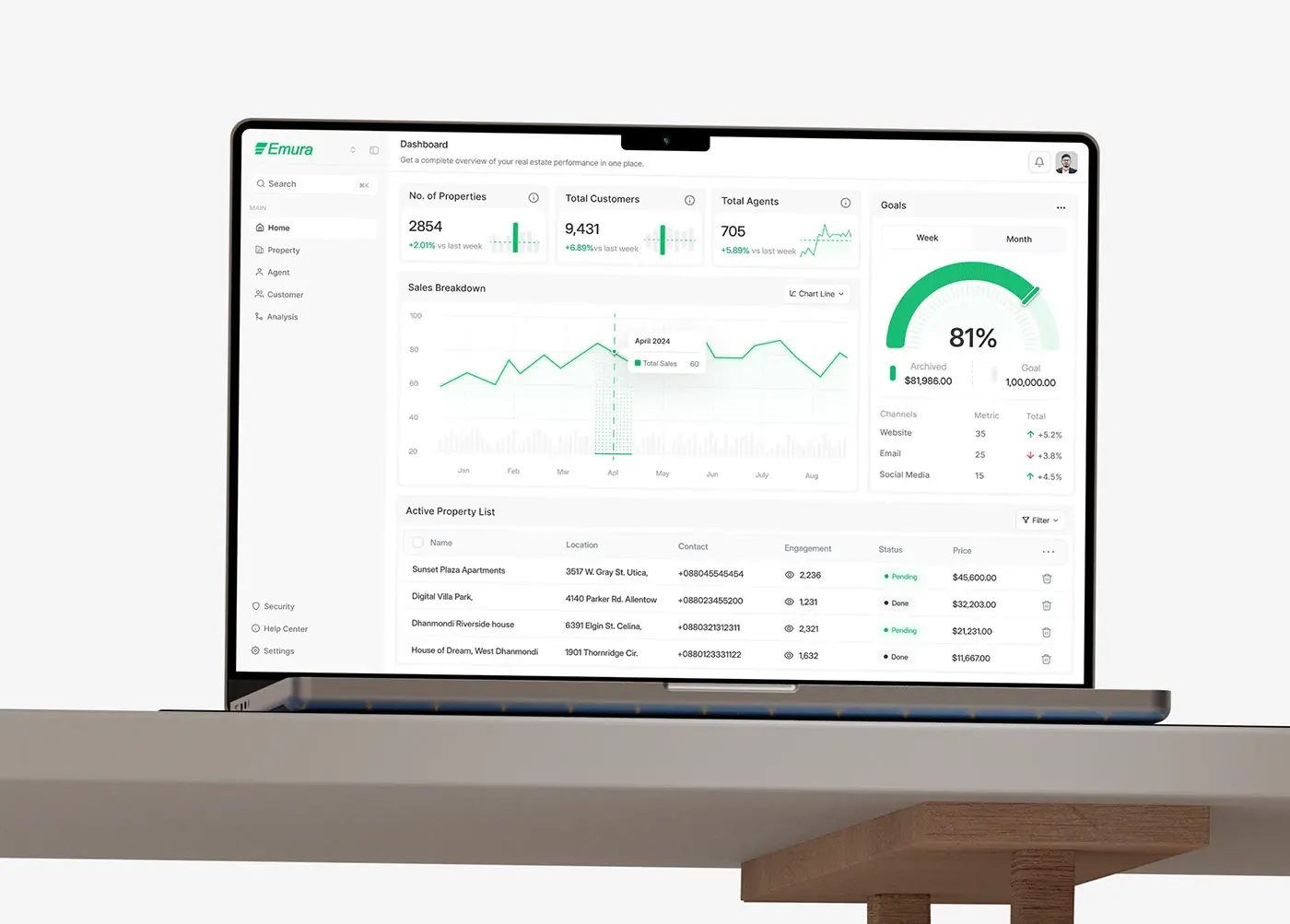
Emura is one dashboard for a real estate operation: properties, agents, customers and revenue analytics in one web platform for managers. I designed the web app, a mobile layout of its dashboard and the design system behind both.
The web app is where the work happens: a property list beside a map, property details with the assigned agent, agent and customer directories, and revenue analytics. Those are desk tasks with wide tables and charts. The mobile layout stacks the same count cards for properties, customers and agents in one column, each with its weekly change and mini chart, above the sales breakdown. A manager away from a desk sees the same numbers first, in the same order.
Frequently asked questions
Is a web app cheaper than a mobile app?
Usually, because it's one codebase with no store submission or device matrix. Clutch's guides show a lower average for web projects than app projects, though they mix many project types. Your scope matters more than the platform.
Can a web app send push notifications on iPhone?
Yes, since iOS 16.4, but only after the person adds the web app to their Home Screen from the Share menu.
Should a startup build a web app or a mobile app first?
Build where your users do the core job. For desk work, search-led growth or fast learning, start with the web. For work on the move, hardware features or daily habit, start with mobile.
Is a PWA good enough instead of a native app?
For booking tools, dashboards, content and internal tools, often yes. For background location, Bluetooth, heavy media or a strong store presence, no.
Can one codebase cover web, iOS and Android?
Yes. React Native with Expo and Flutter both target all three. I still design each platform's details separately, so the app feels right on each.
Can you design and build both?
Yes. I design the product and build web apps in React and Next.js and mobile apps in React Native or Flutter, with one design system across them. See my mobile app design and development pages.
Sources and method
I searched "web app vs mobile app" on 10 November 2026 and read the top results. Most compared the two in general terms without sources or a recommendation by product type, so I added official fees, the iPhone web push rules and a decision table. I read every source below on 10 November 2026. Fees and platform rules change, so check them before you plan.
- StatCounter, desktop vs mobile vs tablet market share, October 2026, checked 10 November 2026: gs.statcounter.com
- MDN, Progressive web apps, checked 10 November 2026: developer.mozilla.org
- WebKit, Web Push for Web Apps on iOS and iPadOS (16 February 2023), checked 10 November 2026: webkit.org
- Apple Developer Program, checked 10 November 2026: developer.apple.com
- Google, Play Console Help, registration fee, checked 10 November 2026: support.google.com
- Apple, App Store Small Business Program, checked 10 November 2026: developer.apple.com
- Google, Play Console Help, service fees, checked 10 November 2026: support.google.com
- Apple, App Store Review Guidelines, 3.1.3(e) and 4.2, checked 10 November 2026: developer.apple.com
- Expo, EAS Update introduction and Develop websites with Expo, checked 10 November 2026: docs.expo.dev
- React Native, home page, checked 10 November 2026: reactnative.dev
- Flutter, multi-platform, checked 10 November 2026: flutter.dev
- Clutch, web development pricing guide (updated 21 September 2026), checked 10 November 2026: clutch.co
- Clutch, app development pricing guide (updated 21 September 2026), checked 10 November 2026: clutch.co
If you're deciding between a web app and a mobile app and want it designed and built as one product, book a free 30 minute intro call. After it, you get a written scope and one fixed quote.
Tags: Web app vs mobile app, PWA, Mobile apps, Web apps, React Native, Flutter